El Servicio Geológico de los Estados Unidos (USGS) es uno de los mayores proveedores de datos geológicos y topográficos abiertos del mundo. Los portales del USGS permiten descargar mapas, modelos digitales de elevación (DEM) y capas geológicas vectoriales, y conectarlos directamente mediante servicios web WMS/WFS.
A continuación se muestran instrucciones paso a paso y una explicación de cómo conectarse a estos servicios.
¿Cómo descargar datos?
Búsqueda a través de ScienceBase
ScienceBase es el repositorio oficial de datos del USGS donde se publican mapas geológicos vectoriales.
Paso 1. Búsqueda de un conjunto de datos
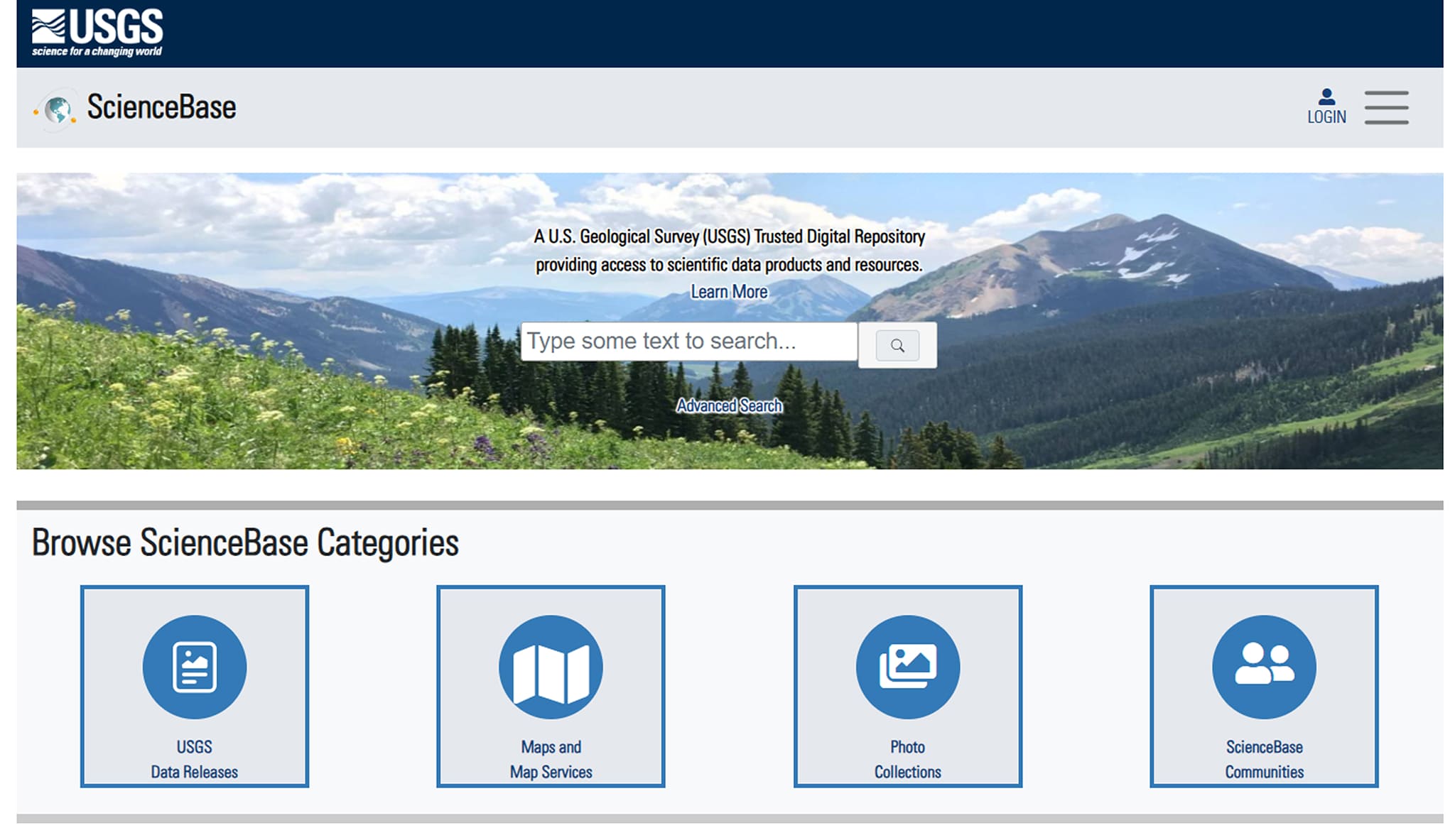
Ve al sitio web de ScienceBase.
Busca el área de interés, por ejemplo: mapa geológico/GIS geológico
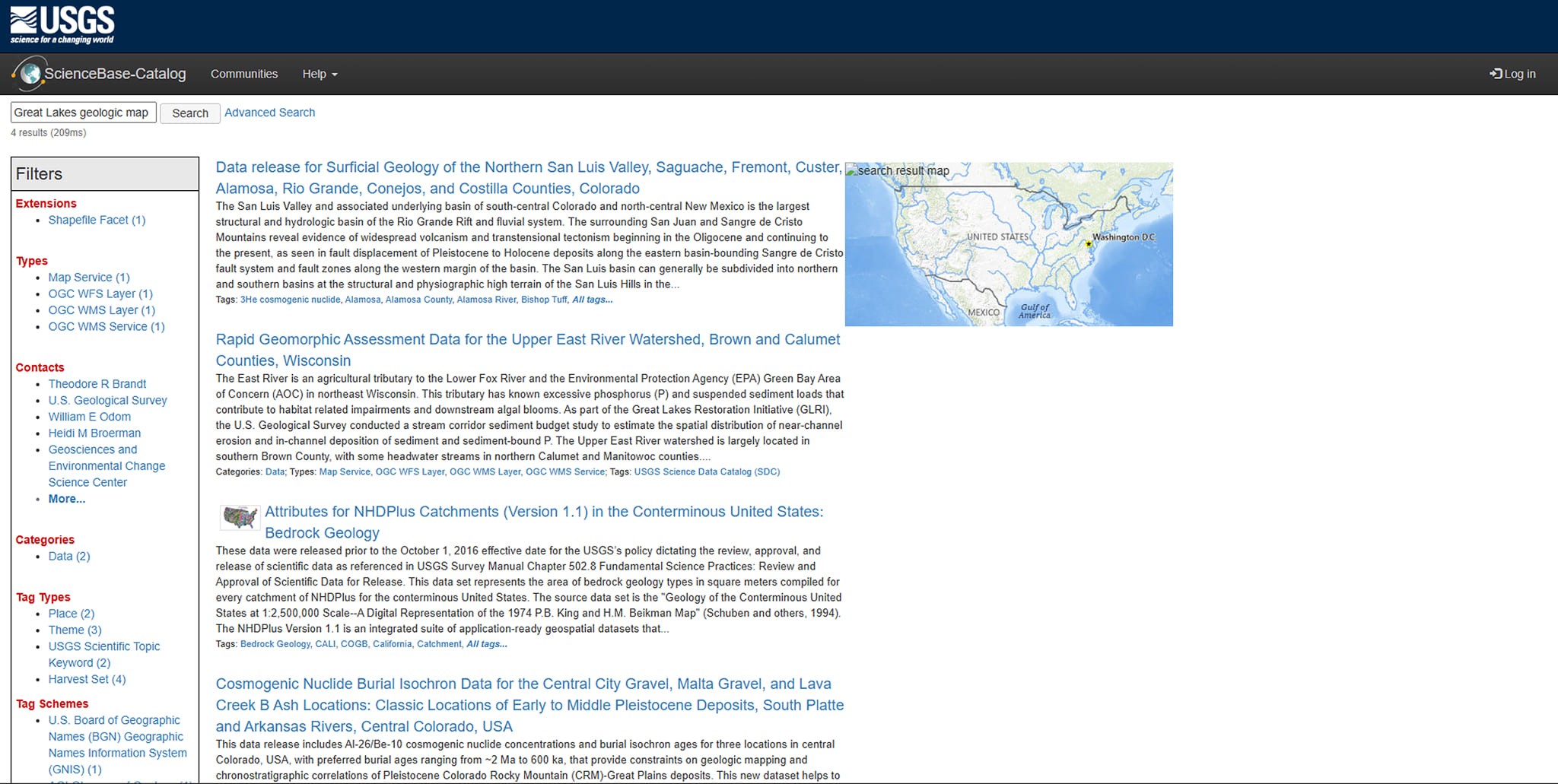
Selecciona el conjunto de datos adecuado de los resultados.
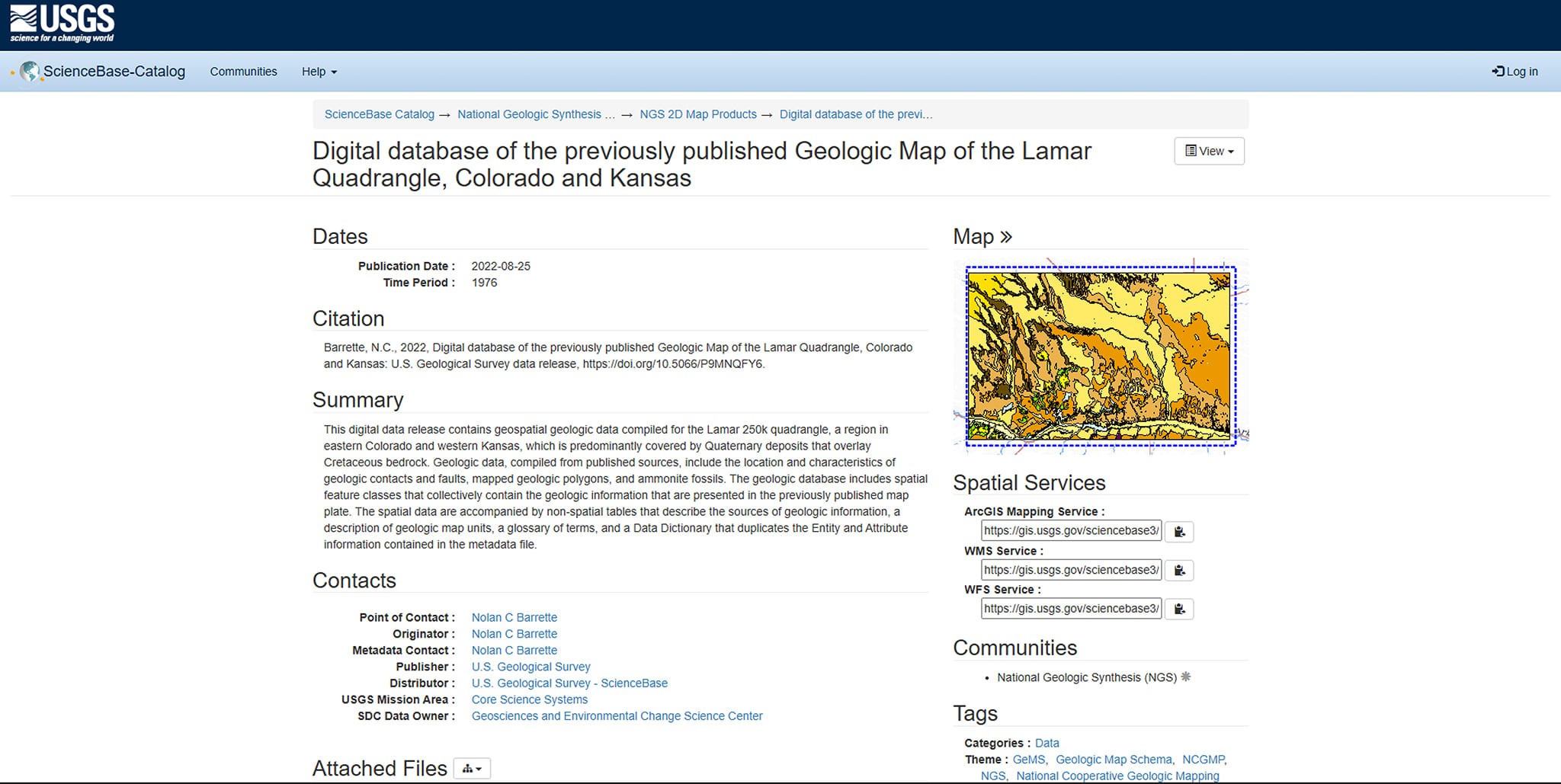
Paso 2. Descarga de datos
Abre la ficha del conjunto de datos.
Ve a la pestaña Files.
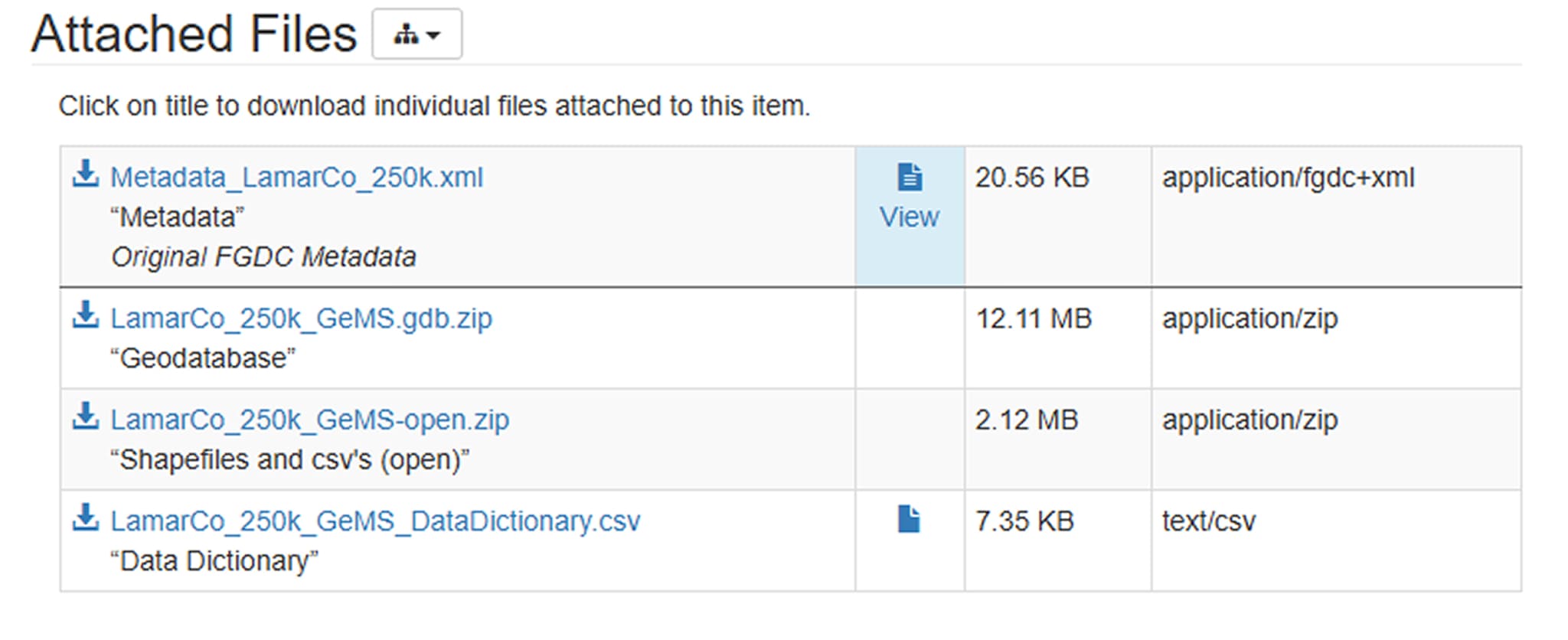
Descarga el archivo Shapefile o GeoPackage.
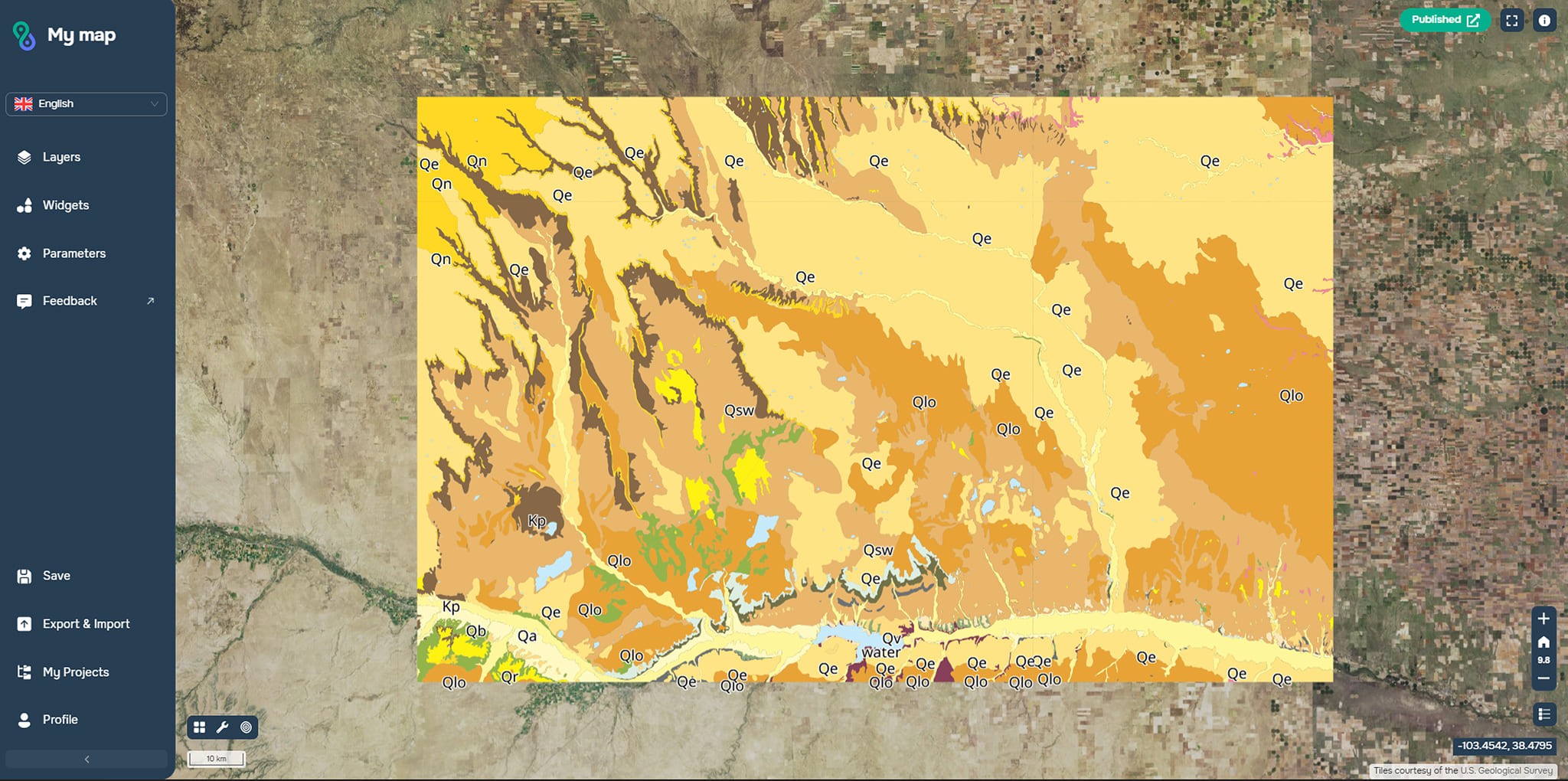
Descomprime el archivo y abre los datos en cualquier software GIS o en la plataforma web GISCARTA.
Los formatos disponibles habitualmente son:
.shp (Shapefile)
.gpkg (GeoPackage)
Archivo Geodatabase (.gdb)
Buscar en la Base de Datos Nacional de Mapas Geológicos
La Base de Datos Nacional de Mapas Geológicos (NGMDB) es un catálogo de mapas geológicos oficiales.
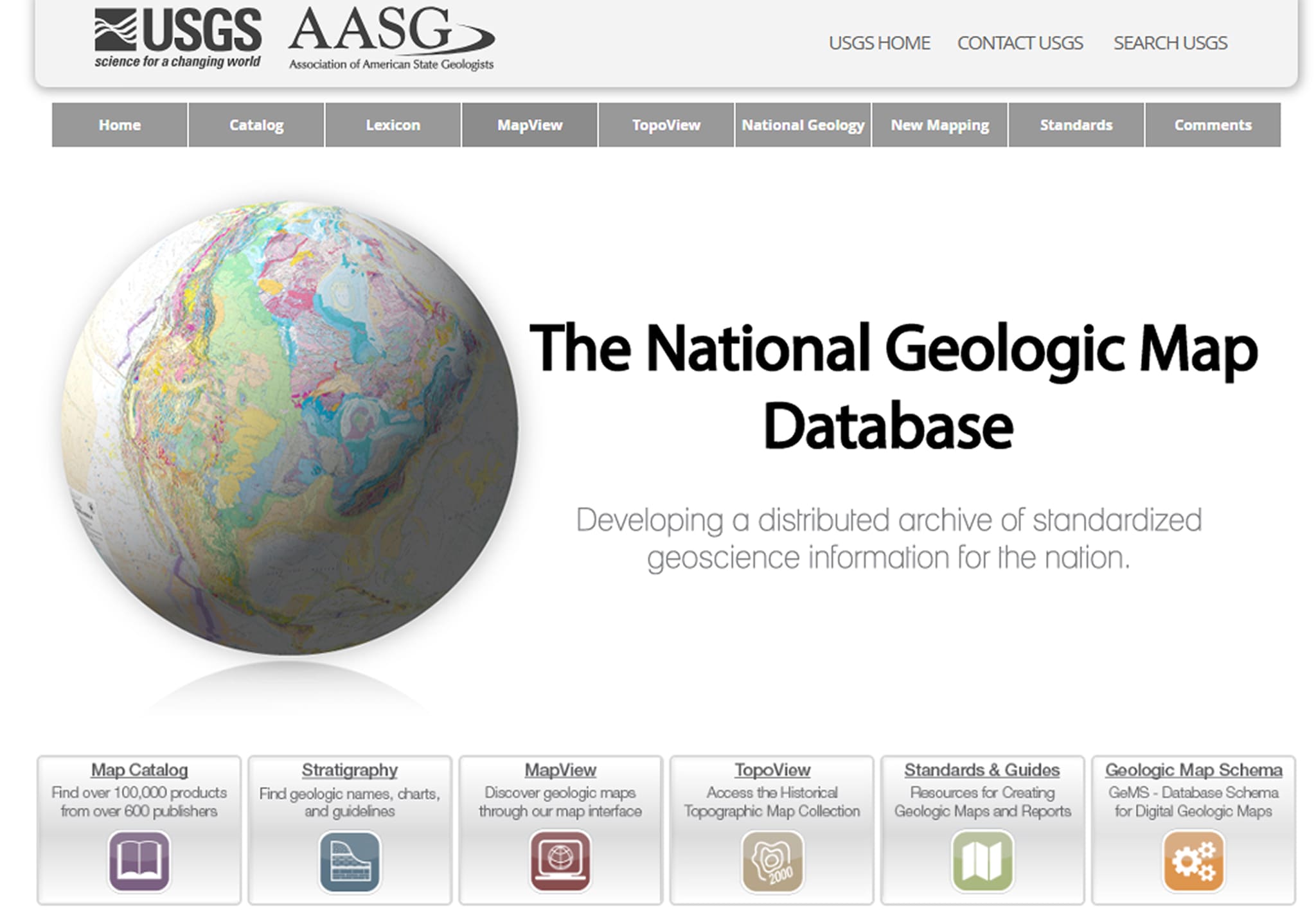
¿Cómo usarla?
Abre MapView.
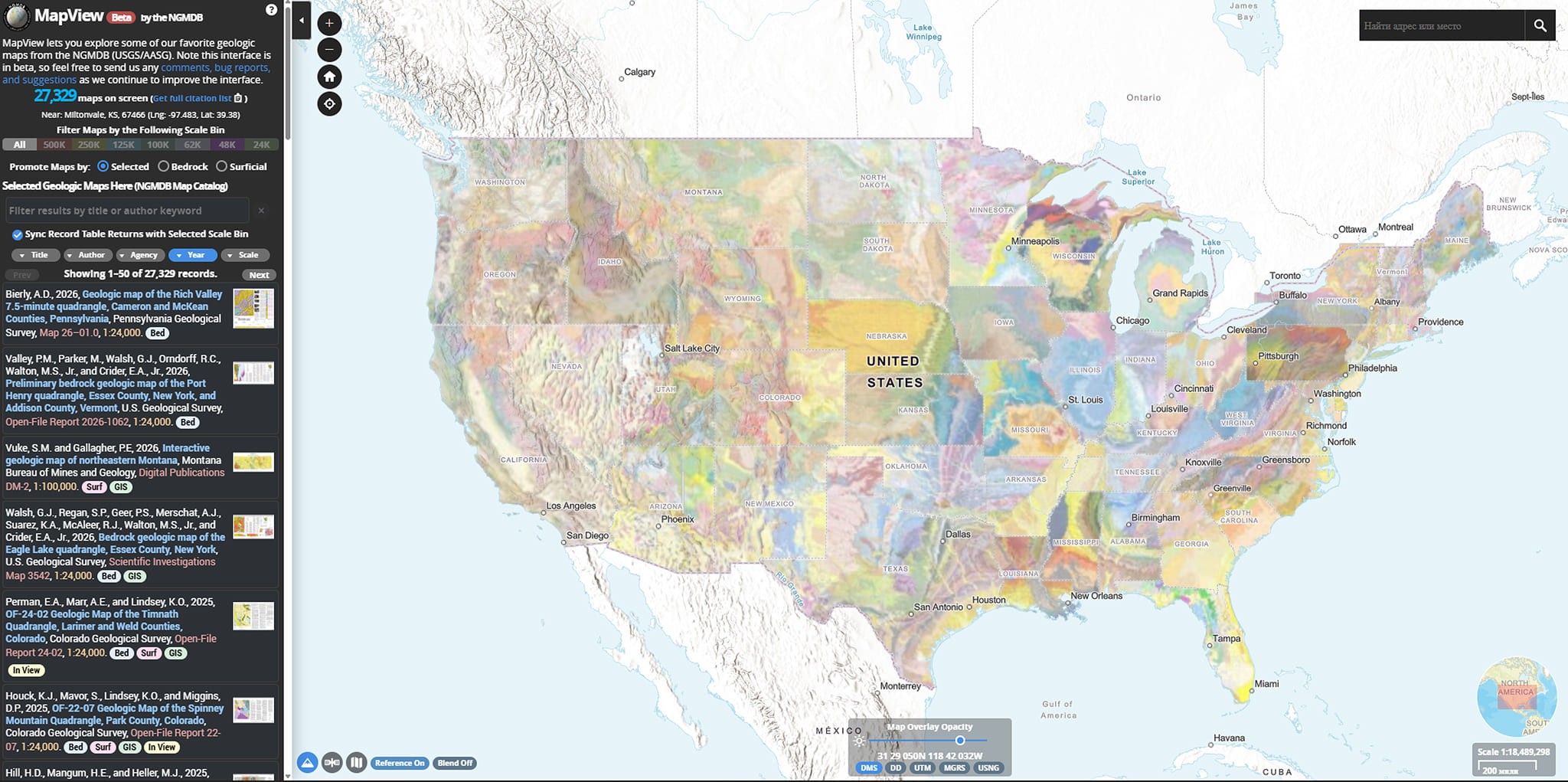
Selecciona la región deseada.
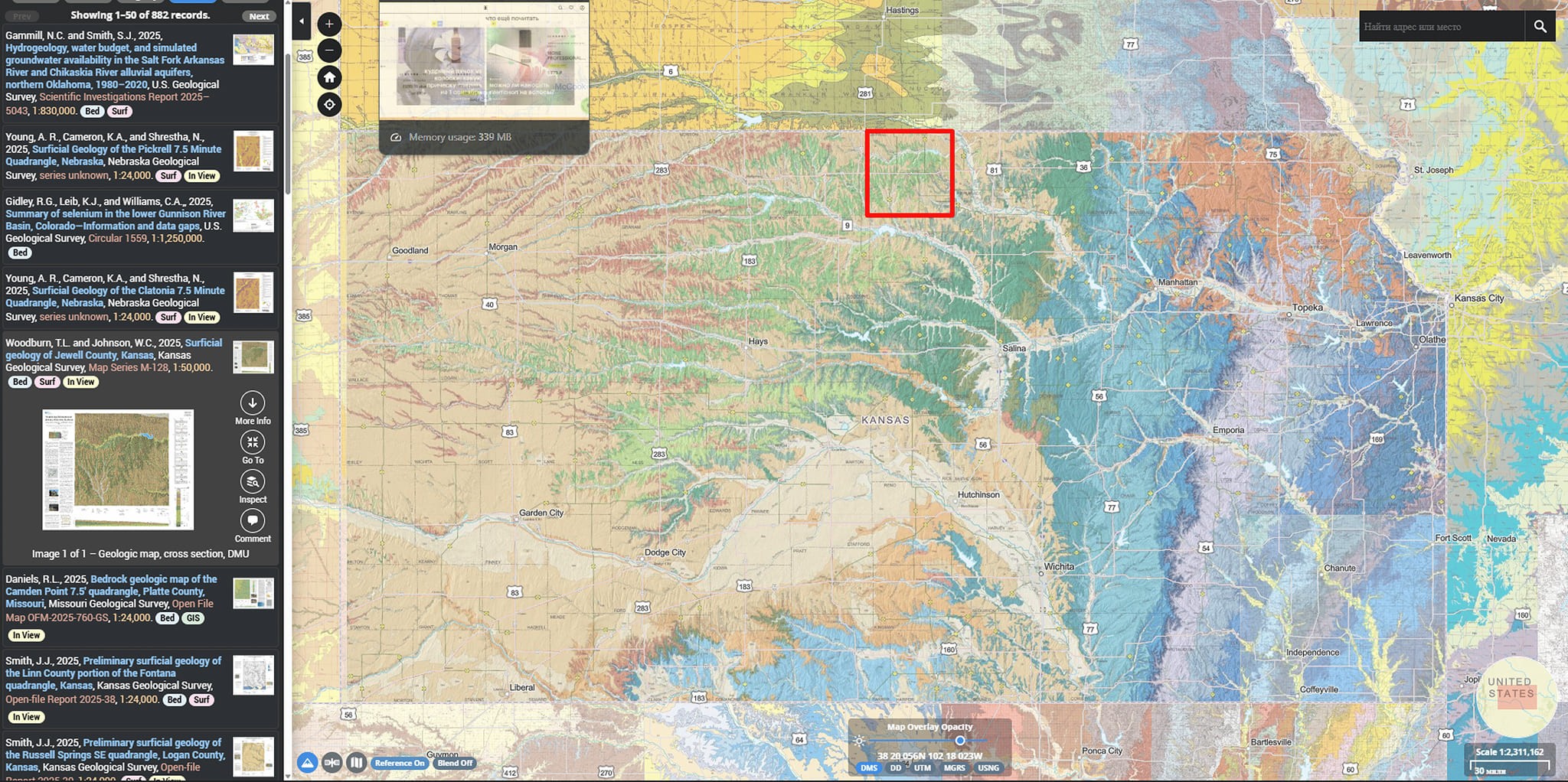
Encuentra mapas publicados.
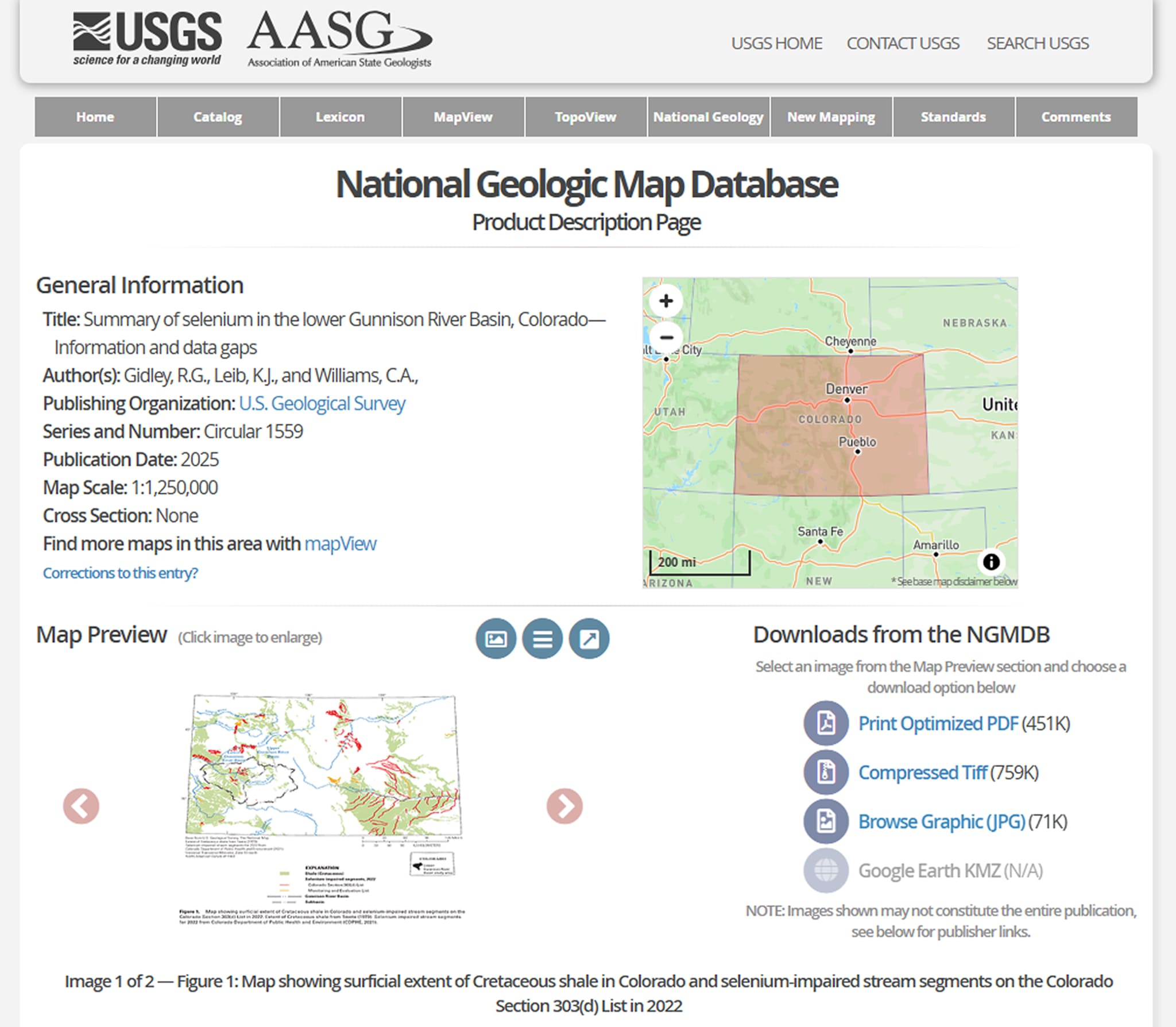
Descarga los datos en formatos .tiff o .jpg, o sigue el enlace a los datos digitales (normalmente ScienceBase).
NGMDB es conveniente para buscar, pero los archivos GIS en sí se descargan con mayor frecuencia a través de ScienceBase.
Conexión mediante WMS y WFS
USGS publica parte de sus datos como servicios web OGC.
¿Qué son WMS y WFS?
– WMS (Web Map Service) proporciona imágenes de mapas.
– WFS (Web Feature Service) proporciona entidades vectoriales con atributos.
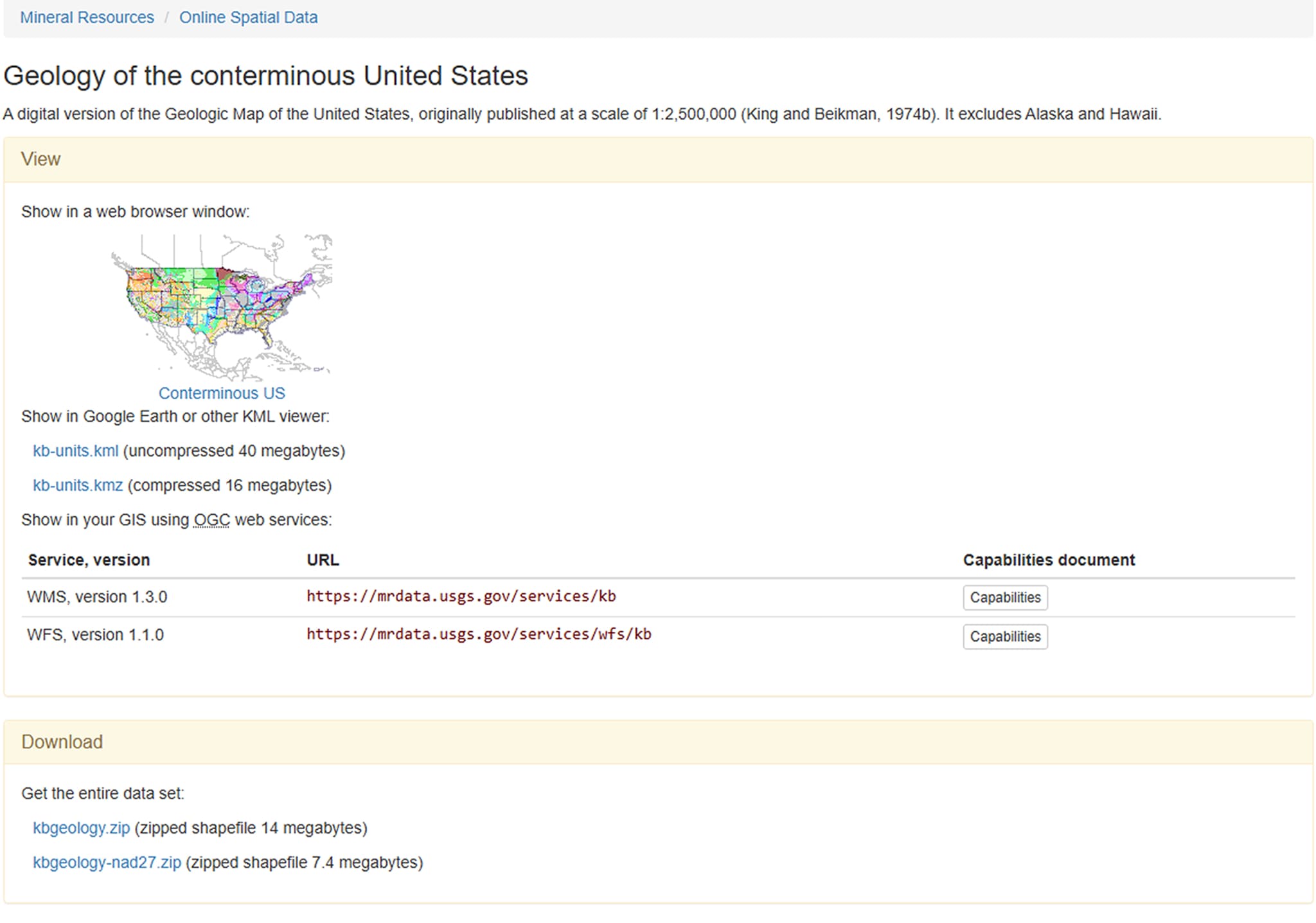
¿Dónde encontrar la URL del servicio?
En la ficha del conjunto de datos (ScienceBase).
En la sección Mineral Resources Online Spatial Data.
Conexión de WMS/WFS a la plataforma GISCARTA
Paso 1. Selecciona los datos requeridos

Paso 2. Encuentra los enlaces en la ficha de datos
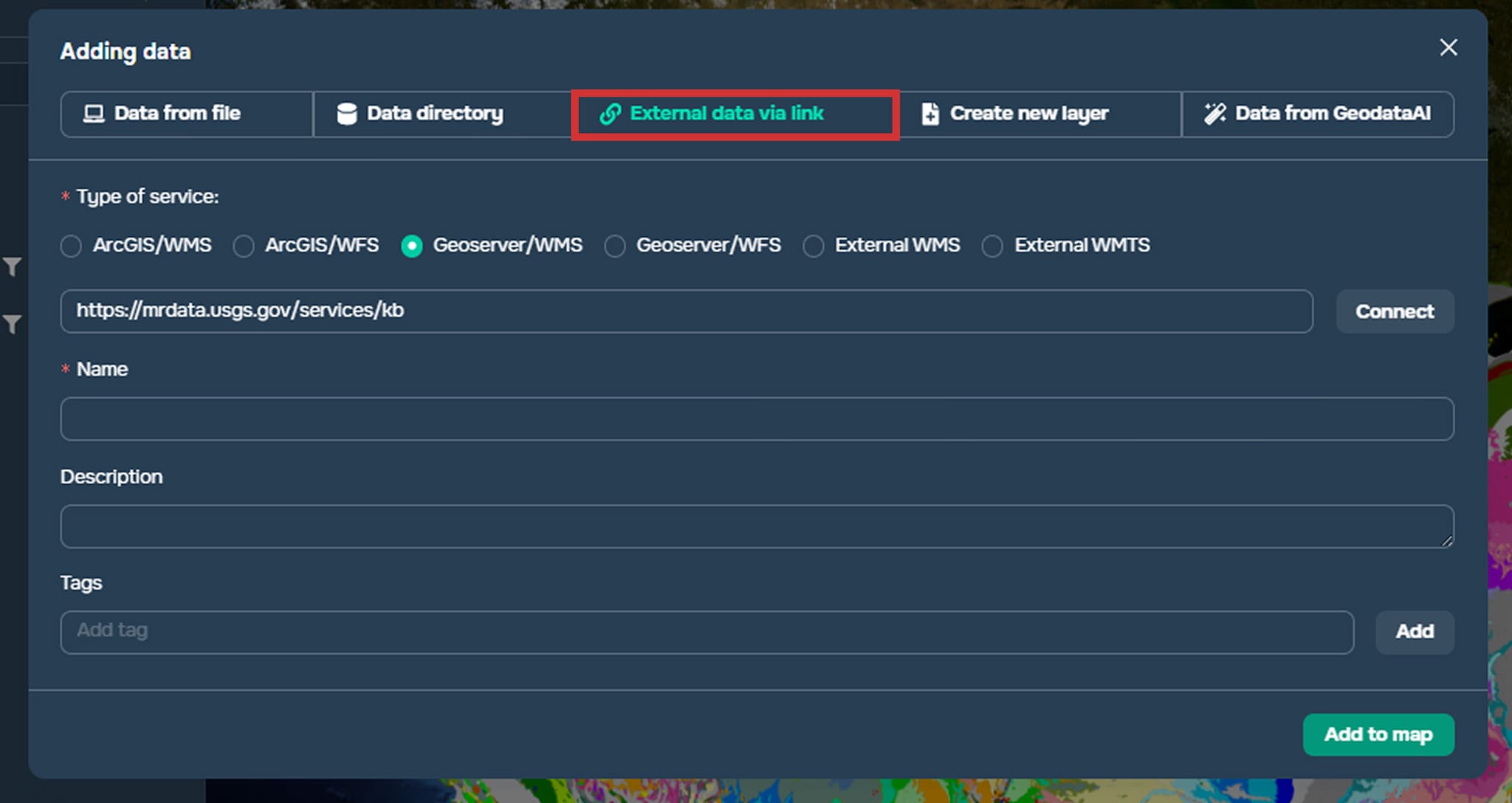
Paso 3. Pega los enlaces en la ventana Add Data, en la sección External Sources
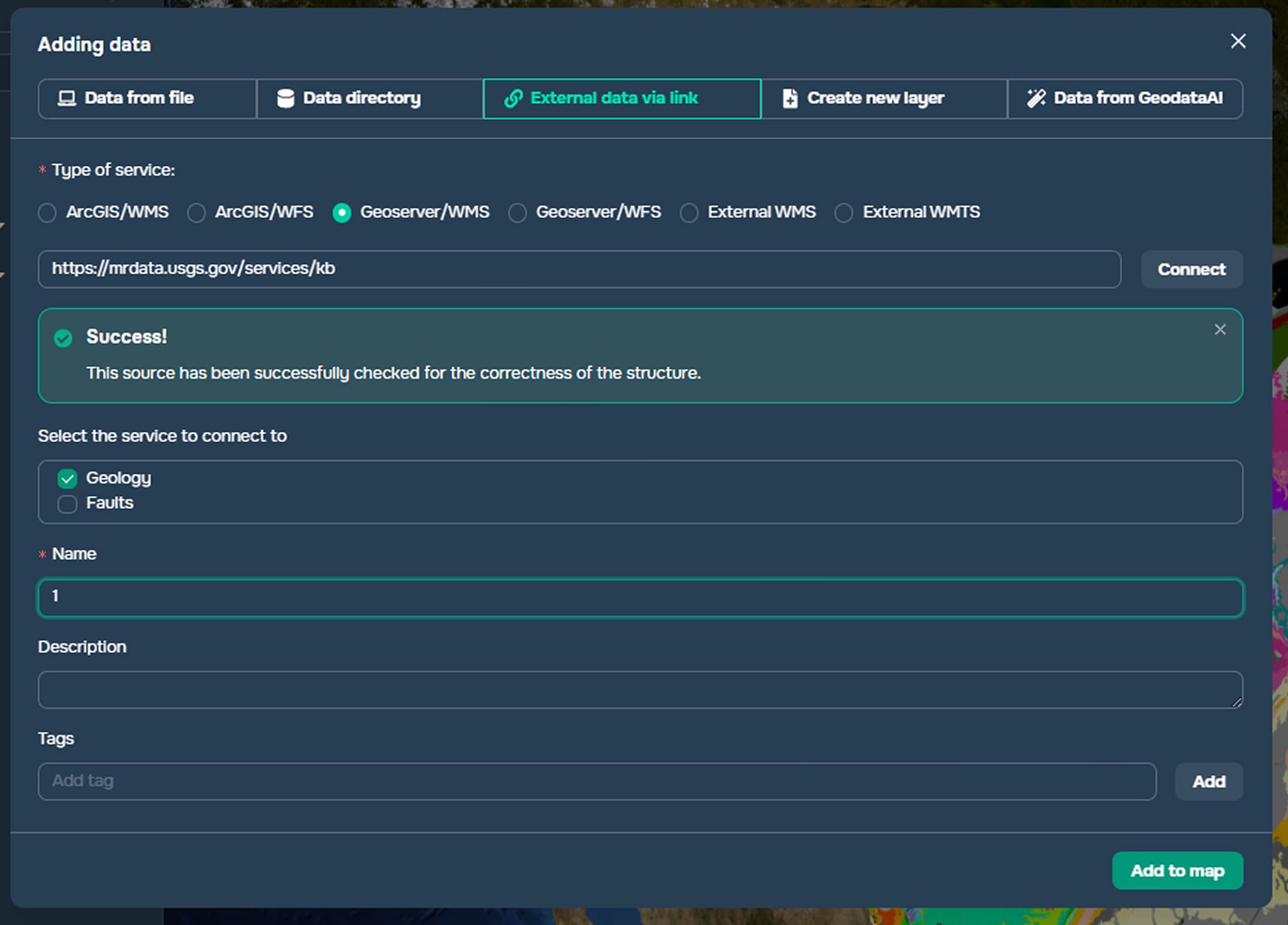
Paso 4. Conéctate al servicio haciendo clic en el botón Connect. Selecciona los datos requeridos.
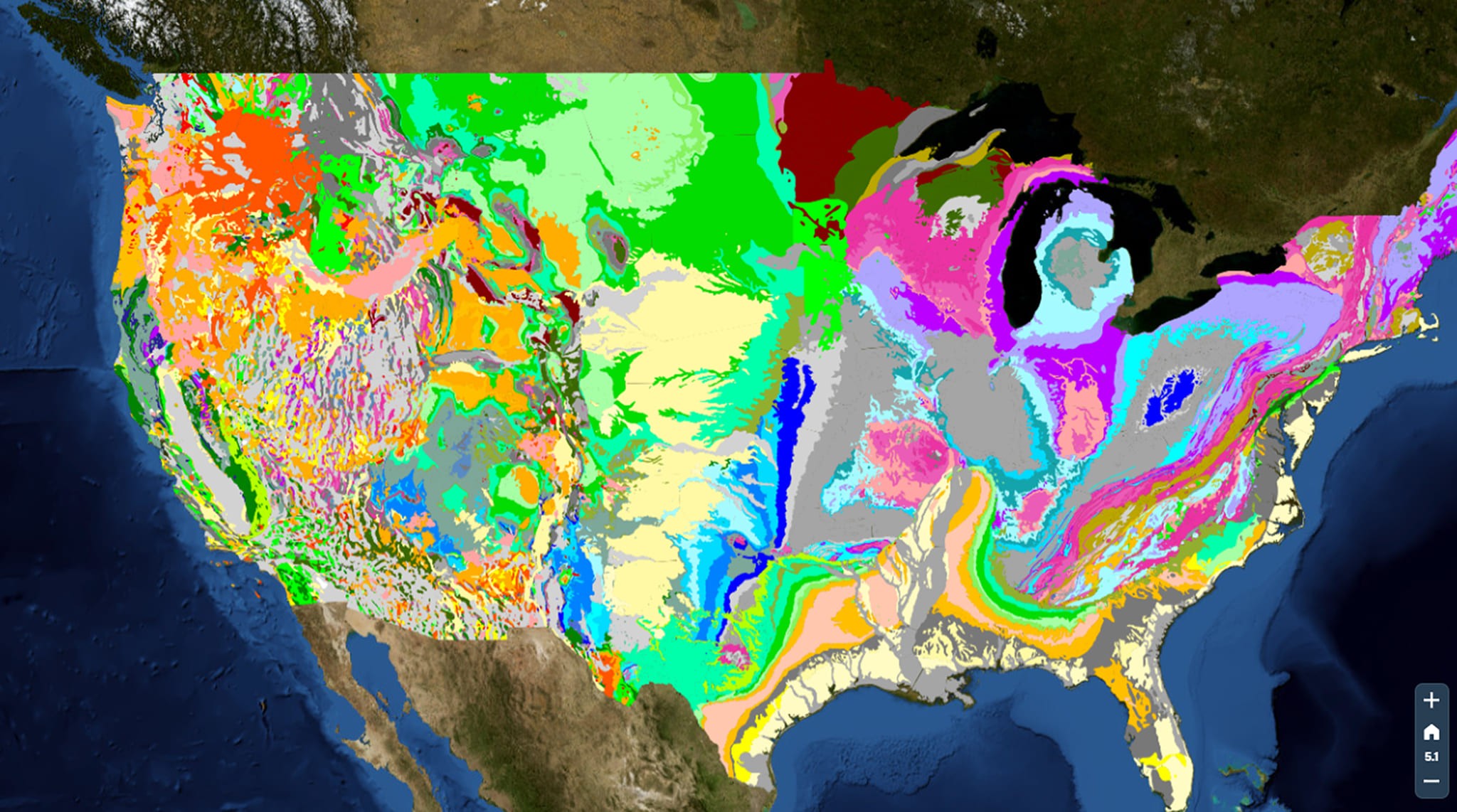
Los datos ahora se muestran en la plataforma. Para obtener más información sobre cómo agregar datos desde fuentes externas, consulta la documentación y el artículo.
Preguntas frecuentes
¿Dónde es mejor descargar datos geológicos del USGS?
La fuente principal es ScienceBase, que publica archivos GIS (Shapefile, GeoPackage, GDB).
¿Cuál es la diferencia entre WMS y WFS?
WMS representa un mapa como imagen para visualización, mientras que WFS proporciona entidades vectoriales con atributos para análisis.
¿Es posible conectar datos del USGS sin descargarlos?
Sí, mediante servicios WMS/WFS, pueden agregarse directamente a la plataforma GISCARTA o a programas GIS.
Conclusiones clave
ScienceBase es el repositorio principal para descargar datos geológicos del USGS en formato GIS.
NGMDB es conveniente para buscar mapas oficiales, pero los archivos en sí con mayor frecuencia están alojados en ScienceBase.
WMS es adecuado para la visualización de datos, mientras que WFS es para un análisis espacial completo y la manipulación de atributos.