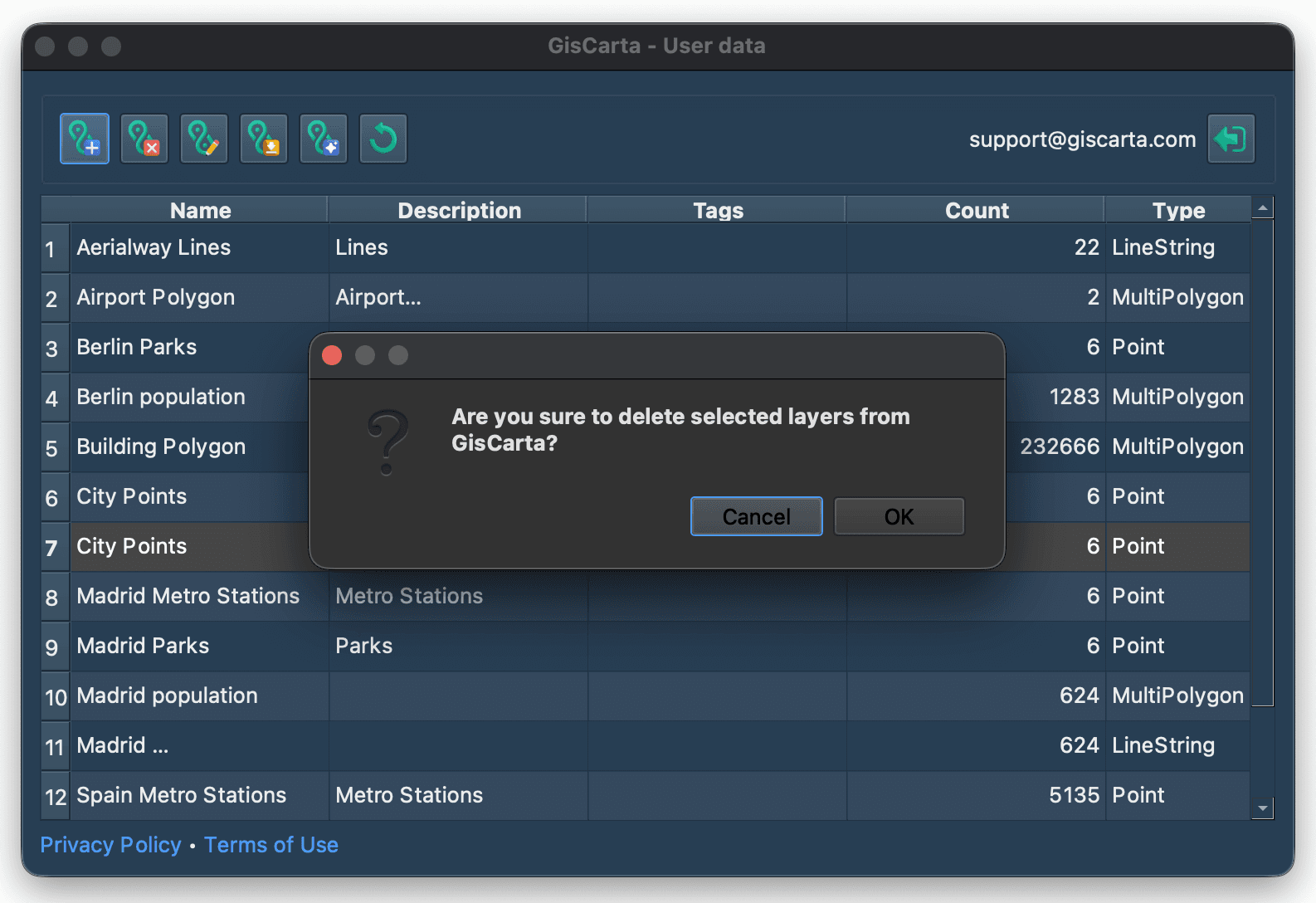
Para eliminar una capa de la plataforma GISCARTA, debe seleccionar una línea en la lista de capas haciendo clic en el número de línea.
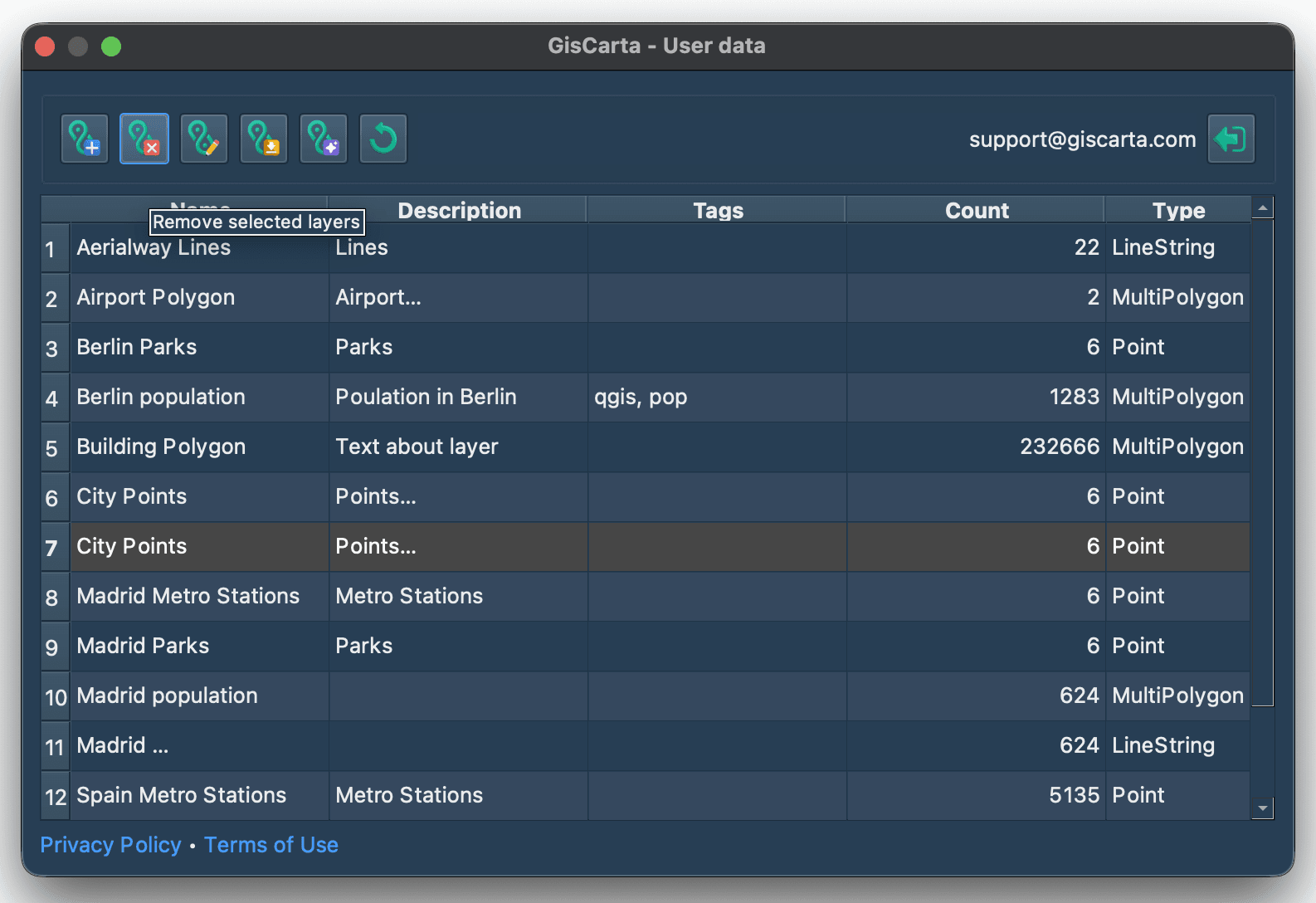
Luego haga clic en el icono Eliminar capa, el segundo desde la izquierda. Aparecerá una ventana de confirmación para confirmar la eliminación de la capa.