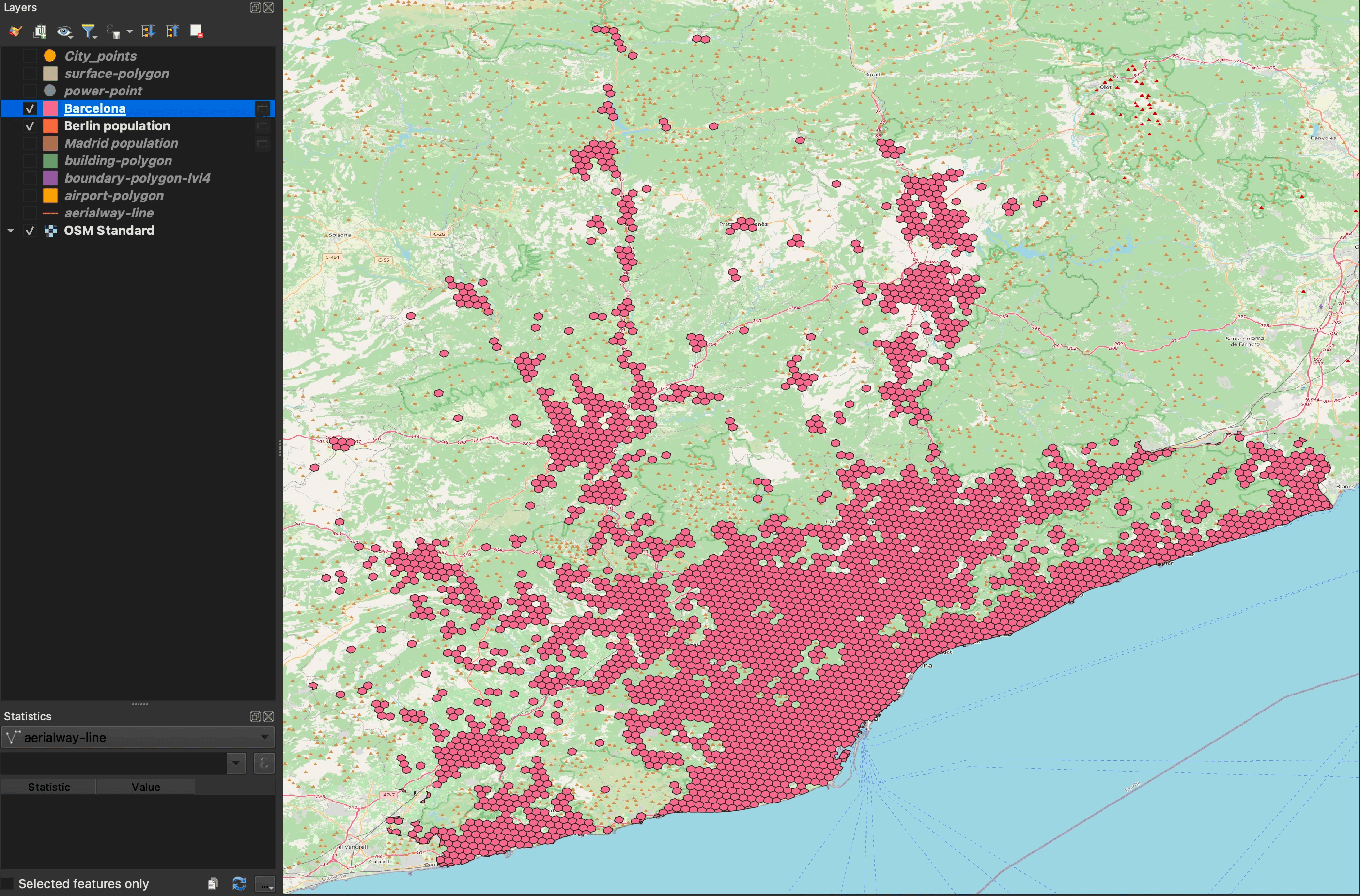
Puede leer más sobre el widget de Geodata AI.
Para usar la función Geodata AI, haga clic en el quinto icono desde la izquierda. Aparecerá una ventana modal para introducir una consulta de texto.
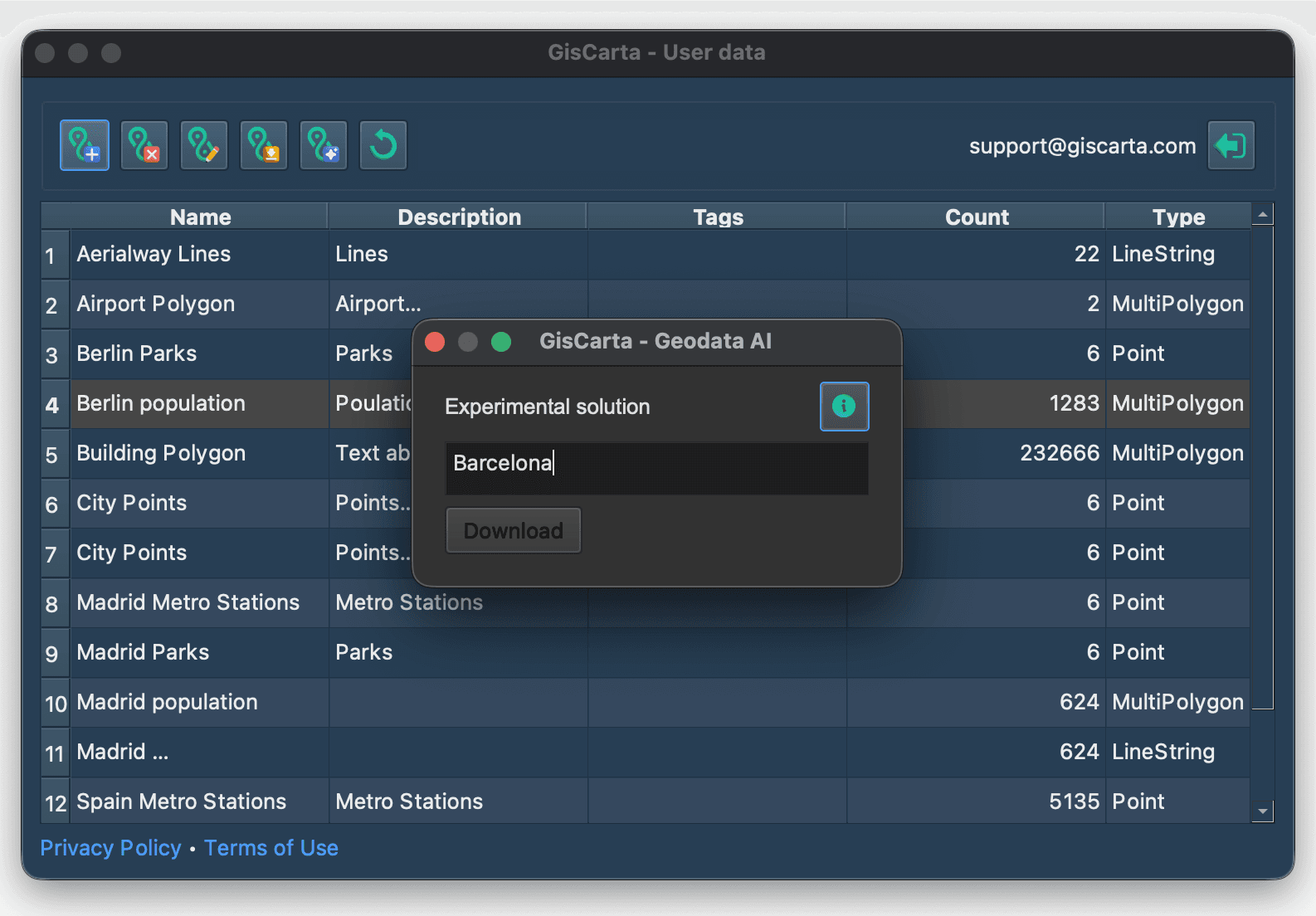
A continuación, debe introducir una consulta de texto y hacer clic en el botón Descargar.
Si la capa se carga correctamente, se añadirá al proyecto como una fuente de datos temporal con la capacidad de editarla y guardarla.