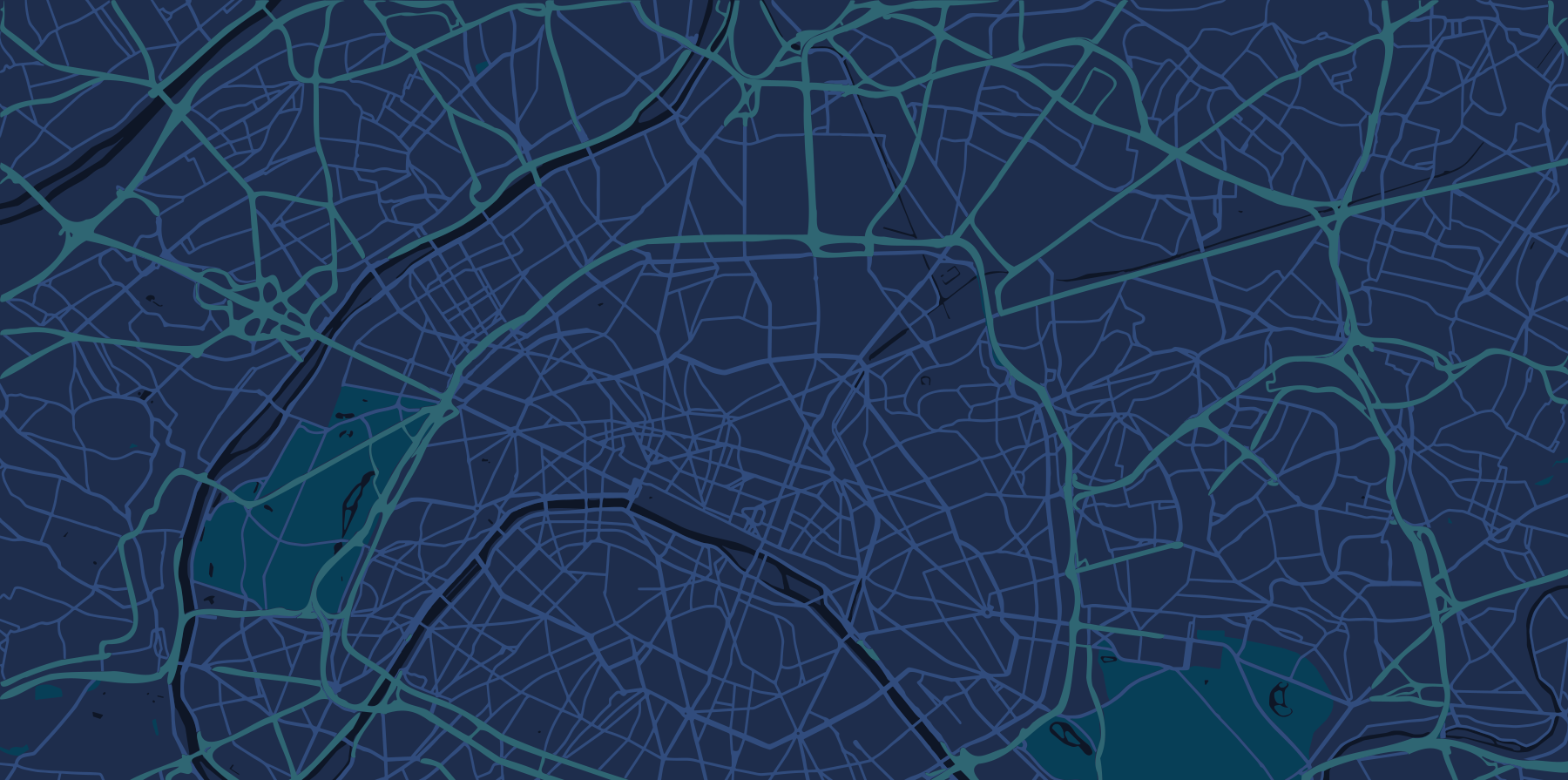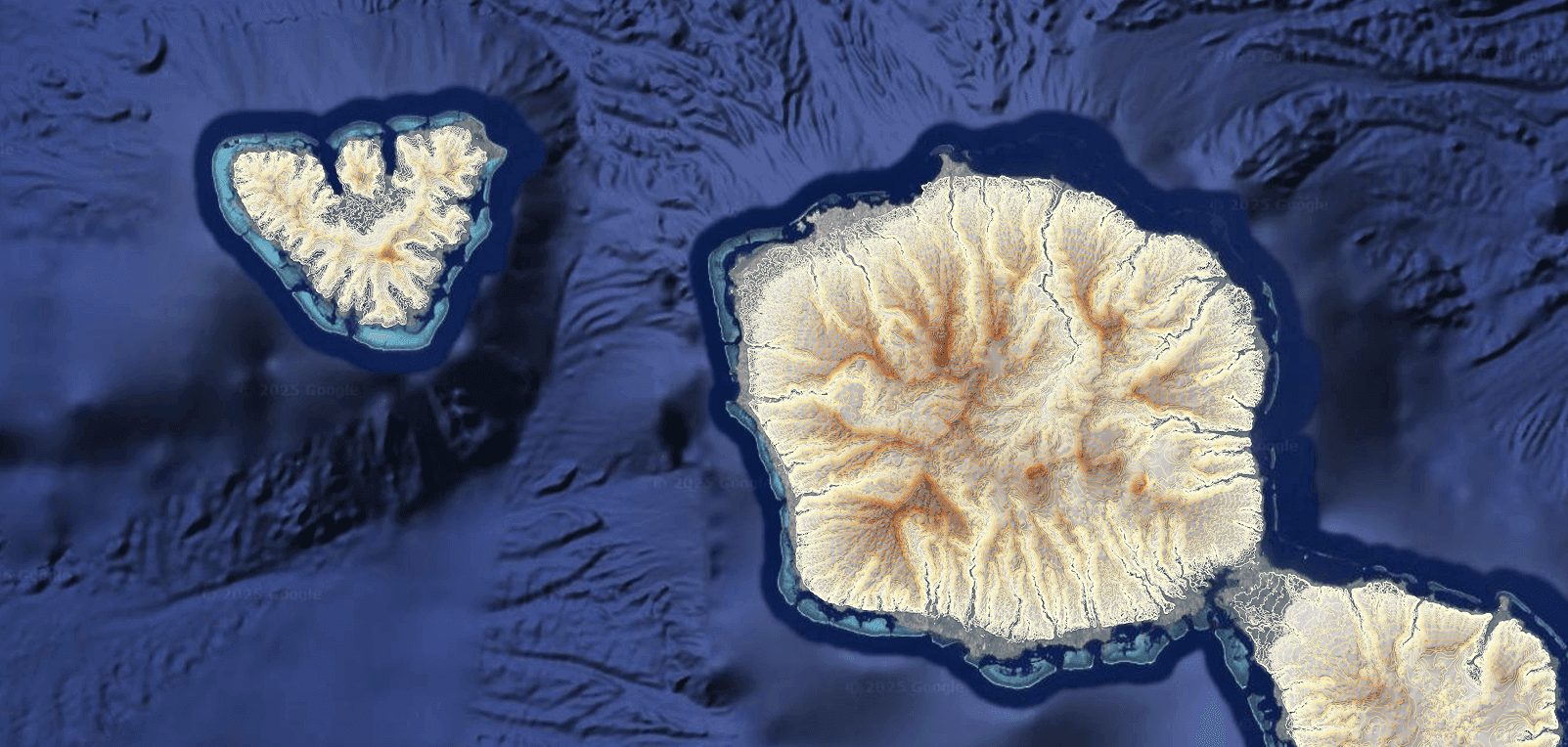
Centralize hazard, exposure, and asset layers
Compare scenarios on a single live map
Share read only dashboards with teams and partners
Capture comments and decisions in one workspace
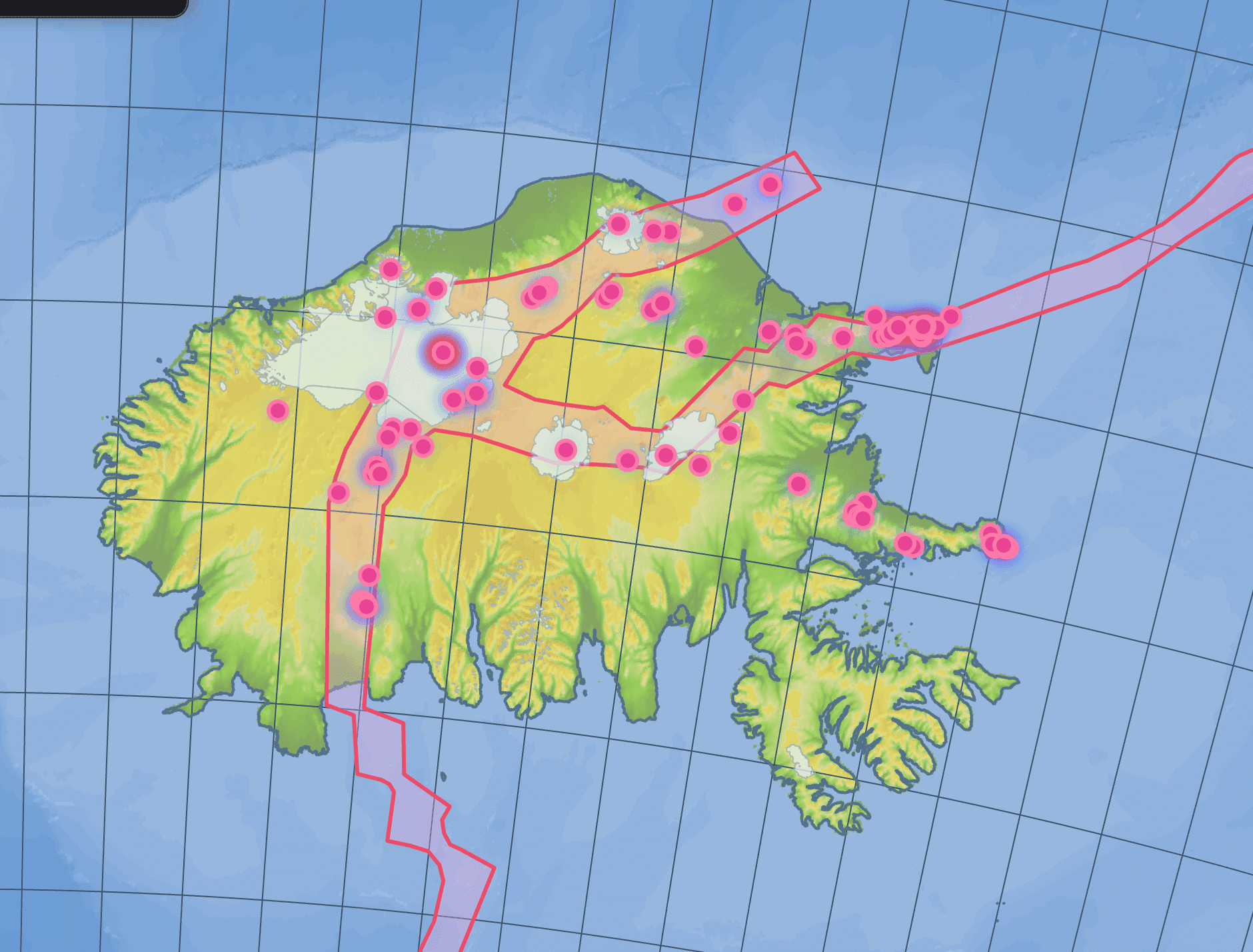
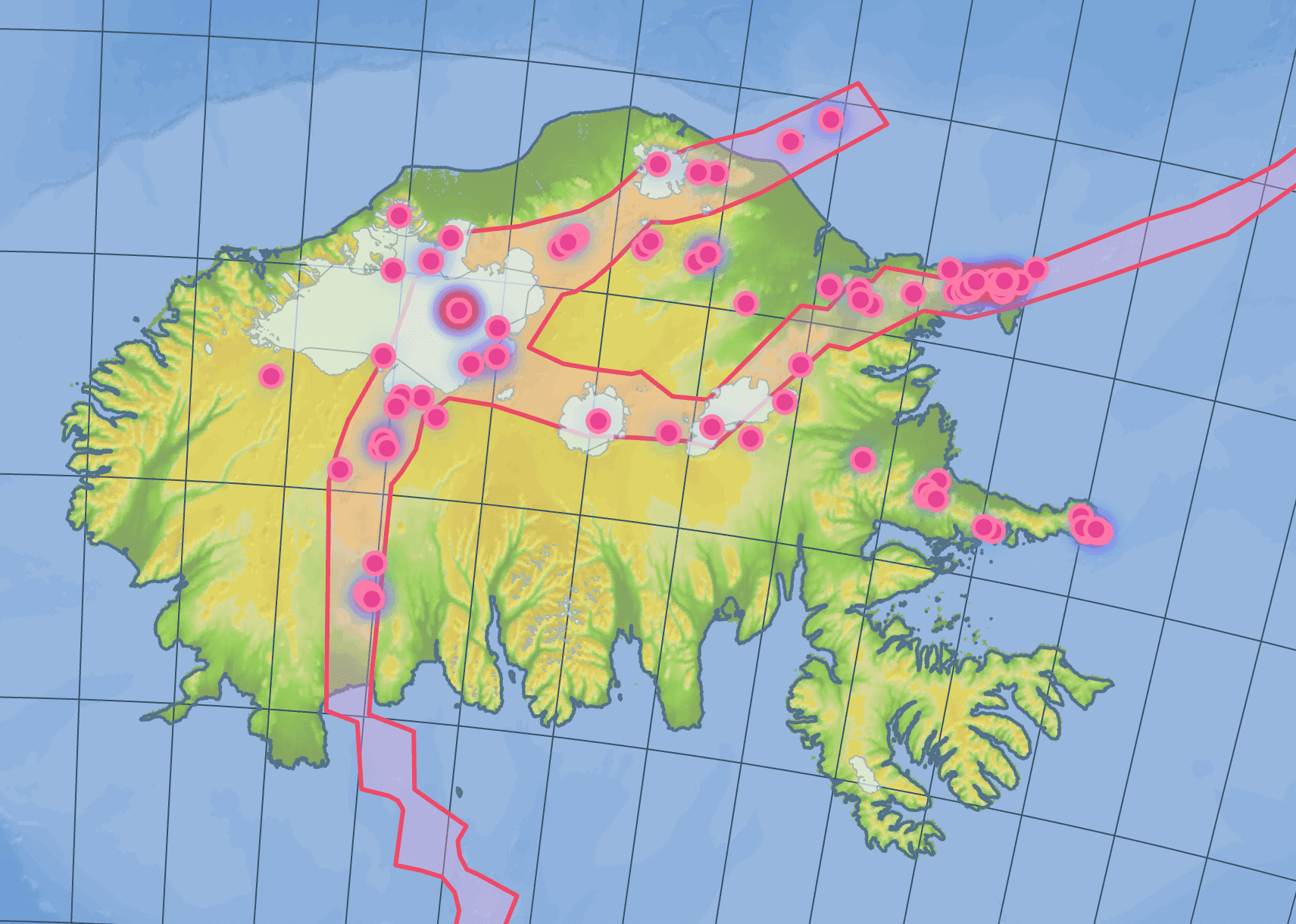
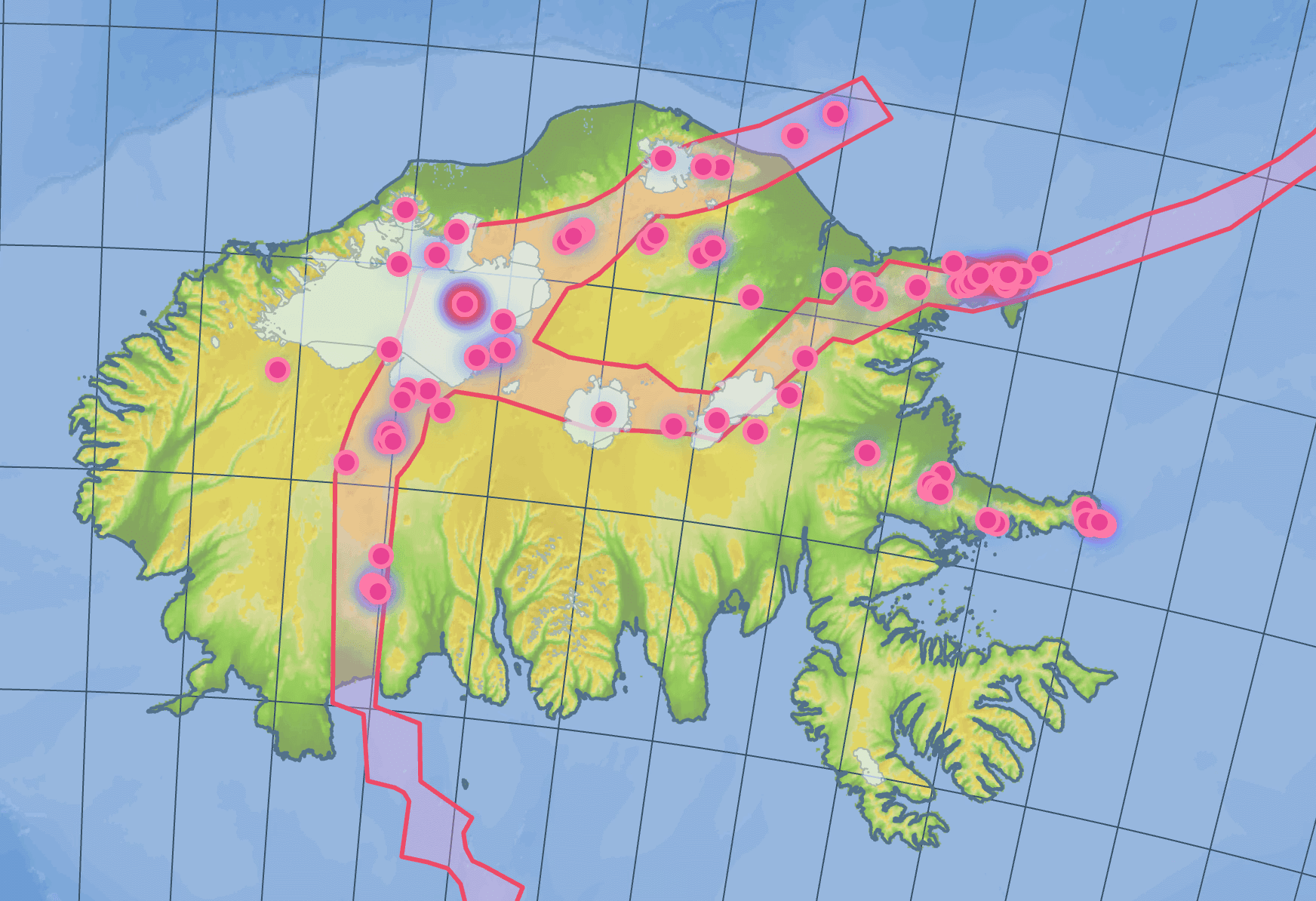
Bring in spreadsheets, GeoJSON and common GIS formats. Add open services like WMS and WMTS when needed. Keep layers organized with clear names and filters.
Load points, lines, polygons, and rasters
Tag layers by region, scenario, or project
Control visibility with a click
Create live maps for heat, flood, wildfire, drought, air quality, sea level rise, energy, and biodiversity. Build compact dashboards to track KPIs for assets and regions.
Turn layers on and off to tell the story
Use search and filters to find locations fast
Share a view only link or invite collaborators
Use practical tools that answer real planning needs. Analyze exposure, quantify impacts, and document choices.
Overlay hazard maps with your asset inventory
Measure distances, buffers, and affected areas
Summarize counts and values by polygons or grids
Compare present day, 2030, and 2050 scenarios. Save map views that reflect policy paths and investment options. Export snapshots for ESG, TCFD, or internal reports.
Duplicate maps to test alternate inputs
Pin views and notes for review cycles
Export tables and images for reports
Create a project and name the region
Step 1
Import assets and context layers
Step 2
Add hazard layers from open services where available
Step 3
Build a dashboard with key metrics
Step 4
Share the map with your team, then iterate
Step 5
What is sustainability GIS used for?
Mapping environmental risk and exposure: flood, heat, wildfire and drought hazard, emissions and land-use change, and the populations or assets affected by each. The output is usually a risk map plus a figure for how many people or sites fall in the exposed zone.