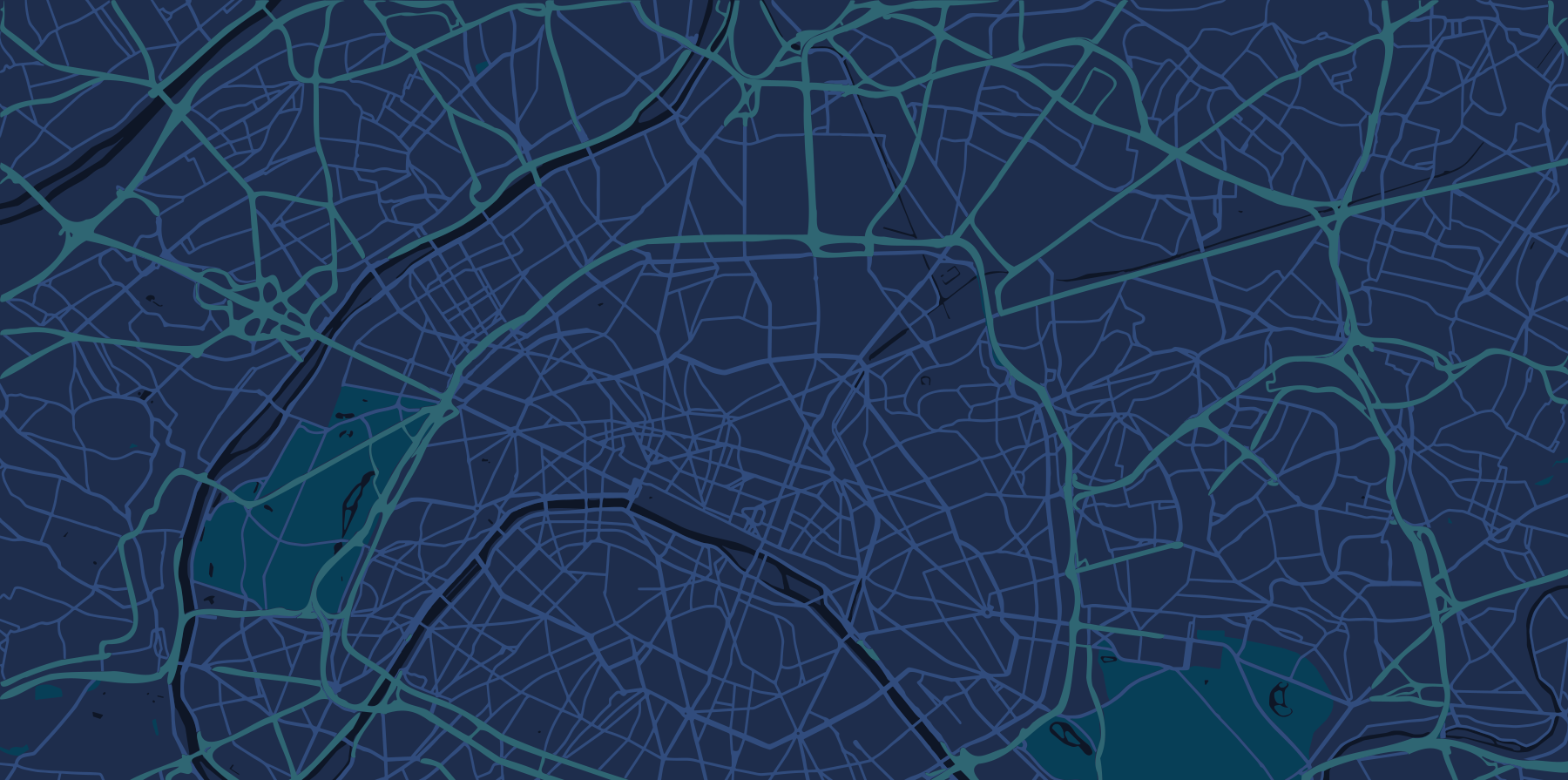
Create a project for your city or program
Import assets, service areas and open data
Add a short description and clear legends
Share a link and collect comments in one workspace
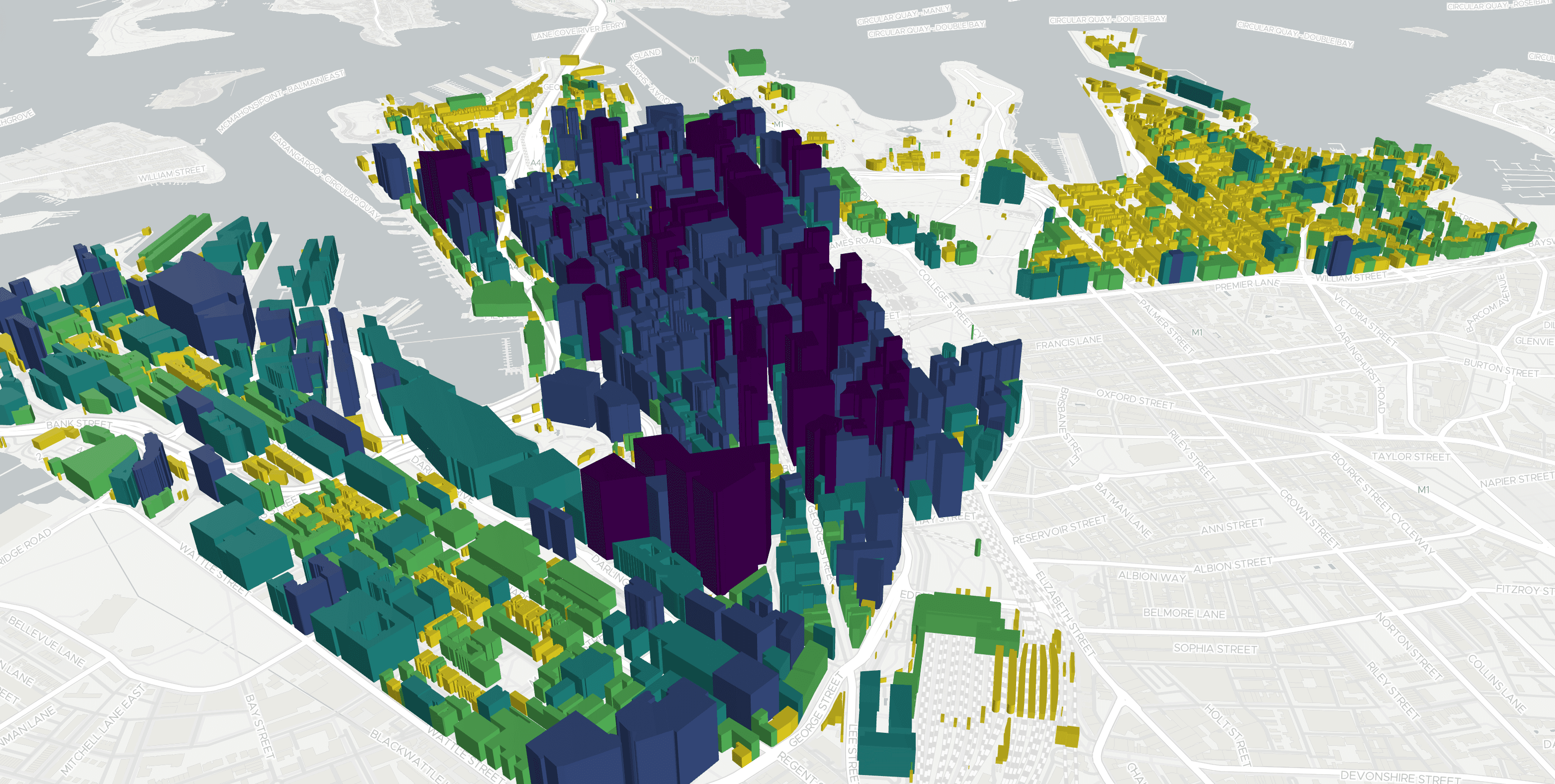
Unify spreadsheets and common GIS formats. Keep layers organized by department or program and control visibility with simple filters.
Load points, lines and polygons
Tag layers by theme and district
Add metadata so teams find the right data fast
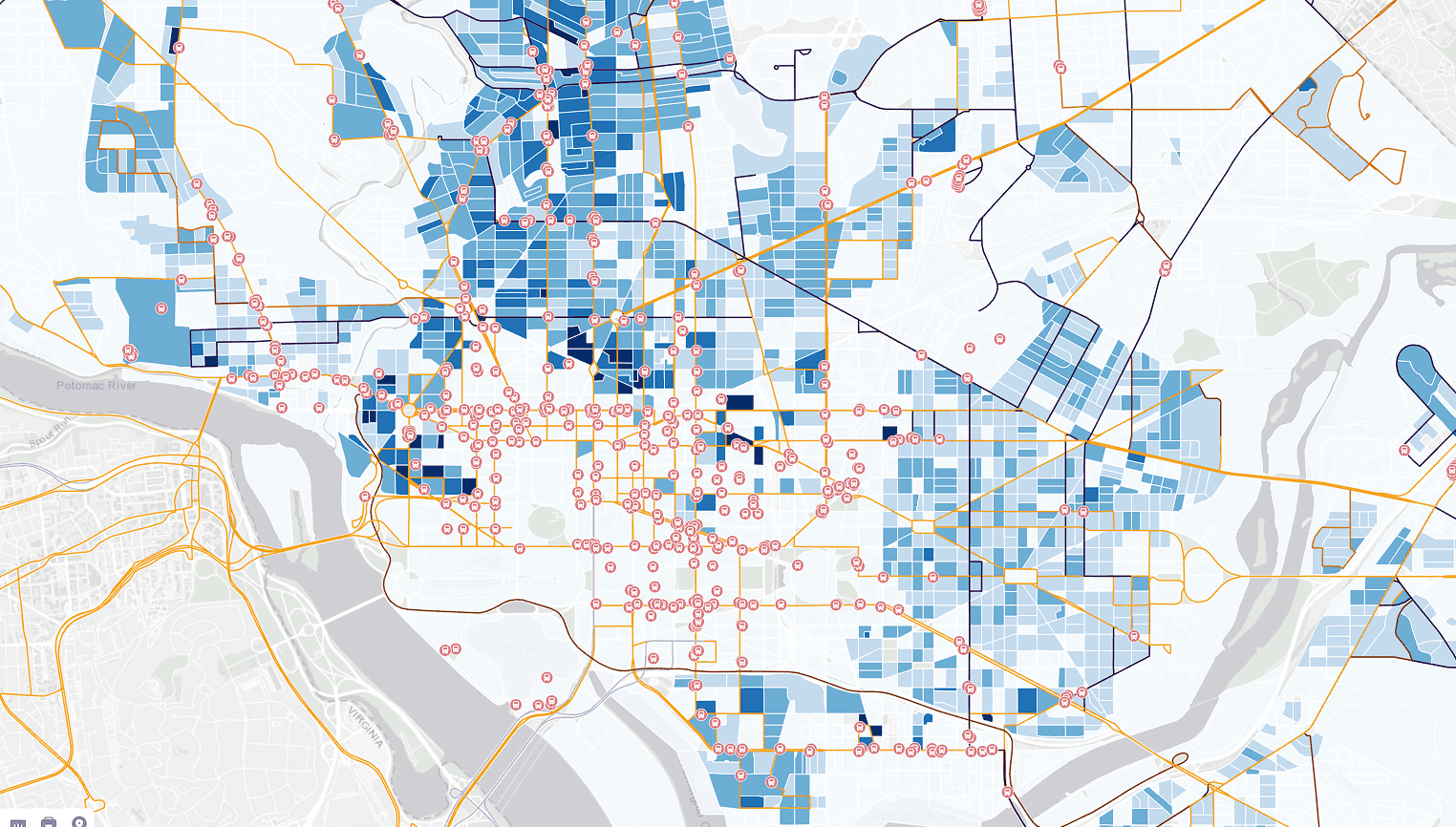
Publish clear maps for projects and service delivery. Build dashboards that highlight indicators such as access to clinics or distance to parks.
Toggle layers to tell a simple story
Search assets and filter by attributes
Share view-only maps or invite editors
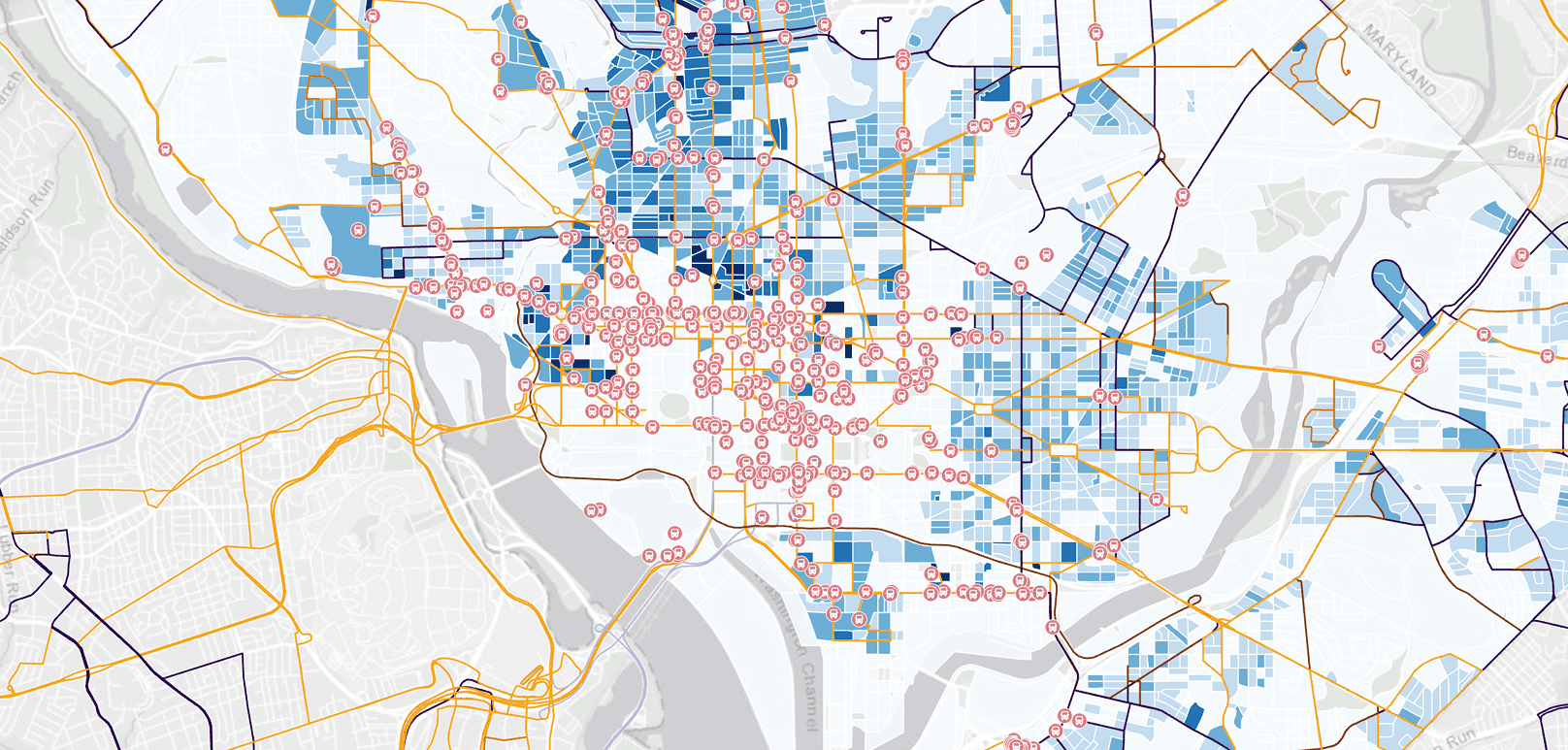
Answer common planning questions with practical tools. Measure distances and areas in metric units, define buffers and compare scenarios.
Map 500 m and 1 km catchments for facilities
Overlay hazard zones with population data
Note assumptions directly on the map view
Engage the public using transparent maps. Capture input in context and keep one source of truth for updates.
Role-based access for staff and partners
Comments on features and layers
Version history to track changes
Step 1
Step 2
Step 3
Step 4
What is an interactive map solution for government?
It is a single live map that combines data from different agencies — infrastructure, land use, services, public assets — and can be shared publicly or restricted by role. Departments publish projects, compare scenarios and collect structured public feedback without emailing files between offices.