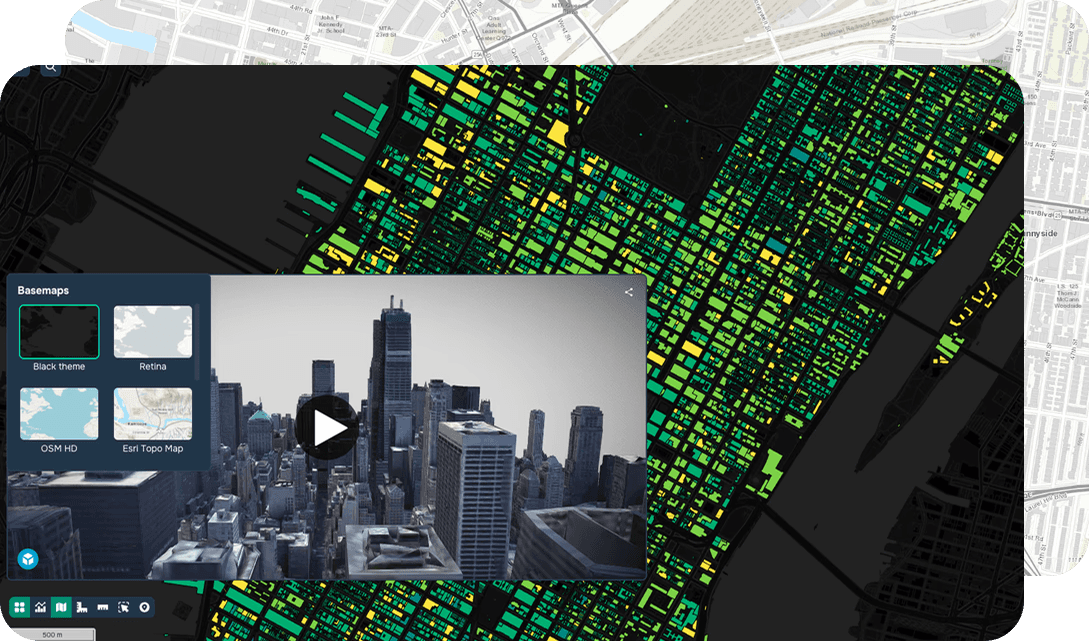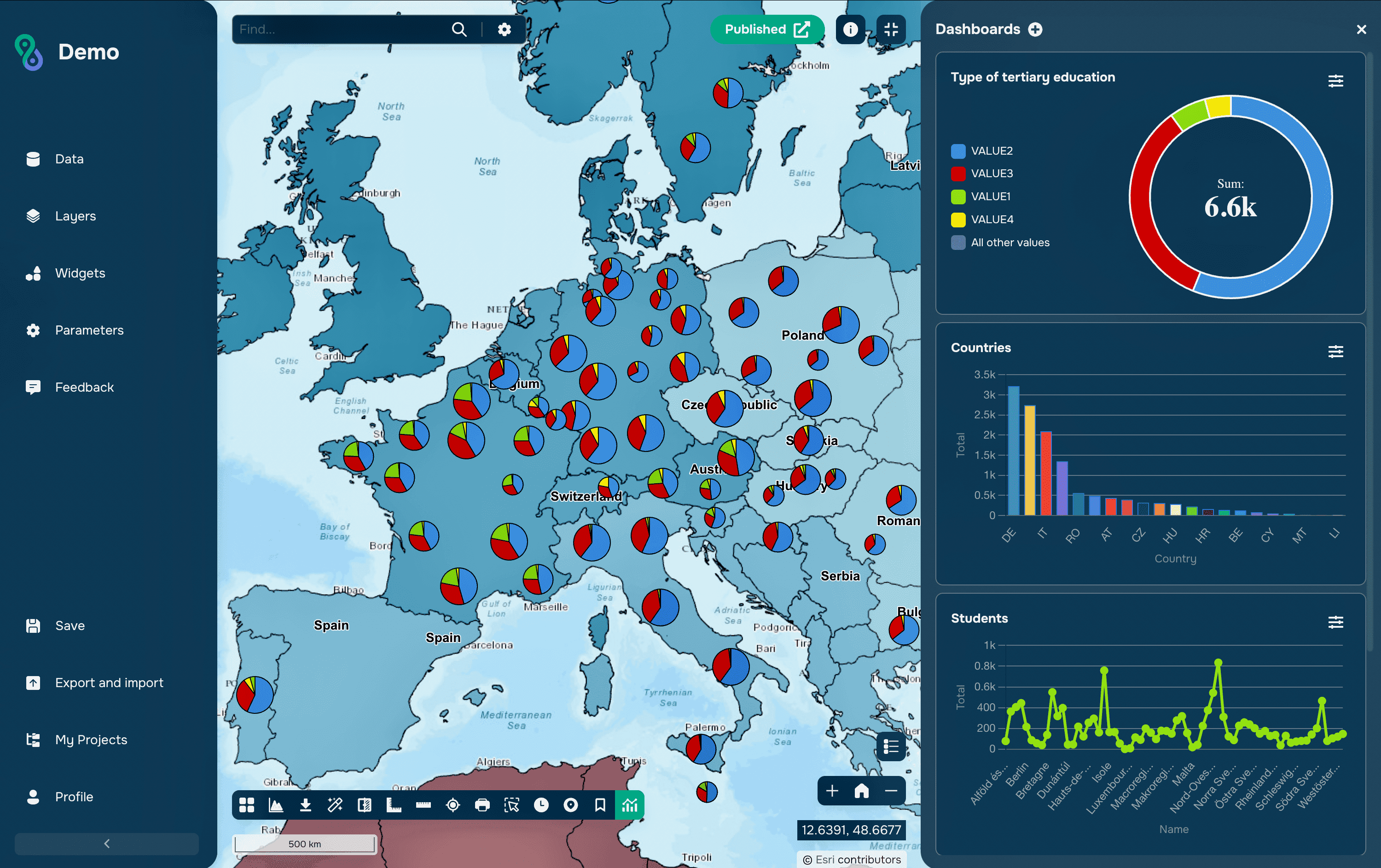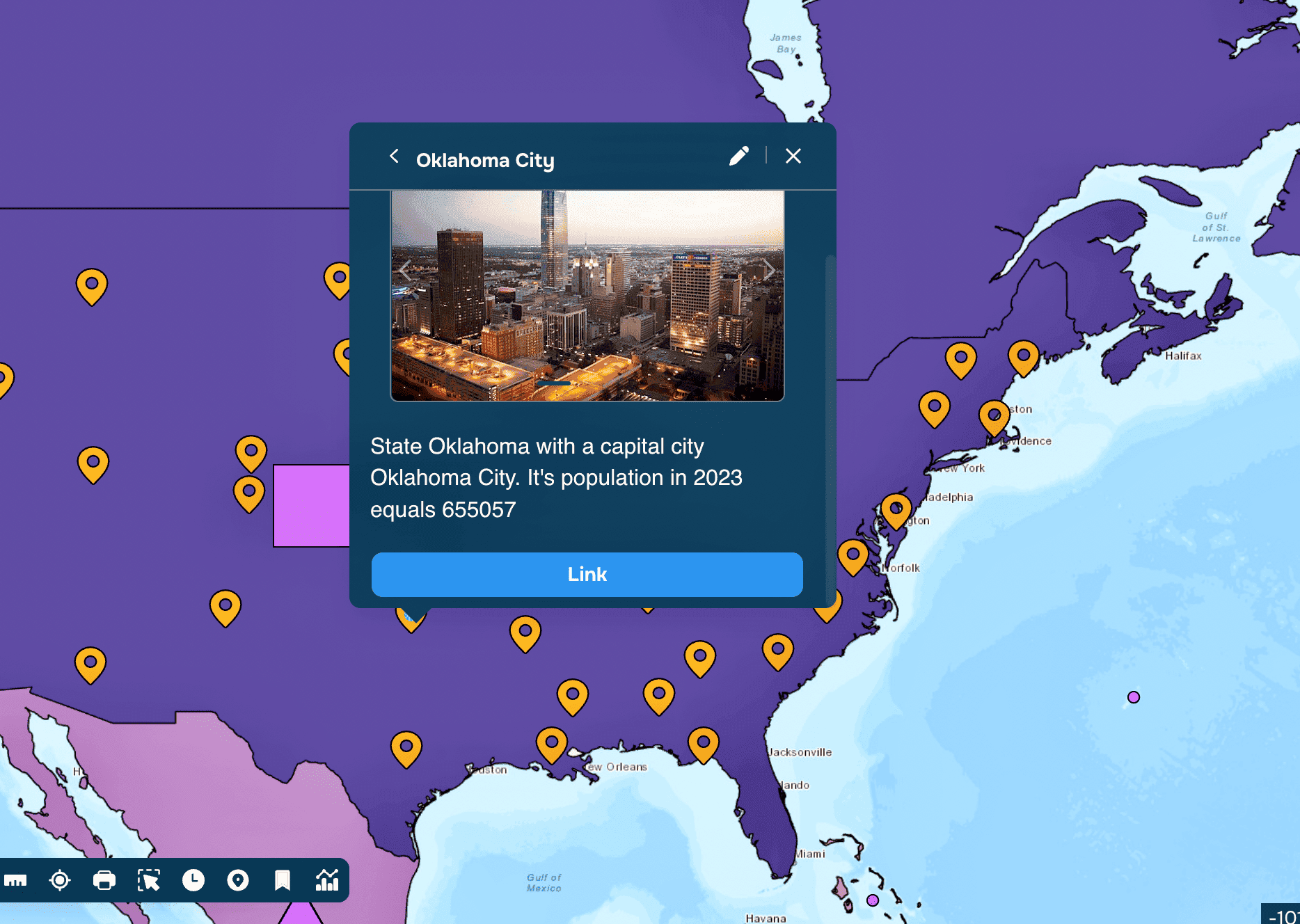
Informational pop-ups in Geographic Information Systems (GIS) offer users a deeper understanding of map features with just a click. Whether you're highlighting tourist attractions, visualizing scientific data, or planning urban projects, pop-ups provide context, enhance interactivity, and make your maps more engaging. In this guide, we’ll explore what informational pop-ups are, why they’re essential, and how to customize them on platforms like GISCARTA.
What is an Informational Pop-Up?
An informational pop-up is an interface element that displays additional details about a selected map feature, such as a marker, polygon, or other geographic entity. It can include text, images, links, charts, and more, offering users a quick and interactive way to access relevant information without leaving the map.
Why Use Informational Pop-Ups?
Provide Context: Pop-ups give users a deeper understanding of map features by offering detailed information.
Enhance Interactivity: They make maps more engaging and user-friendly, encouraging exploration.
Visualize Data: Pop-ups can display charts, images, 3D panoramas, and other visuals to make data more accessible.
Improve Navigation: Include links to external resources or related pages for additional context.
Where Can Informational Pop-Ups Be Used?
Education: Explain historical events, geographical features, or scientific concepts with text, images, and videos.
Tourism and Travel: Highlight attractions with descriptions, photos, reviews, and booking links.
Scientific Research: Present research findings, charts, and environmental data for better visualization.
Construction and Design: Share project details, blueprints, materials, and timelines with stakeholders.
Healthcare: Display information about medical facilities, services, and regional health statistics.
Environmental Projects: Showcase data on environmental conditions for monitoring and management.
How to Set Up Informational Pop-Ups in GISCARTA
GISCARTA makes it easy to create and customize informational pop-ups. Here’s how:
Step 1: Access Layer Settings
Click the three dots next to the layer name to open its settings.
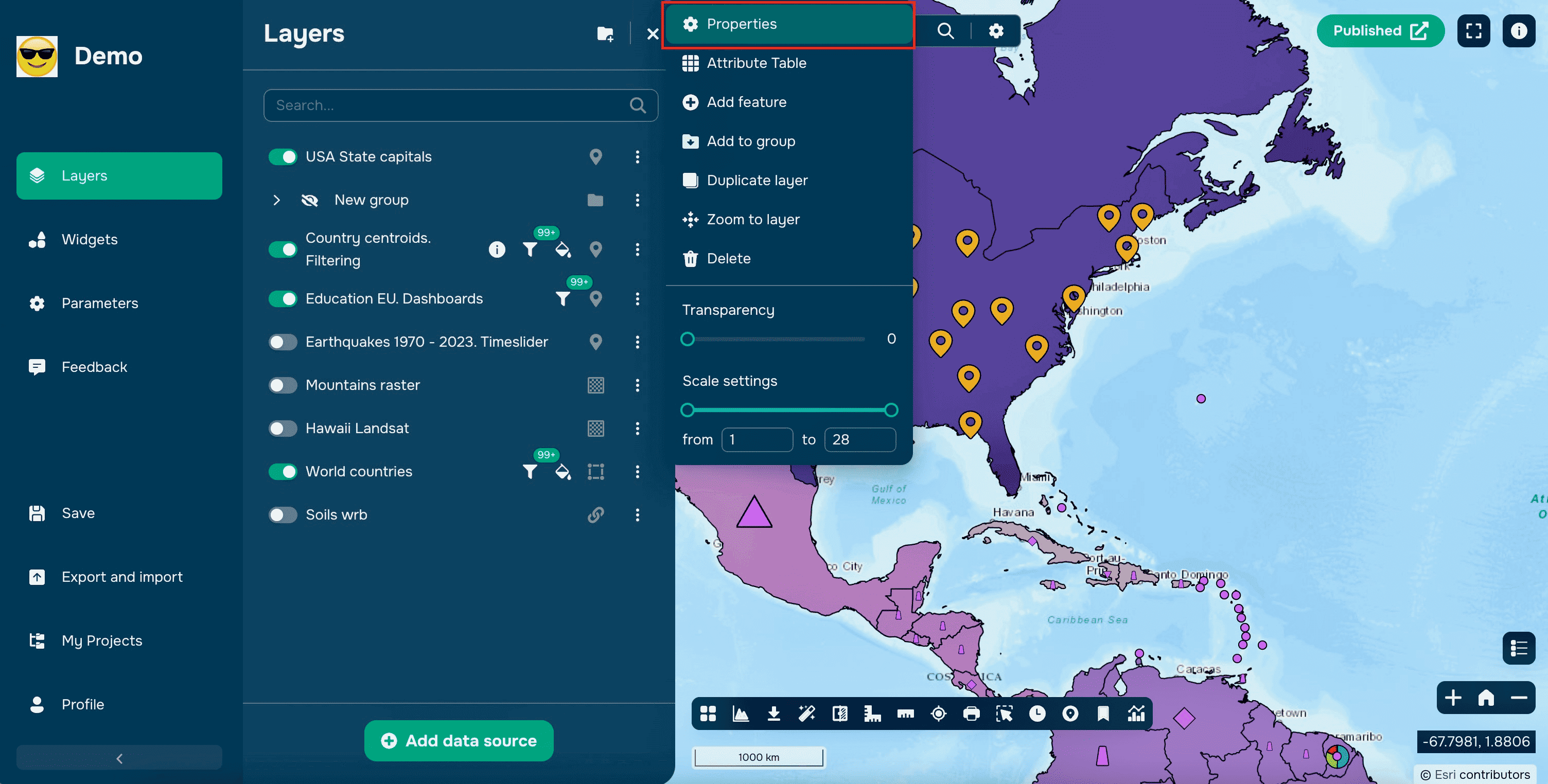
Navigate to the InfoWindow section.

Tip: Use the toggle switch to enable or disable pop-ups for the layer.

Step 2: Customize the Pop-Up
Add a Title: Enter a name for the pop-up or use an attribute to dynamically generate titles.

Choose Content: By default, all layer attributes are displayed in a table.

Customize the table by selecting which attributes to show and adding pseudonyms for clearer labels.
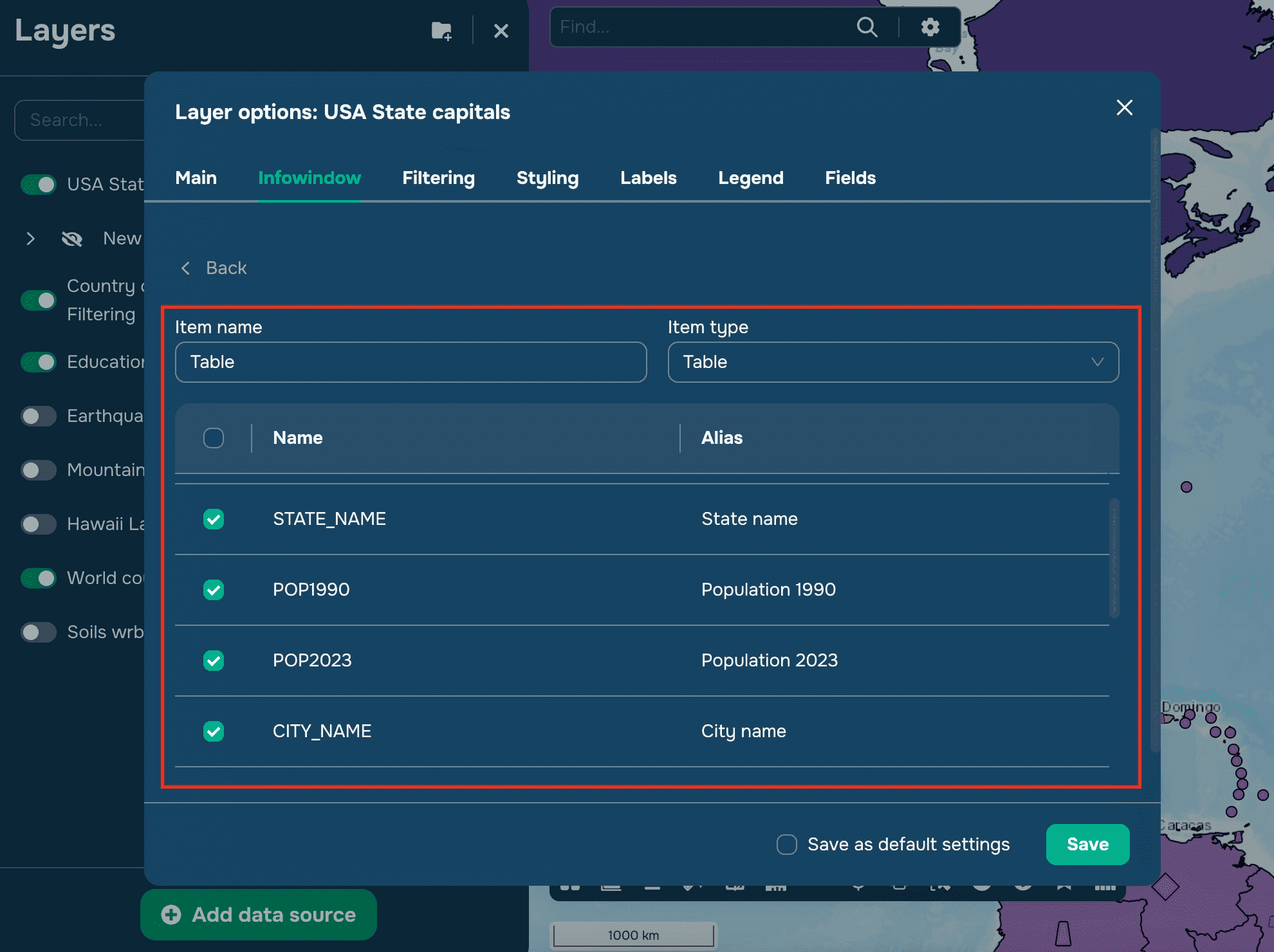
Add Elements:
Table: Include fields and values.

Text: Include static text or dynamic content from attributes.


Buttons: Add clickable buttons with custom links or links from attributes, colors, and text.

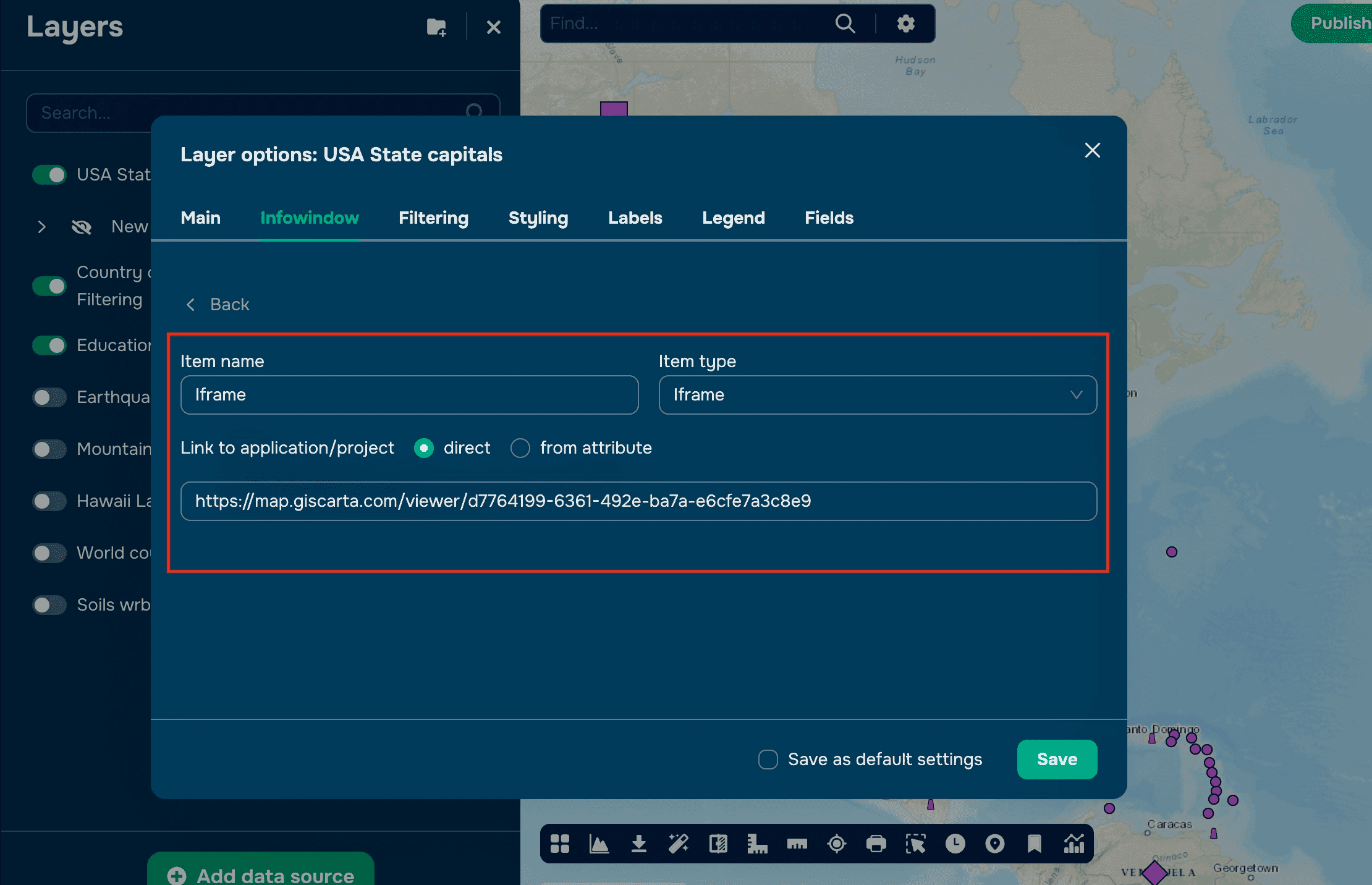
Iframes: Embed additional maps or web content directly in the pop-up.
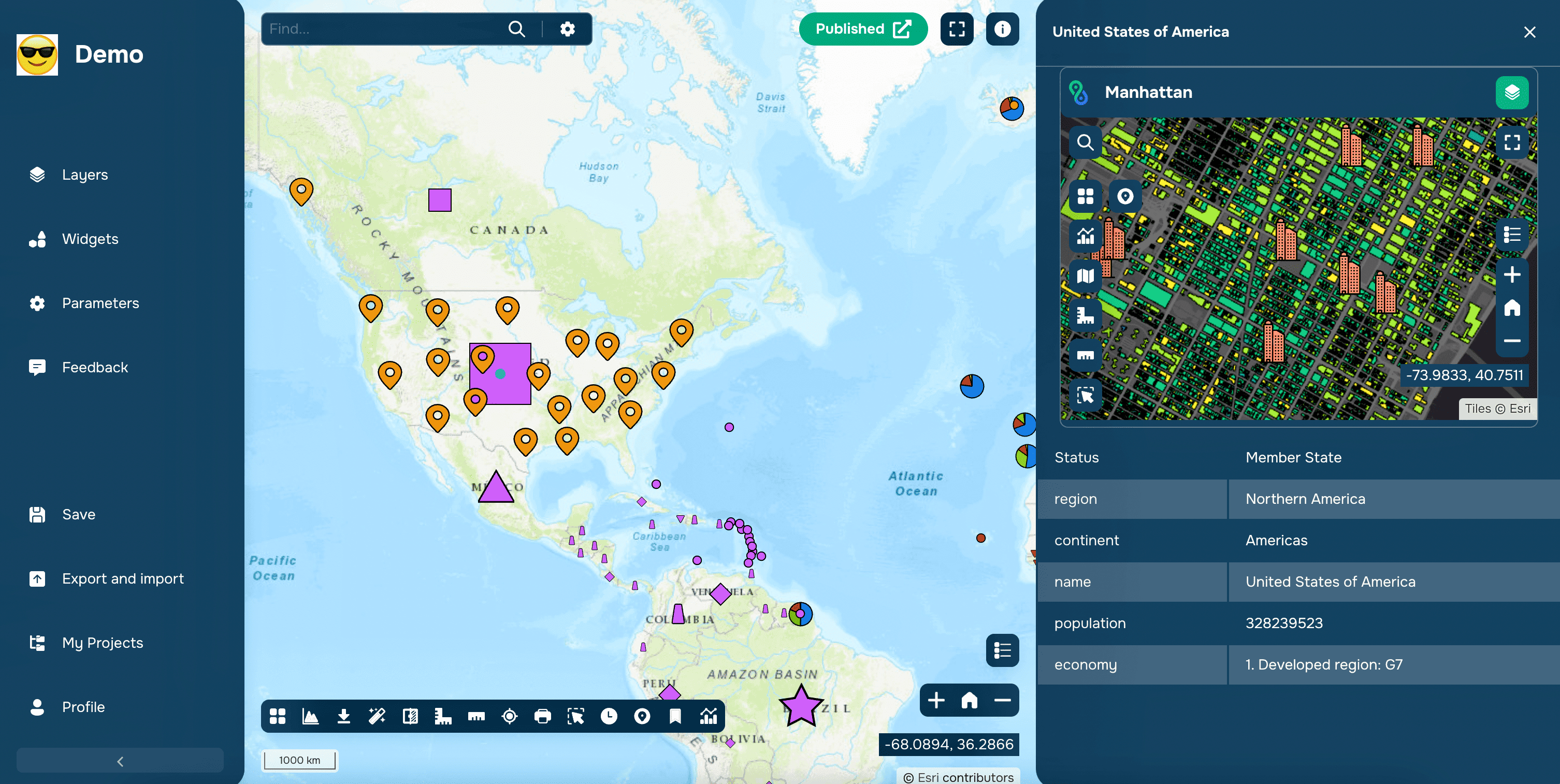
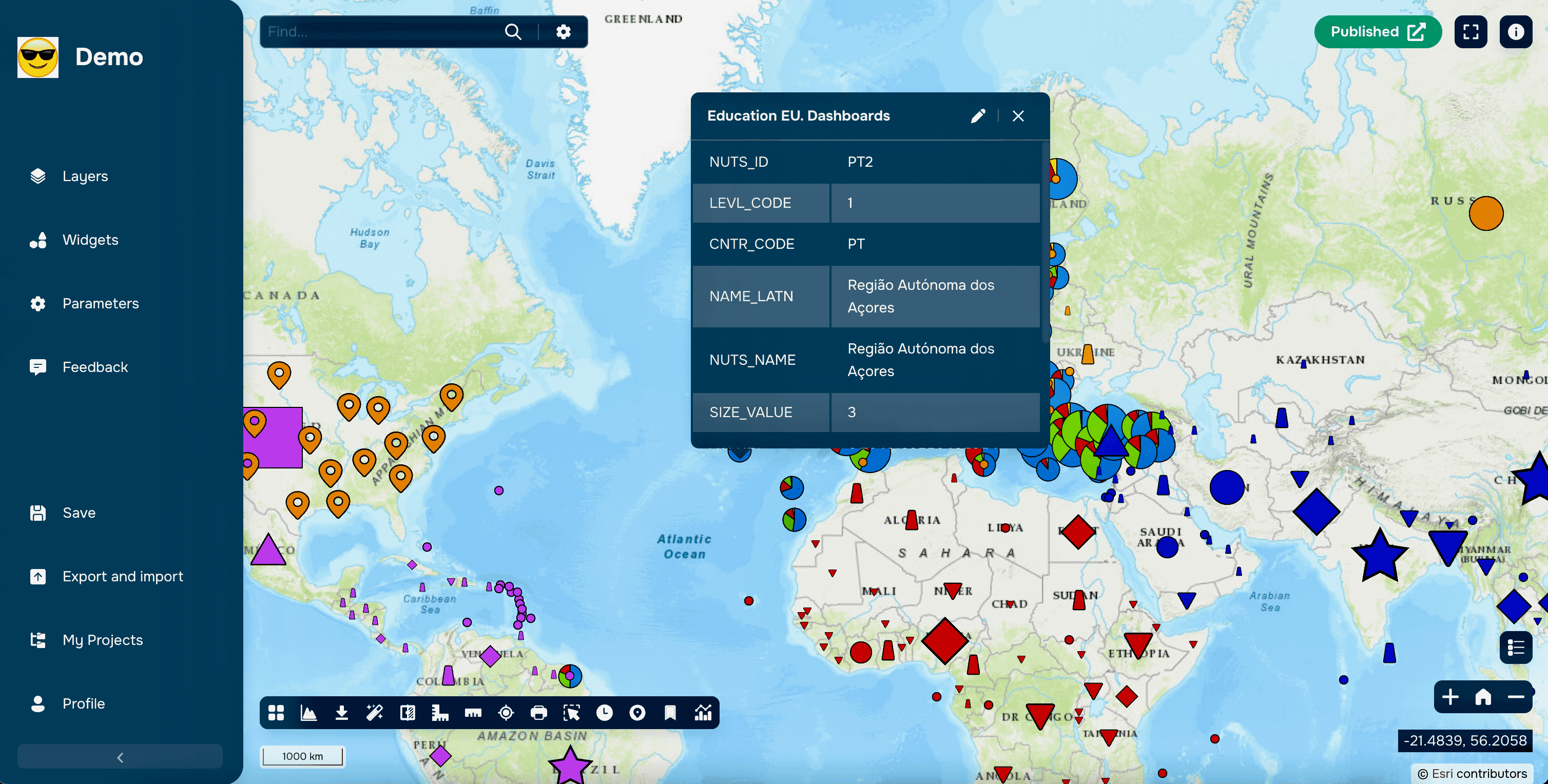
Set Location: Choose where the pop-up appears—on the map or in the side panel. Use the map for quick context and the side panel for detailed descriptions.

Step 3: Edit Attributes (Optional)
Click the pencil icon in the top-right corner to enable editing.

Update attribute values, add attachments (images or videos or any files), or create new objects directly from the pop-up.

Pro Tips for Effective Pop-Ups
Keep It Simple: Avoid overwhelming users with too much information. Focus on key details.
Use Visuals: Add images, charts, or videos to make pop-ups more engaging.
Dynamic Content: Use attributes to automatically update pop-up content based on data changes.
Test and Iterate: Experiment with different layouts and content to find what works best for your audience.
Why Use Pop-Ups in GISCARTA?
User-Friendly Customization: Easily create and modify pop-ups without coding.
Enhanced Data Visualization: Turn simple map features into rich, interactive experiences.
Improved User Engagement: Keep users on your map longer by providing valuable insights at their fingertips.
Conclusion
Informational pop-ups are a powerful tool for making your GIS maps more interactive, informative, and user-friendly. Whether you’re educating students, guiding tourists, or presenting research, pop-ups add depth and context to your data. With GISCARTA, creating and customizing pop-ups is simple and intuitive, helping you unlock the full potential of your geospatial projects.