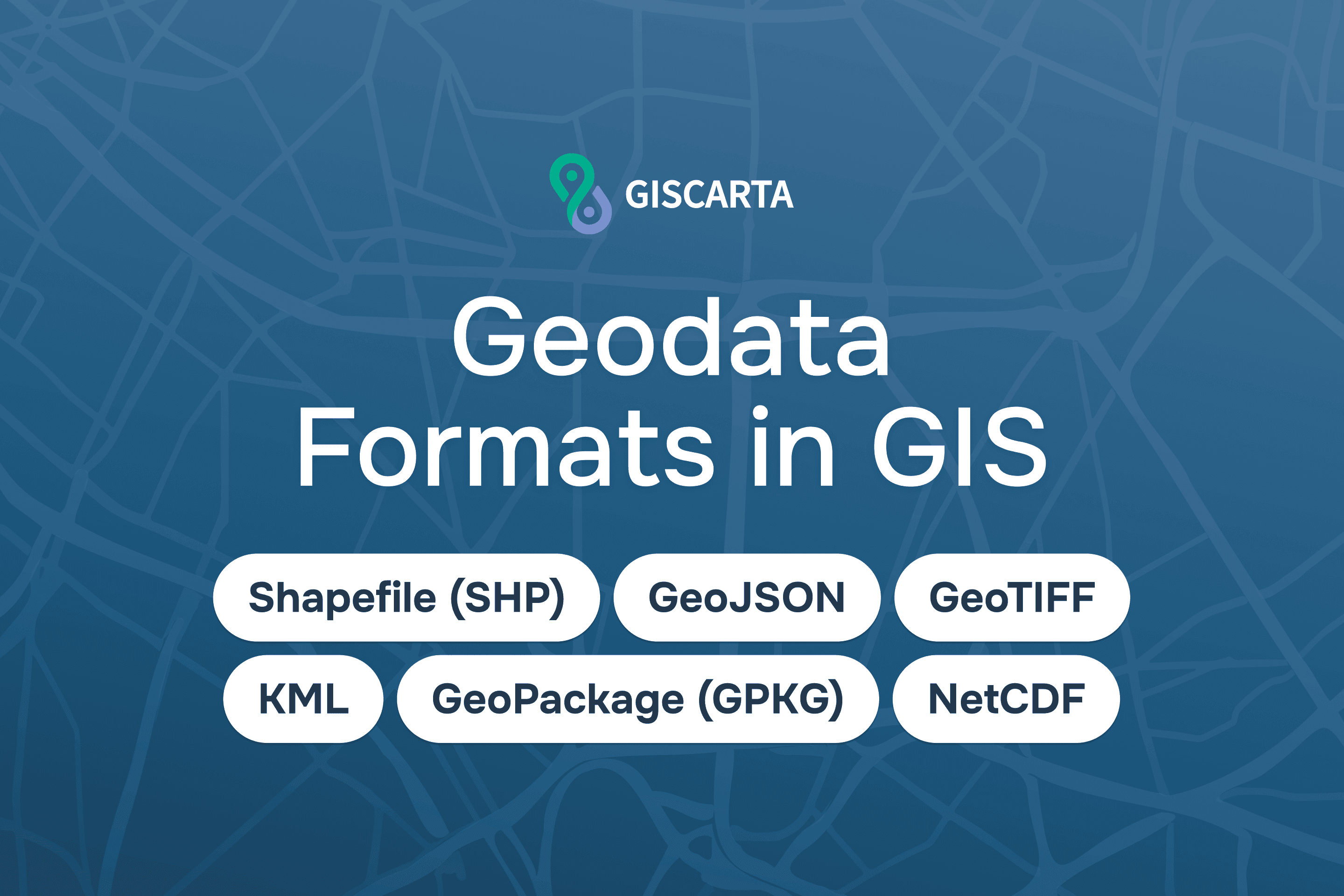
Geographic information systems handle large amounts of spatial information. This can include data on roads, buildings, territorial boundaries, natural features, or satellite images of the Earth's surface. To store, transmit, and analyze such data, specialized geodata formats are used.
The format determines how the geographic information is recorded: how the geometry of objects, their attributes, and additional parameters, such as the coordinate system, are stored. The chosen format influences the ease of working with the data, its compatibility with various programs, and the effectiveness of analysis.
GIS typically distinguishes two main categories of data: vector and raster. These differ in the way they represent spatial information and are used for different types of tasks.
Vector Geodata Formats
Vector data is used to describe objects with clear boundaries. In GIS, it is represented as points, lines, and polygons. For example, points could represent cities or observation stations, lines could represent roads and rivers, and polygons could represent the boundaries of countries, lakes, or land parcels. Various vector formats are used to store such features:
Shapefile
One of the most common formats is Shapefile (SHP). This format was developed by Esri and has long been a standard for spatial data exchange. Although Shapefile is often referred to as a single file, it actually consists of several files with the same name but different extensions. The main ones are:
.shp: stores feature geometry
.shx: geometry index
.dbf: attribute table
.prj: coordinate system
.cpg: attribute encoding

Shapefile is supported by virtually all GIS programs, such as QGIS, ArcGIS, and other geodata analysis tools. This has made it a standard for spatial data exchange.
However, the format has limitations. For example, it does not support long field names, has size limits for attribute tables, and cannot store multiple data layers in a single file.
Shapefile is supported by virtually all GIS programs, including ArcGIS, QGIS, and many spatial analysis tools. Due to its compatibility, this format remains widely used for geodata exchange. However, it has several limitations, such as limited field name lengths and the inability to store multiple data layers in a single file.
GeoJSON
A more modern format is GeoJSON. It is based on the JSON format and is widely used in web mapping. GeoJSON describes the geometry of features and their attributes in a textual structure, making it convenient for transmitting data over the internet and using in web applications.
GeoJSON is widely used in interactive maps and geospatial APIs. However, due to its textual format, it can take up more space and be less efficient when working with very large datasets.
GeoPackage
Another important format is GeoPackage (GPKG). This is an open format developed by the Open Geospatial Consortium (OGC). It is based on the SQLite database and allows storing various types of geodata in a single file.
GeoPackage supports storing multiple vector layers, raster data, attribute tables, and metadata. Due to its versatility, it is gradually becoming a popular alternative to Shapefile. KML (Keyhole Markup Language) is also widely used. It was developed for visualizing geographic data in Google Earth services. The format is based on XML and allows for displaying geographic features along with additional information, such as labels, descriptions, or images.
Raster Geodata Formats
Raster data represents information as a regular grid of pixels. Each cell in this grid contains a value that can represent, for example, the color of the image, the elevation of the terrain, or the surface temperature.
Raster formats are most often used to store satellite imagery, aerial photography, digital elevation models, and climate data.
One of the most common formats is GeoTIFF. It is an extended version of the TIFF format that additionally stores information about the image's georeferencing. The file can store coordinates, the coordinate system, and the spatial resolution of the data.
GeoTIFF is widely used in remote sensing and satellite data analysis.
Another format is NetCDF. It is used in scientific research and is used to store large multidimensional data sets, such as climate or oceanographic observations.
Use of Different Geodata Formats
The choice of format depends on the type of data and the analysis tasks.
Vector formats are most often used to store infrastructure features, administrative boundaries, transportation networks, and statistical information. They enable spatial operations, such as object intersections, distance calculations, or area analysis.
Comparison table of geodata formats
Format | Geometry Support | Typical Use Cases | Advantages | Limitations |
Shapefile (SHP) | Point, Line, Polygon | Traditional GIS datasets, data exchange between GIS systems | Very widely supported, simple structure | Field name limits, separate files, single layer per dataset |
GeoJSON | Point, LineString, Polygon | Web mapping, APIs, interactive maps | Human-readable, easy integration with web technologies | Large file sizes for big datasets, slower for heavy analysis |
GeoPackage (GPKG) | Point, Line, Polygon, Raster | Modern GIS data storage, mobile GIS, spatial databases | Multiple layers in one file, efficient storage, open standard | Not fully supported by very old GIS software |
KML | Point, Line, Polygon | Visualization in Google Earth, simple spatial sharing | Good for visualization and sharing geographic content | Not designed for complex GIS analysis |
GeoTIFF | Raster | Satellite imagery, elevation models, remote sensing analysis | Stores georeferencing and metadata, widely used in remote sensing | Large file sizes |
NetCDF | Raster / multidimensional grids | Climate data, atmospheric and oceanographic models | Efficient storage of large multidimensional datasets | Requires specialized tools for analysis |
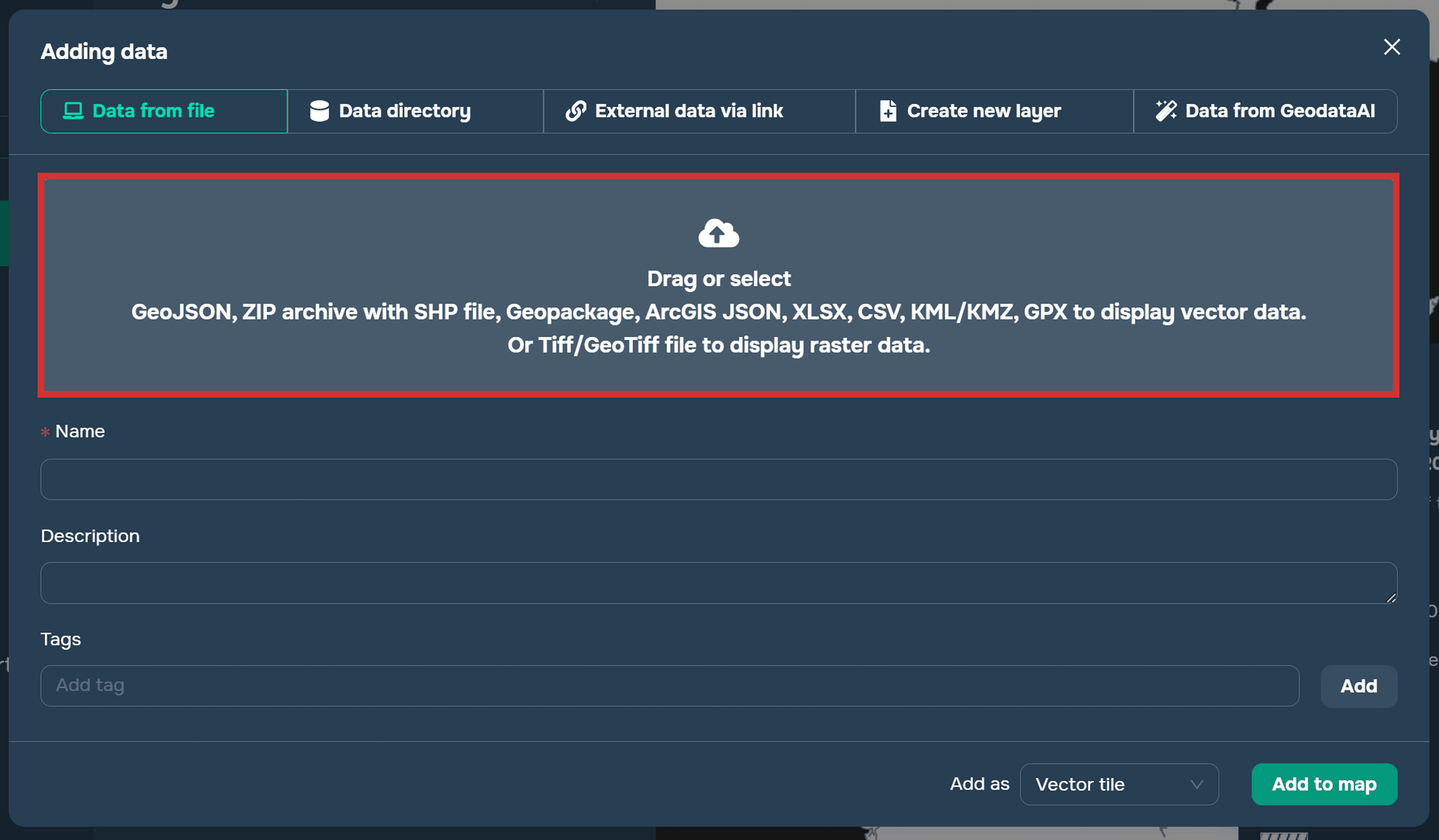
The following geodata formats can be added to the GISCARTA platform:
GeoJSON
Shapefile (SHP)
GeoPackage (GPKG)
KML/KMZ
GeoTIFF
FAQ
Why is the Shapefile format still used despite its limitations?
Shapefile remains popular due to its high compatibility with various GIS programs and the large amount of geodata already available in this format.
How do I choose a geodata format for a project?
The choice depends on the analysis tasks, the volume of data, and the software used. For example, GeoJSON is often used in web mapping, while GeoPackage is convenient for storing multiple data layers in a single file.
Which geodata format is most commonly used?
One of the most common vector formats is Shapefile, but more and more projects are using modern formats such as GeoPackage and GeoJSON.
Why are multiple data formats used in GIS?
Different formats are suitable for different tasks. For example, vector formats are used to store infrastructure features, while raster formats are used for working with satellite imagery and surface models.
Key Takeaways
Geodata formats define how spatial information is stored and used in geographic information systems.
Vector formats are used to store objects with precise geometry, such as roads, buildings, and land boundaries.
Raster formats are used to analyze continuous data, such as satellite images and elevation models.
Modern GIS projects often use a combination of several geodata formats to more effectively analyze and visualize spatial information.