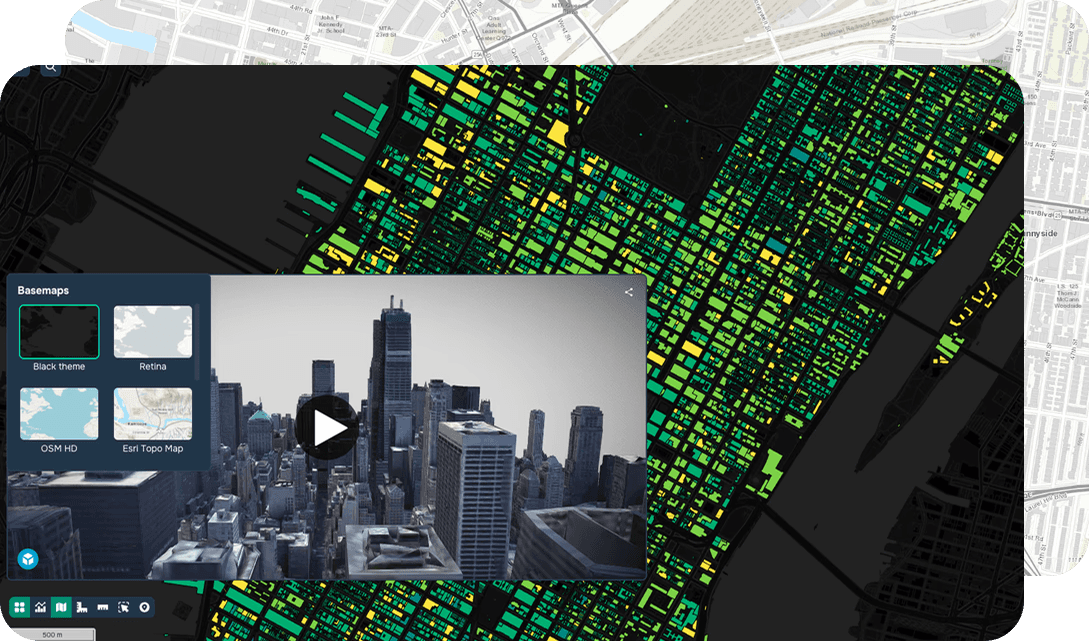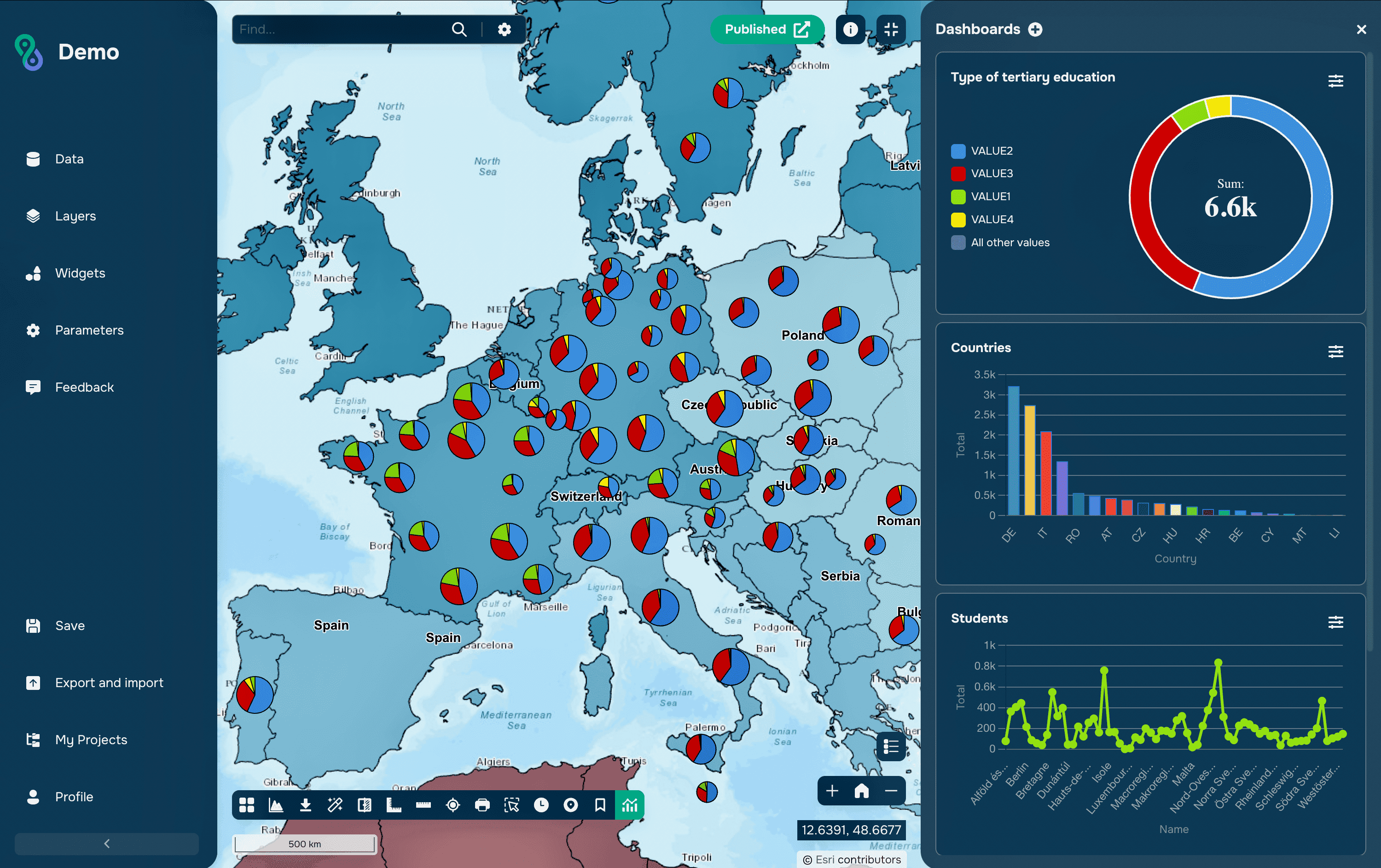
In addition to specialized geospatial formats, GIS often uses tabular data, such as CSV or Excel files. These files do not contain feature geometry themselves, but can store important attribute information associated with spatial data.
CSV
The CSV (Comma-Separated Values) format is a simple text file in which data is stored in a table. Each row corresponds to a record, and columns are separated by commas or other delimiters. CSV is widely used for exchanging data between various programs, including databases, statistical packages, and GIS applications.
Excel
Excel files (XLS or XLSX) are also often used to store tabular data. They are convenient for working with large tables and allow the use of formulas, filters, and data sorting. In GIS, Excel files are typically used to store statistical data, such as population, economic indicators, or feature characteristics.
How are tables and geodata linked?
Tabular data is linked to geographic information in several ways. One of the most common options is a table join. In this case, a CSV or Excel table is linked to a spatial layer via a shared identifier, such as a region code, a feature name, or a unique ID.
Another method is to use coordinate columns. If a table contains latitude and longitude columns, a GIS program can automatically create a point layer on the map. This approach is often used when working with field observations, GPS measurements, or statistical data.
Adding tabular data to GISCARTA
You need to go to the data addition window. Then drag the desired table into the window. To ensure the data is read correctly, you must specify the column names that represent the x- and y-coordinates, as well as the coordinate system. For a CSV file, you must also select a delimiter.
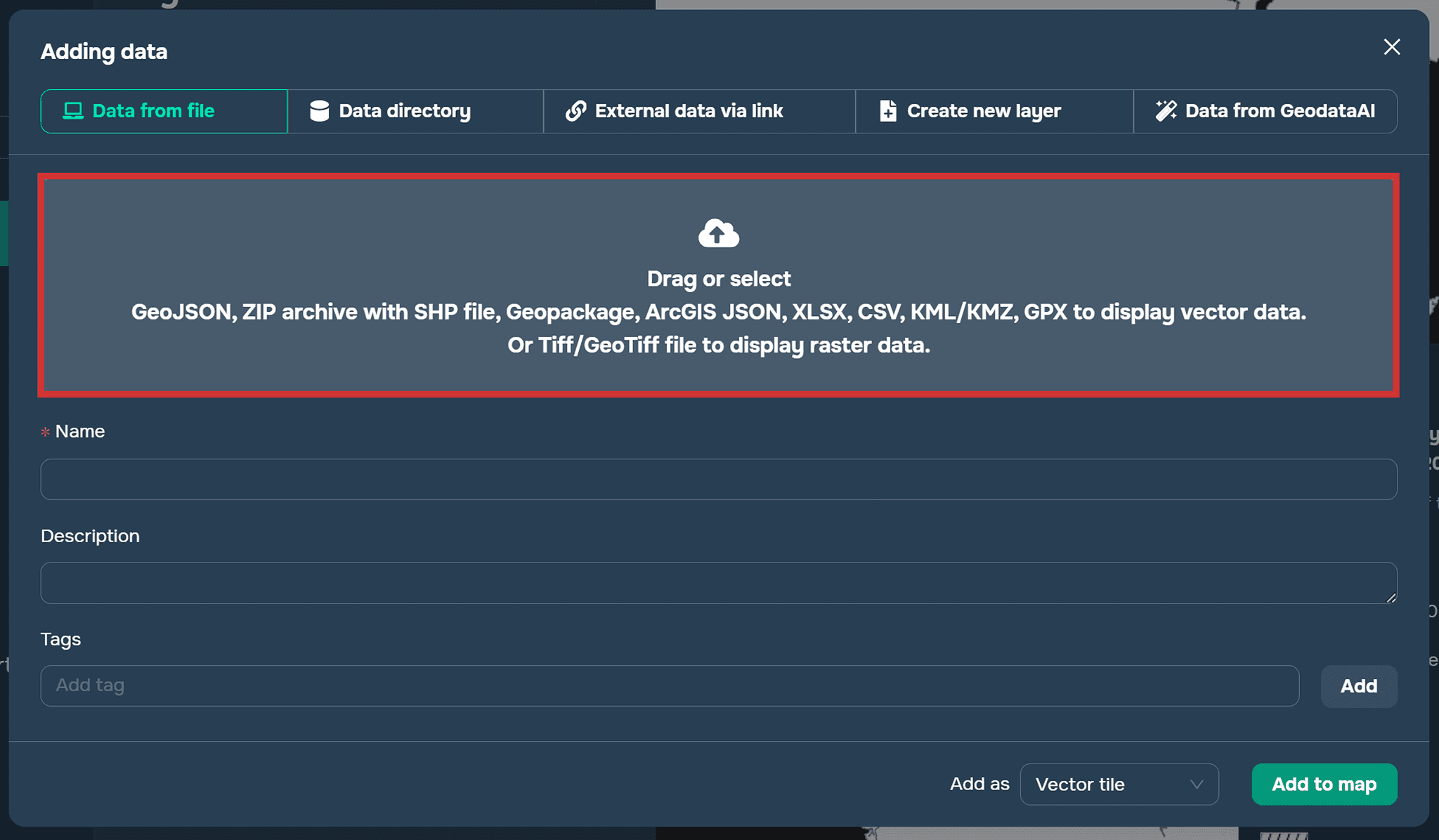
Add data window on the GISCARTA platform
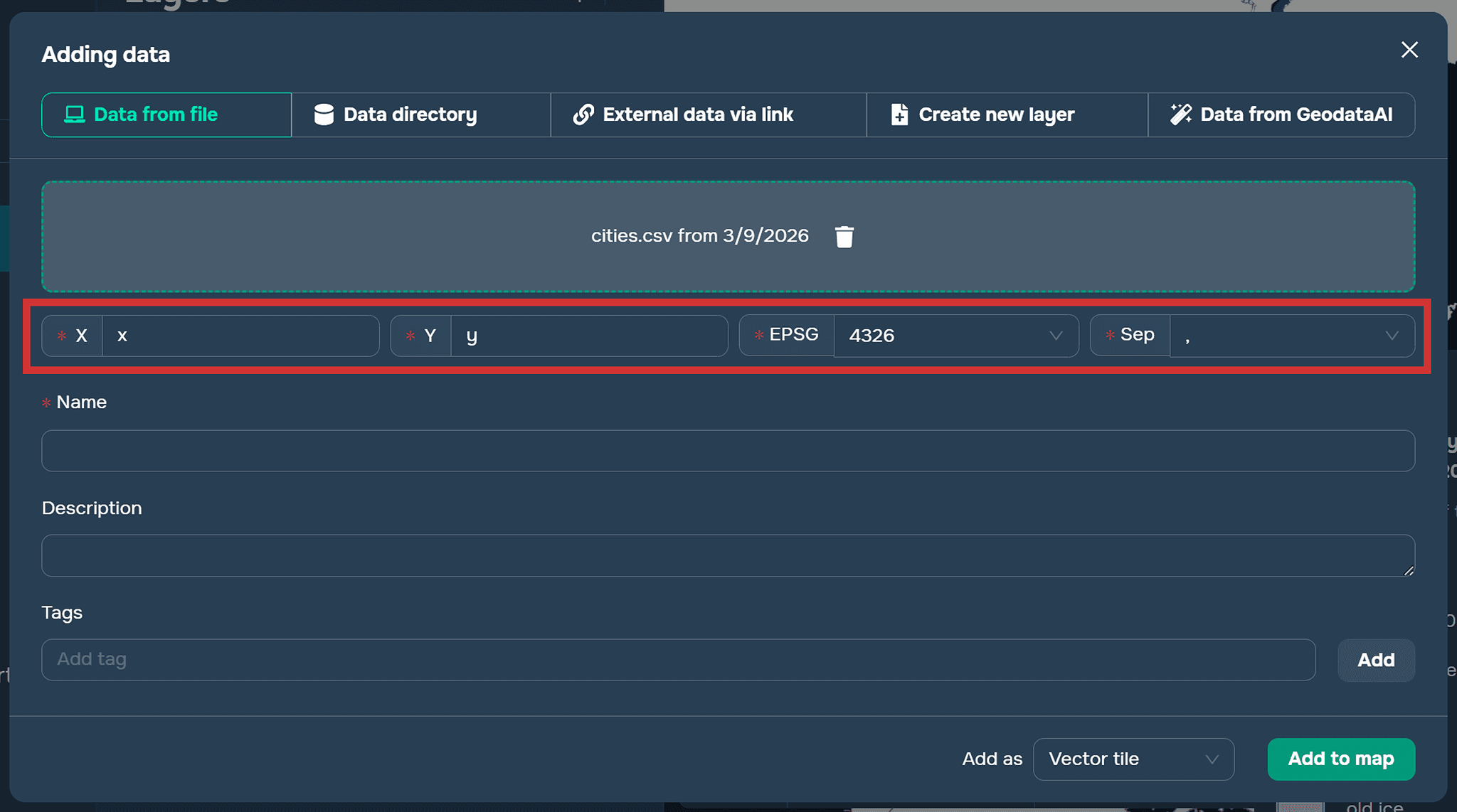
Adding a CSV file
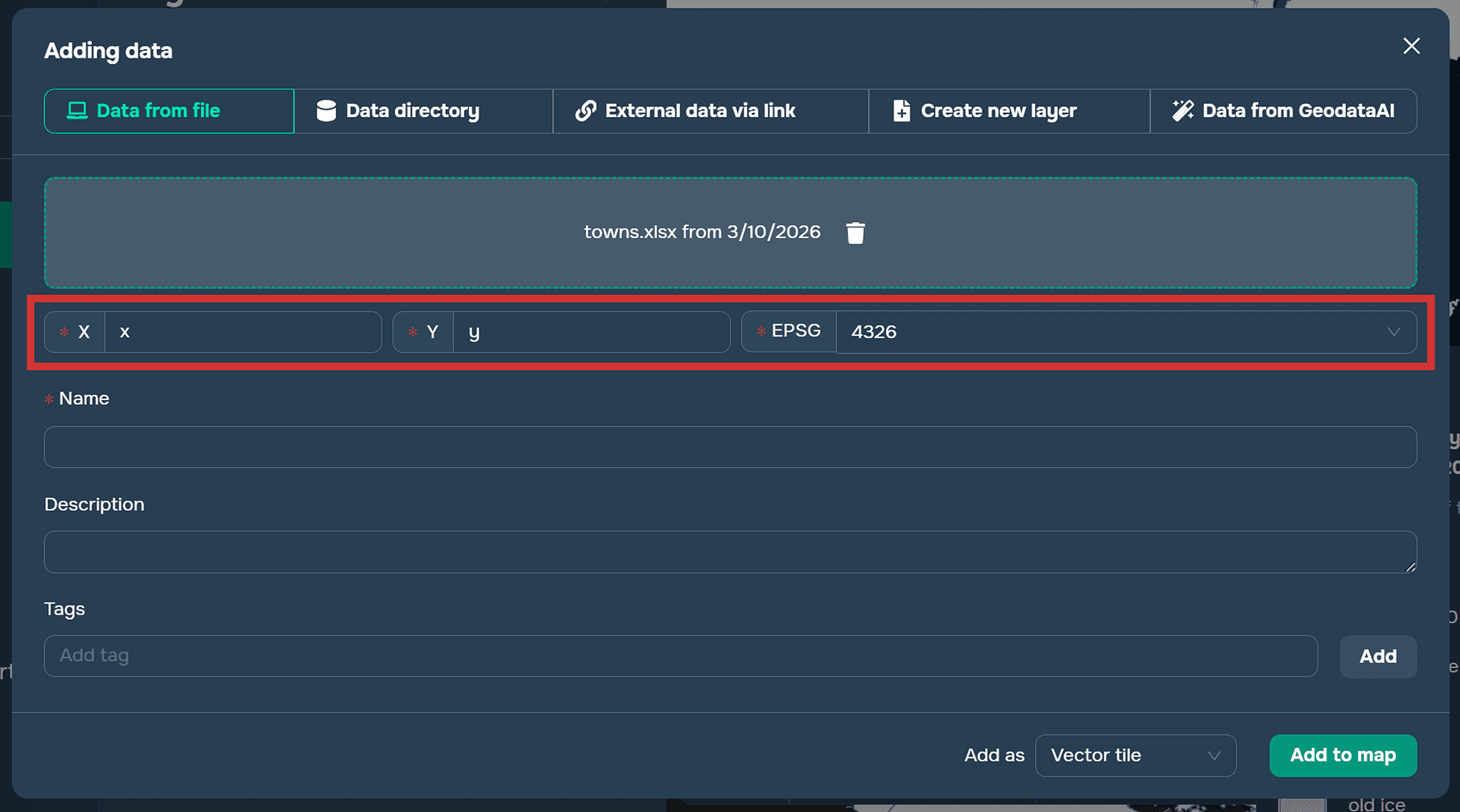
Adding an EXCEL file
FAQ
Can CSV and Excel files be used directly in GIS?
Yes. Although these files do not contain geometry, they can be used in GIS if they include identifiers for joining with spatial layers or columns with geographic coordinates.
What coordinates are usually used when creating points from tables?
Most commonly, latitude and longitude coordinates are used. They allow GIS software to create point features on a map.
What should be specified when importing a CSV file into GISCARTA?
You need to define the columns that contain X and Y coordinates, select the coordinate system, and specify the delimiter used in the file.
Why are tabular formats often used in GIS projects?
They are simple, widely supported, and convenient for storing large volumes of attribute or statistical data.
Key Takeaways
CSV and Excel files are commonly used in GIS to store attribute and statistical data related to geographic features.
Tabular data can be linked to spatial layers using identifiers or by creating point features from coordinate columns.
GIS platforms such as GISCARTA allow users to easily import and visualize tabular data on a map.
Using tabular data together with spatial layers expands the possibilities for geographic analysis and visualization.