OpenStreetMap (OSM) is a global map of the world created and updated by a community of users. Unlike commercial services, its data is open and freely available for use. This advantage has made OSM one of the main sources of geodata for mapping projects, navigation, and geoanalytics.
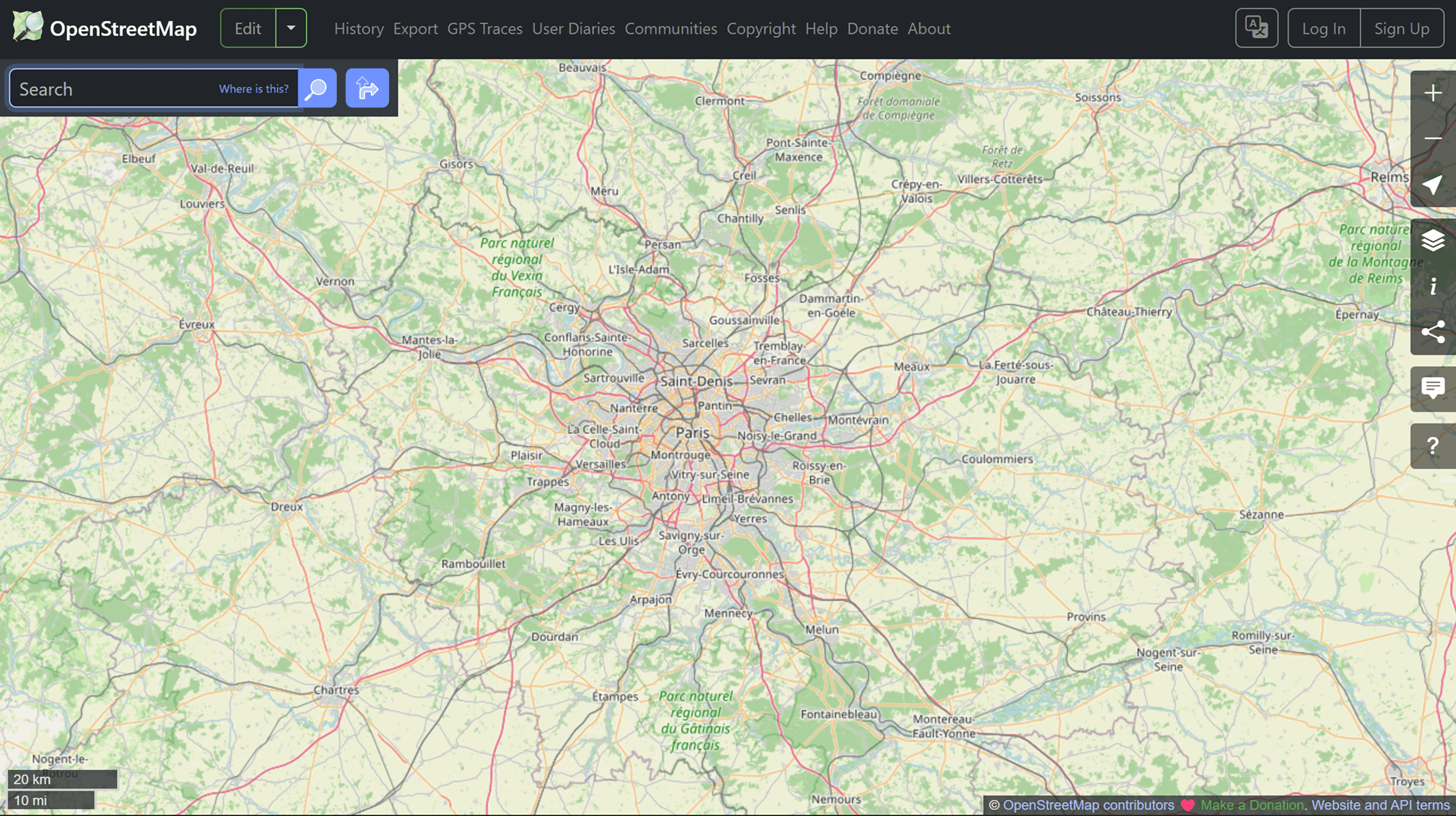
It's worth noting that OSM is not just a map, but a comprehensive spatial database that can be used, analyzed, and expanded.
What does OSM contain?
OSM includes a wide range of geodata. Here you can find roads, buildings, infrastructure, natural objects, and points of interest, from cafes to hospitals. All data is represented as vectors: points, lines, and polygons with attributes.
This structure makes OSM ideal for analysis and map creation.
Where is OSM used?
OpenStreetMap data is used in mapping projects, logistics, geomarketing, and transportation systems. Many companies, including delivery services and mobile apps, use OSM as the basis for maps and routes.
Humanitarian mapping is a separate area. During emergency situations, volunteers around the world update the data, adding roads, buildings, and important objects.
How to use OSM data?
There are several ways to access and use OpenStreetMap data in projects.
Download ready-made data
The easiest way is to use ready-made downloads:
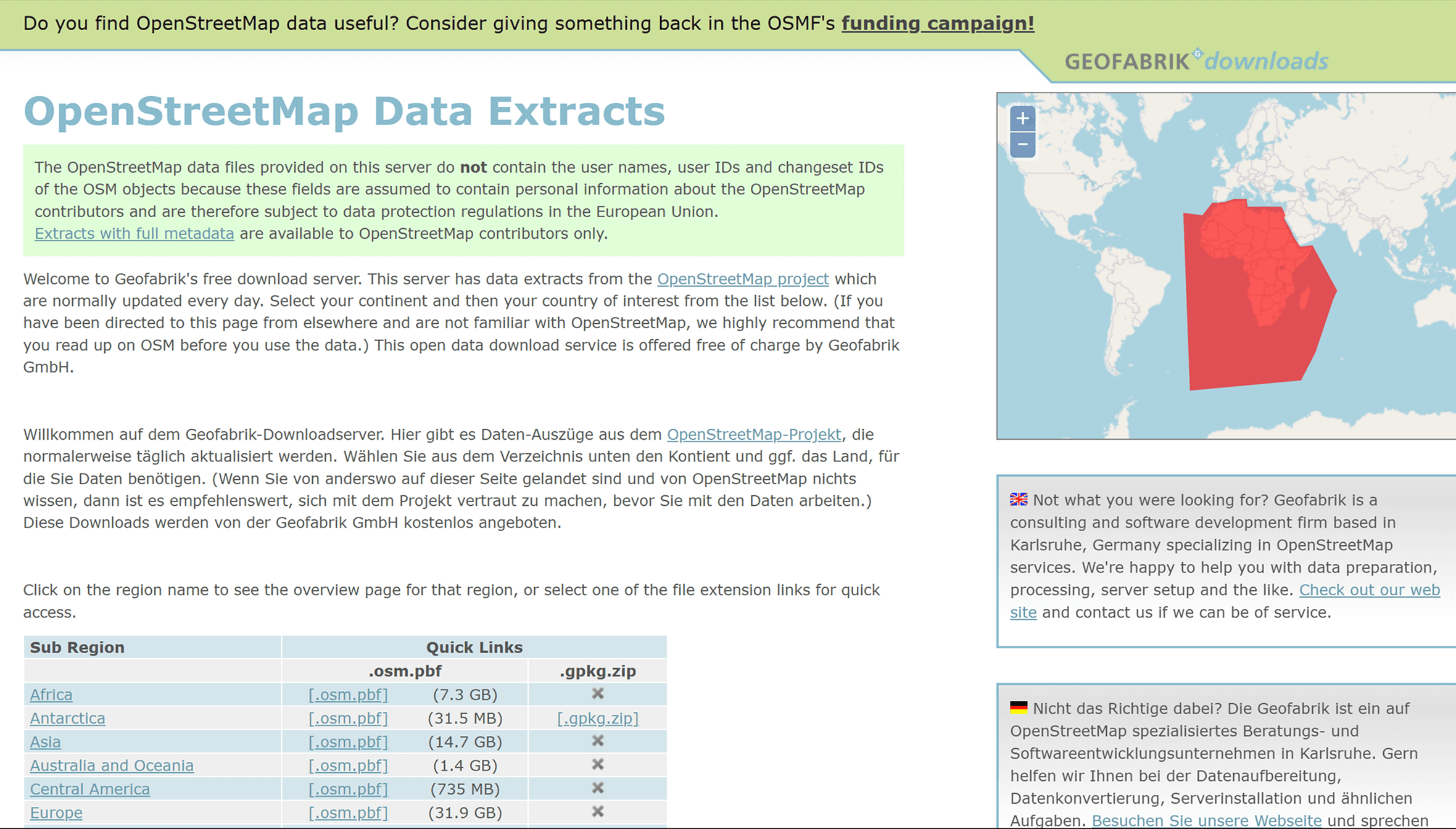
Geofabrik: regional data by country and continent
BBBike Extracts: the ability to select a custom area
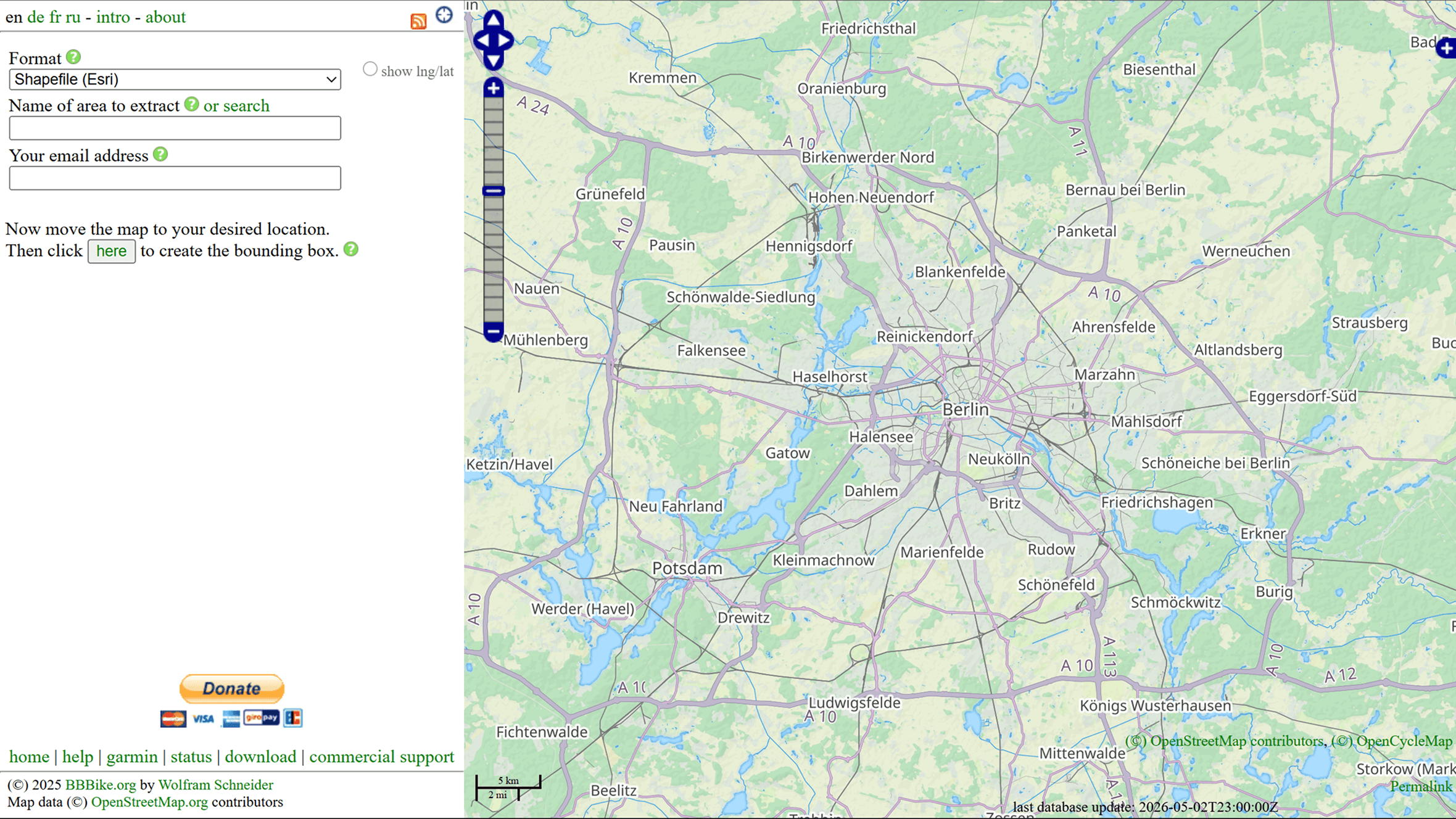
This data is typically available in .pbf or .shp format and is suitable for use in GIS.
Use data via API
For more flexible work, you can use the Overpass API:
Overpass Turbo
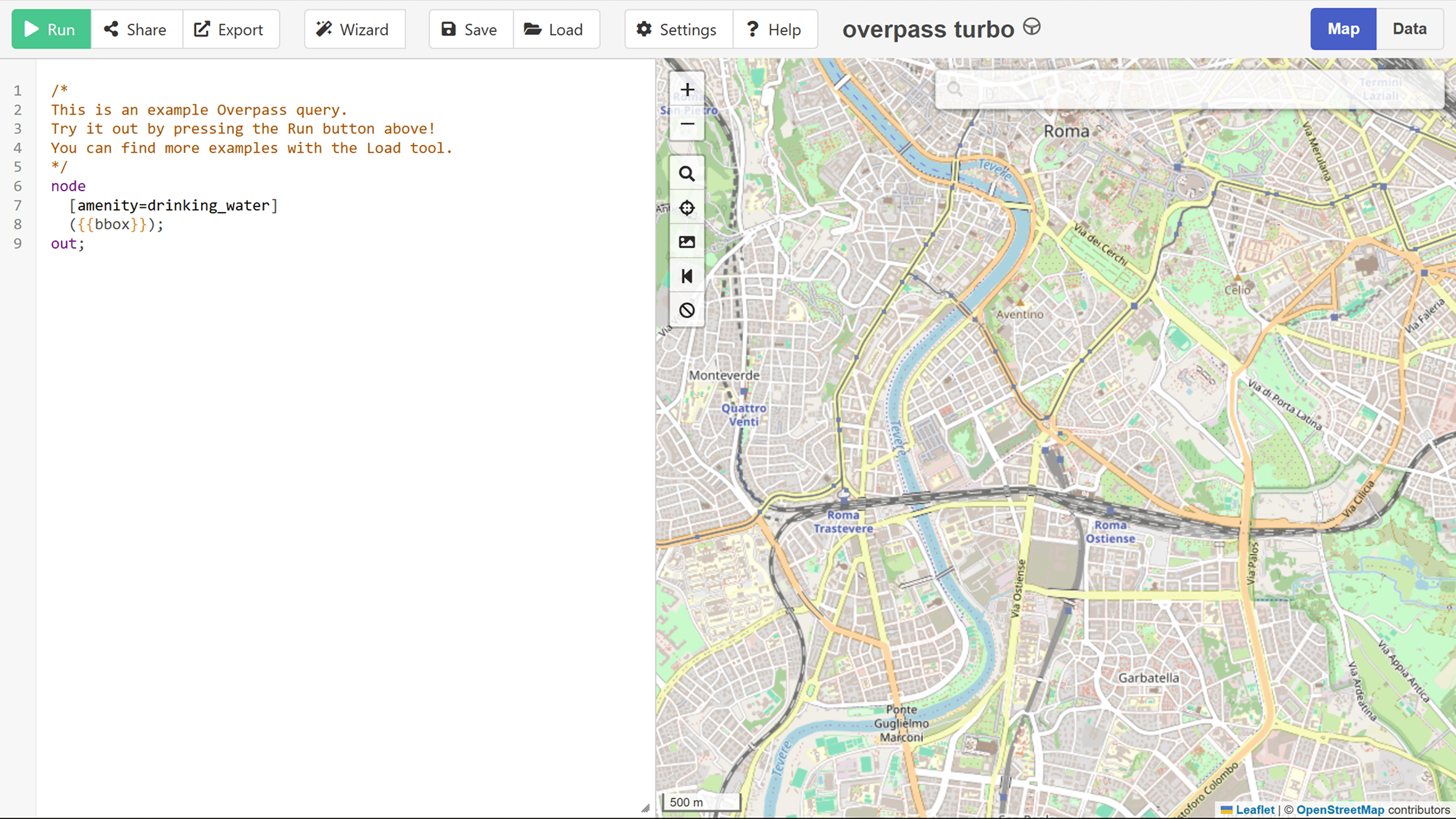
It allows you to filter by tags and retrieve only the desired objects, such as all restaurants or roads in a specific area.
Working in QGIS
One of the most convenient ways to work with OSM is using QGIS.
Several options are available:
uploading existing data (e.g., .pbf files)
connecting to OSM via plugins
QuickOSM plugin
The QuickOSM plugin is especially worth mentioning, as it significantly simplifies working with data.
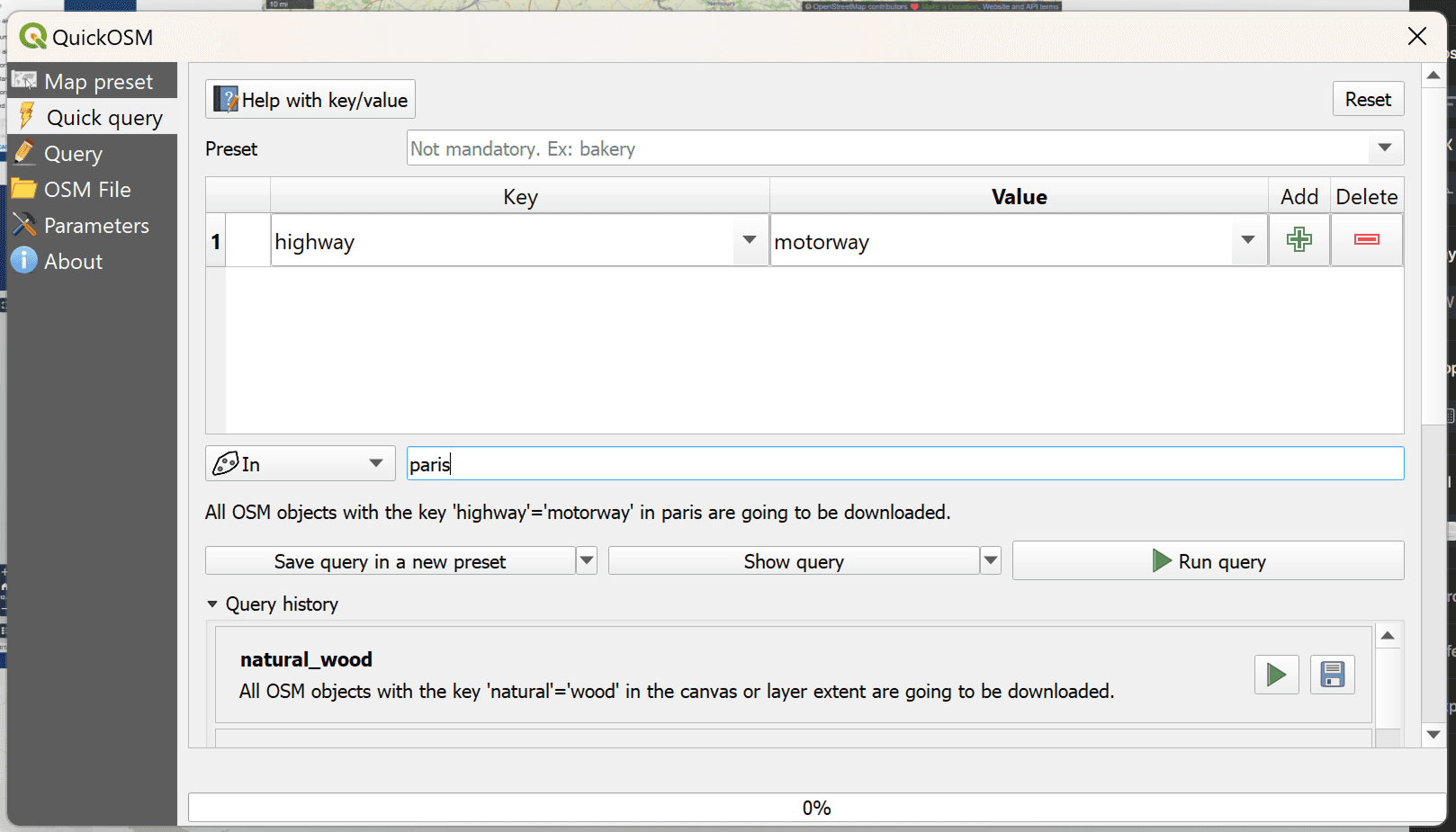
Plugin QuickOSM in QGIS
QuickOSM allows you to:
execute Overpass API queries directly from QGIS
select data by tags (e.g., highway, building)
get results immediately as layers
Use example:
select key: amenity
value: hospital
specify area
upload data
This is one of the fastest ways to obtain point or thematic data without downloading large files.
How OSM data is structured
OSM uses a simple yet flexible structure:
nodes: points with coordinates
ways: lines or polygons
relations: relationships between objects
Each object has tags: key-value pairs that describe its type and properties. For example, highway = primary or building = yes.
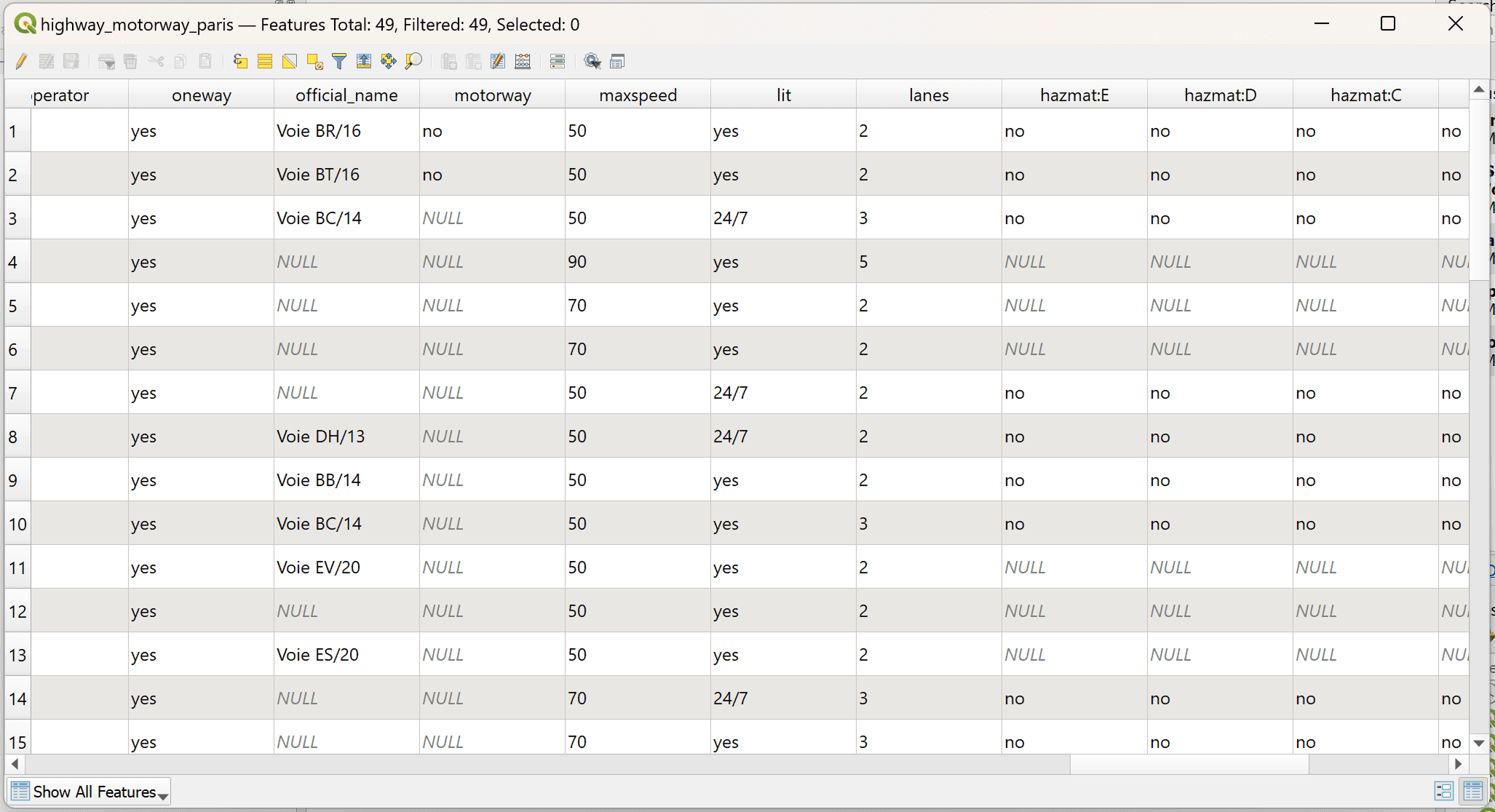
An example of an attribute table of Paris roads
How do I enter data into OSM?
The advantage of OSM is its editing capabilities.
Registration
First, you need to create an account on the OpenStreetMap website.
Editors
There are two main tools:
iD Editor — a built-in browser editor
JOSM — a more advanced desktop editor
Basic Actions
The user can:
add new features
edit existing ones
correct errors
Even small edits, such as adding a building or road, improve the quality of the data.
Tools
Various tools are used to work with OSM:
QGIS – analysis and processing
Overpass Turbo – data retrieval
JOSM – editing
Conclusions
OpenStreetMap is one of the most important sources of open geodata. It allows you not only to use information but also to participate in its creation. This makes OSM a unique tool that brings together community and technology.
FAQ
Can OSM be used in commercial projects?
Yes, as long as it complies with the Open Database License (ODbL).
Do you need to be an expert to contribute data?
No, you can start with simple edits.
How can you tell if the data is accurate?
It's recommended to verify it and use multiple sources.
Key Takeaways
OpenStreetMap is a structured database that can be used for analysis and visualization.
The most efficient way to work with OSM is to select the desired features (for example, via QuickOSM or Overpass), rather than downloading the entire dataset.
The quality and detail of OSM directly depend on the activity of the community, so it's always worth verifying the data and improving it if necessary.