Any mapping project requires data. Sometimes finding that data is the most difficult step. Even basic layers, such as country boundaries, rivers, or transportation infrastructure, often need to be collected from multiple sources. The Atlas section in GISCARTA solves this problem by providing ready-made open geodatasets directly within the platform.
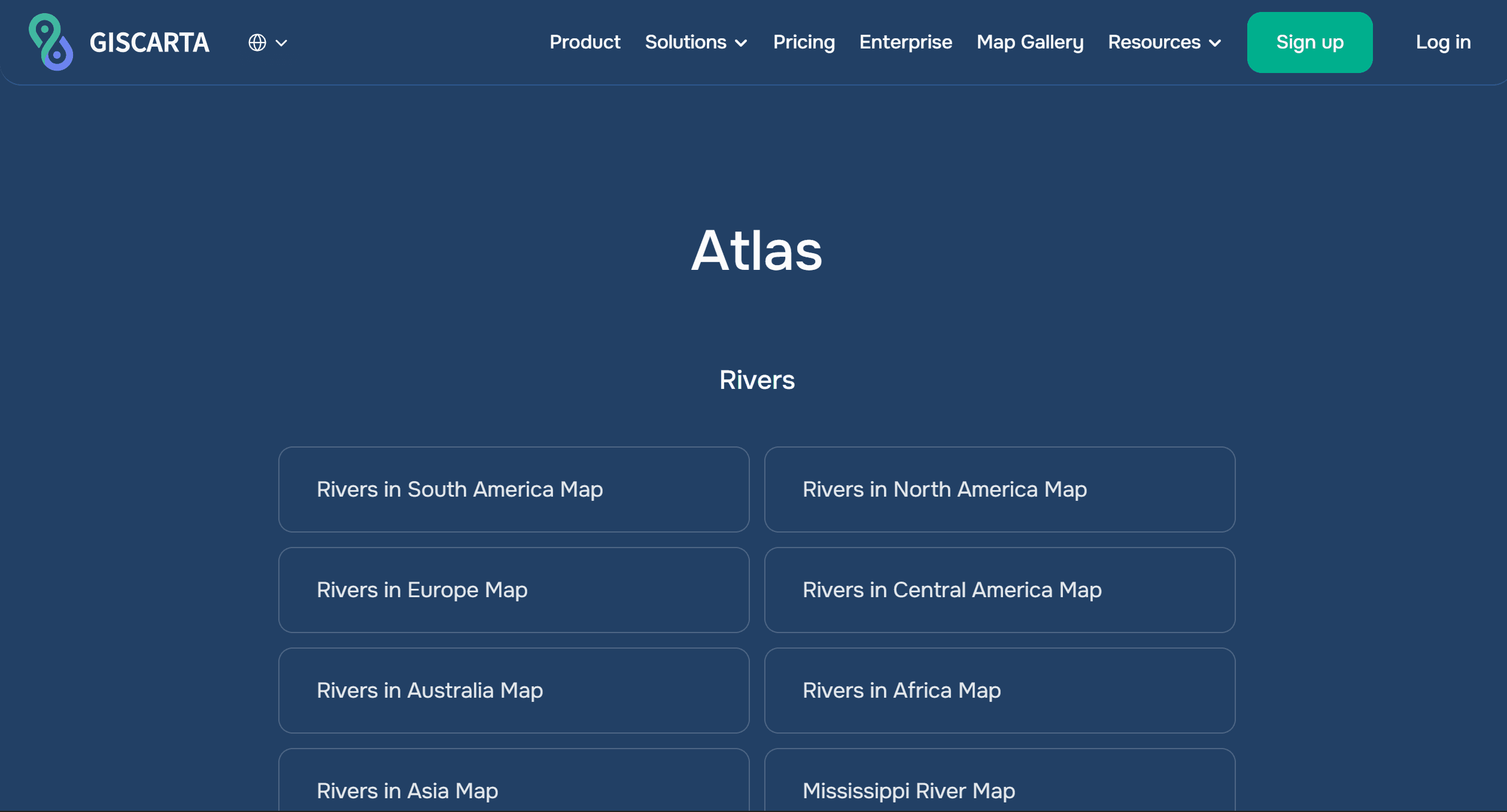
What is Atlas in GISCARTA
Atlas is a built-in geodata catalog accessible directly within the GISCARTA platform. It brings together datasets on various topics and allows you to immediately use them in projects without downloading or preparing them.
Unlike traditional open portals, the data here is already adapted for GIS: it can be immediately added to the map, styled, and used in analysis.
What data is available?
The Atlas section includes several thematic categories, each of which covers basic spatial analysis tasks. Natural Features
Atlas presents the following basic natural layers:
Rivers: hydrographic network
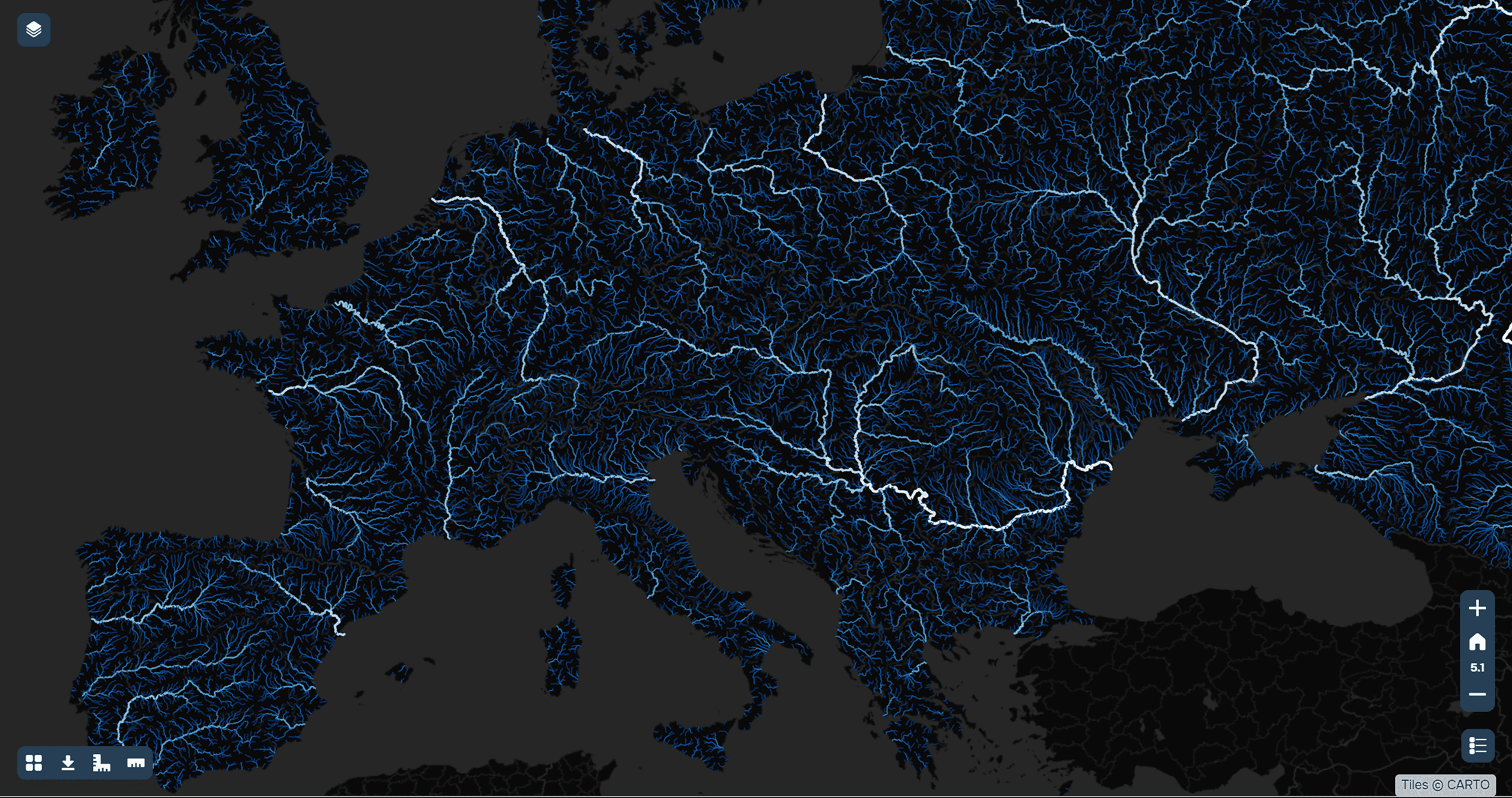
An example of the hydrographic network of the European continent
Deserts: large natural zones
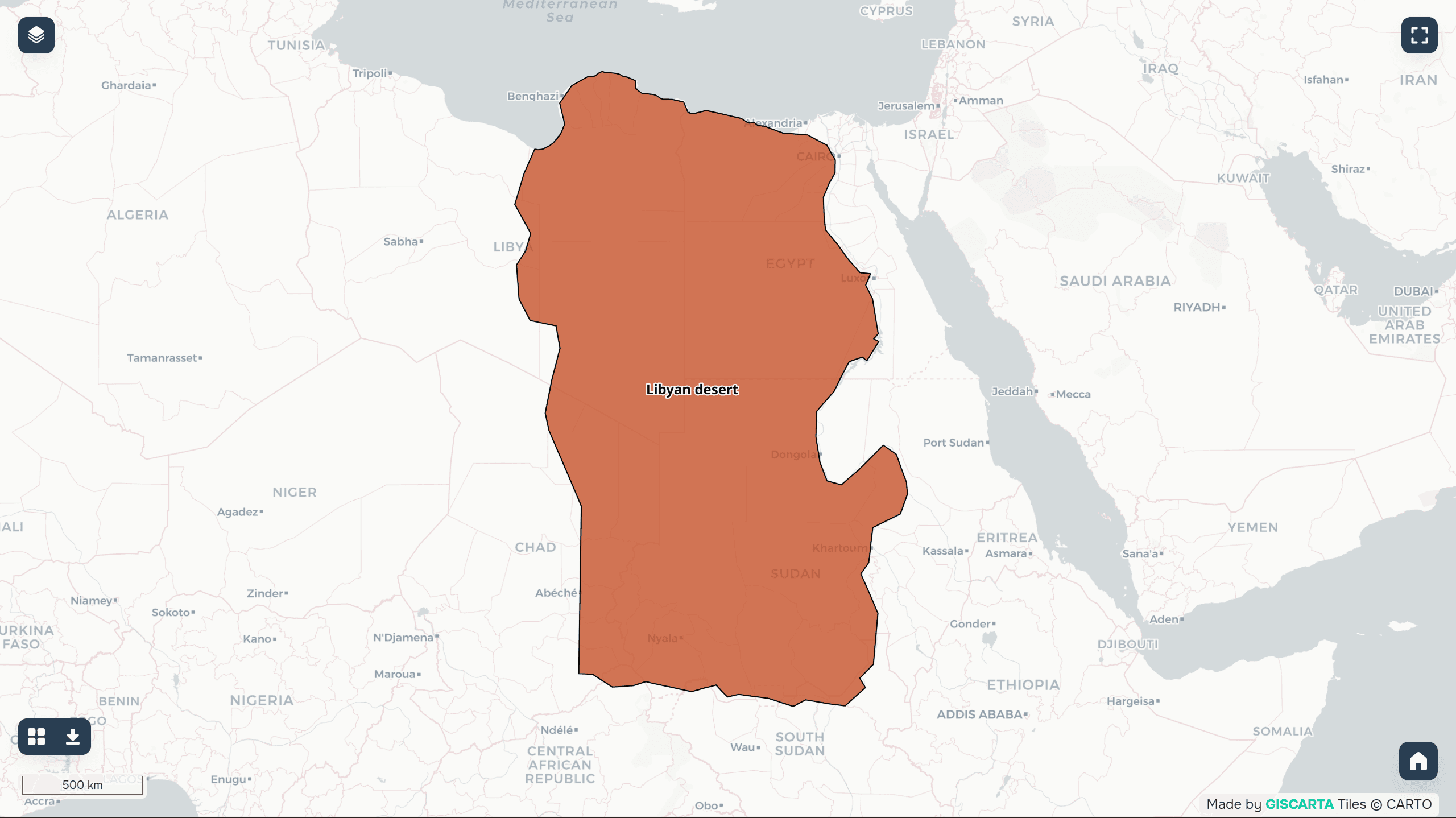
Example of data from the Libyan Desert
These data are used for:
ecological analysis
hydrological models
educational and research purposes
Administrative Boundaries
Key administrative levels are available:
countries of the world
US states
municipalities of Brazil
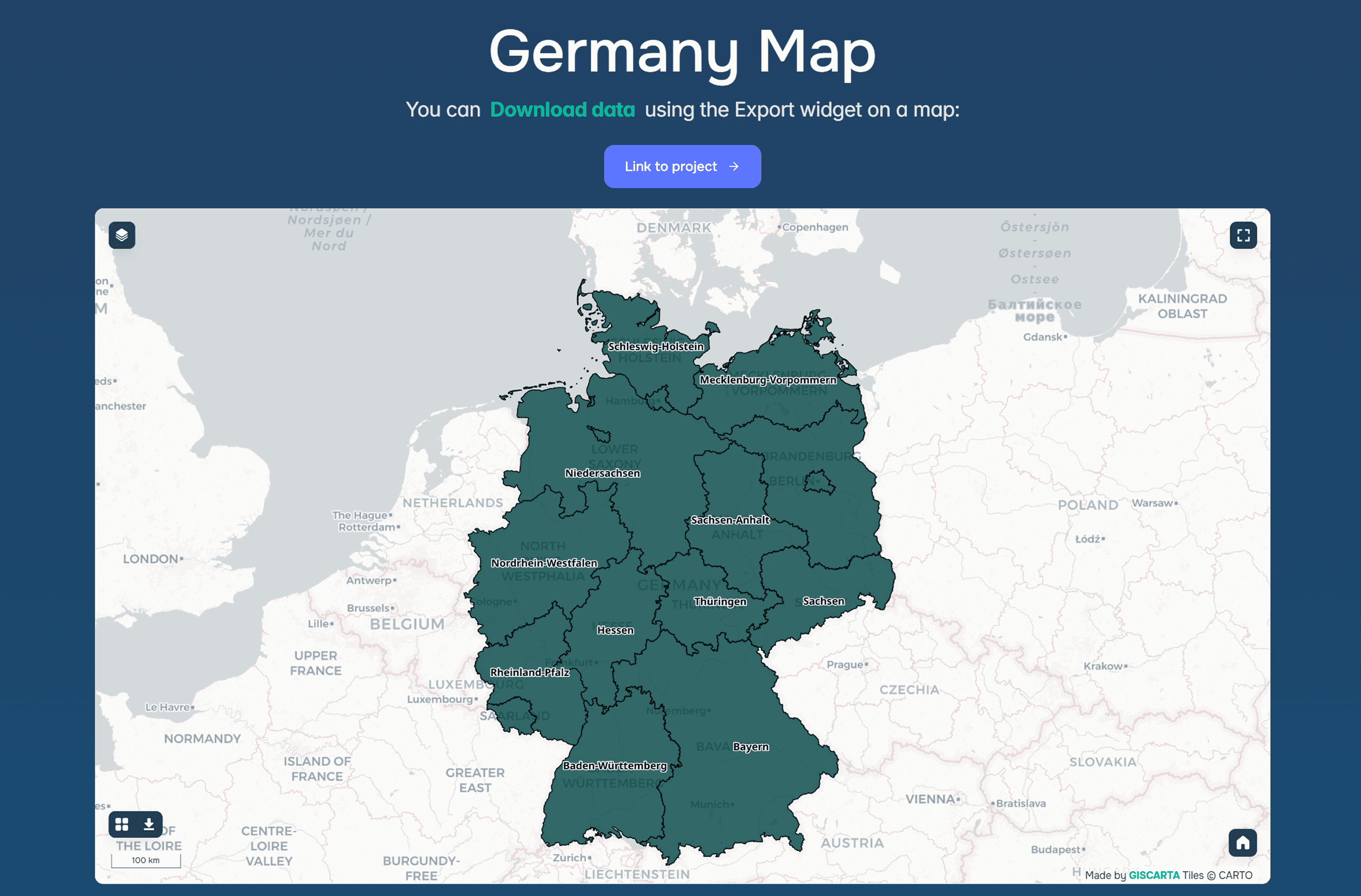
An example of the administrative-territorial division of Germany
These data are necessary for:
geomarketing
demographic analysis
statistical calculations
Transport Infrastructure
Transport data is a separate category:
Airports
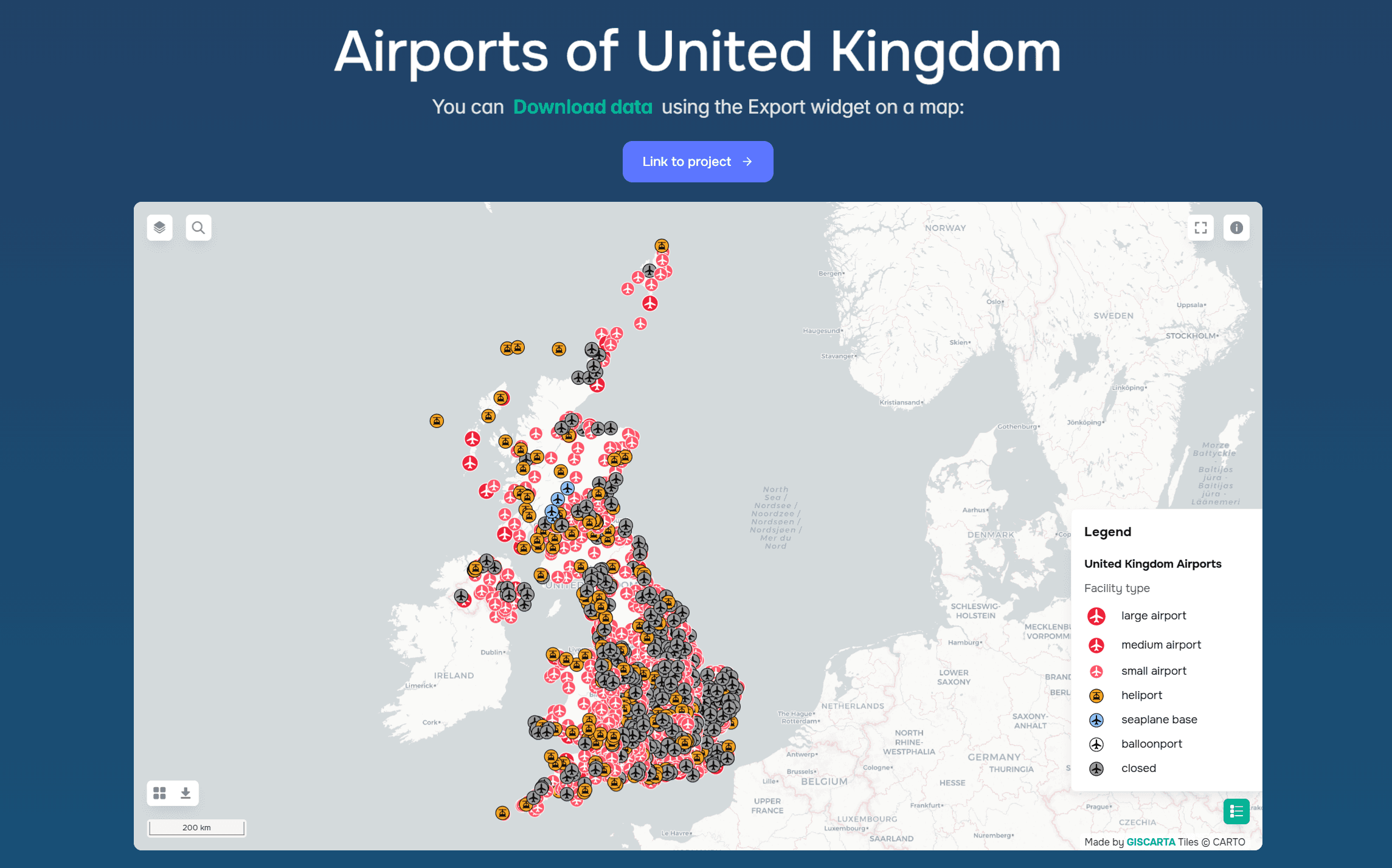
Example of UK airport data
Metro
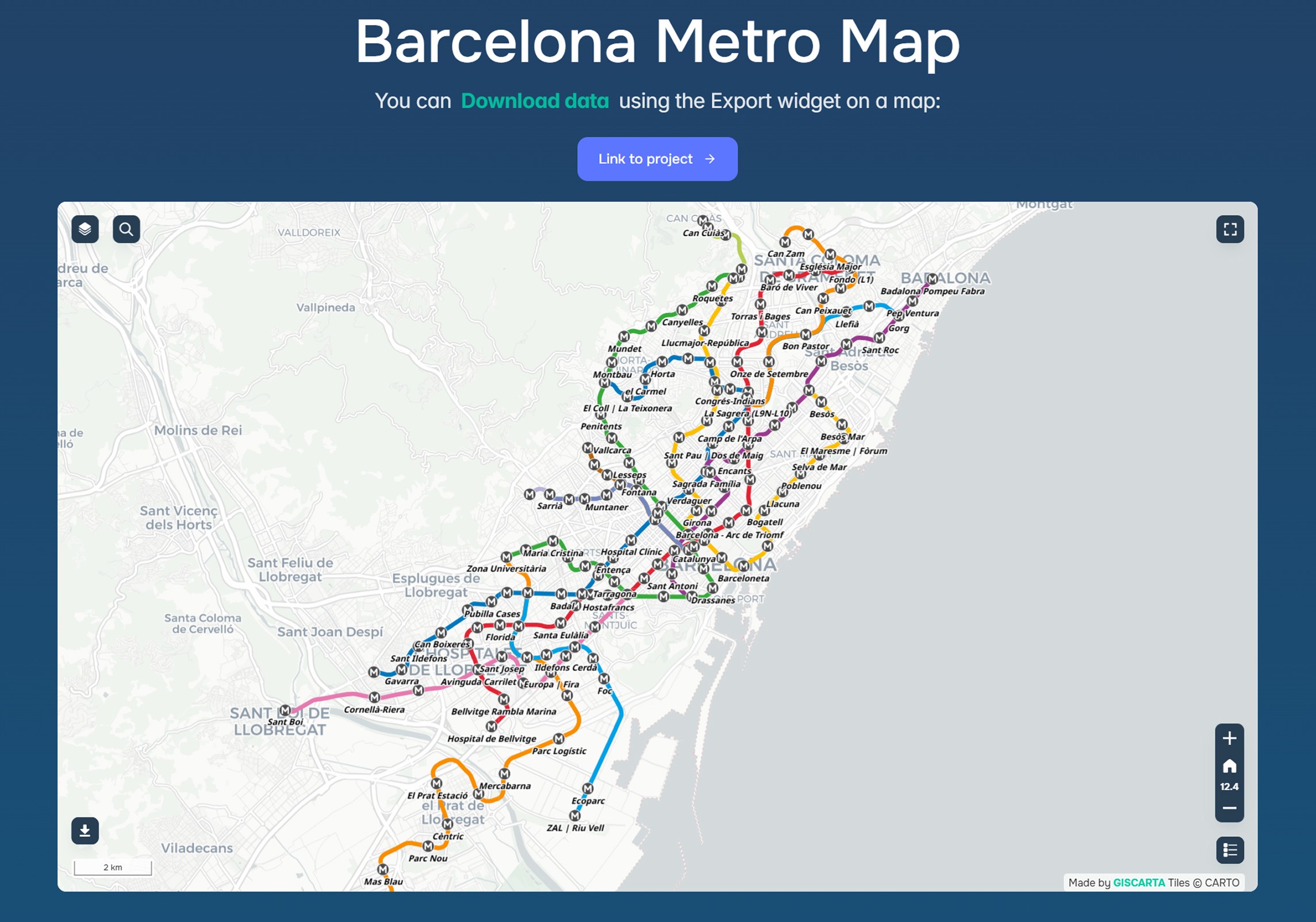
Example data from the Barcelona Metro
These are used for:
accessibility analysis
transport modeling
logistics problems
How Atlas is used in practice
The main advantage of Atlas is the ability to start working with data immediately. A typical scenario looks like this:
select the desired layer (for example, countries or rivers)
add it to the map
combine it with your own data
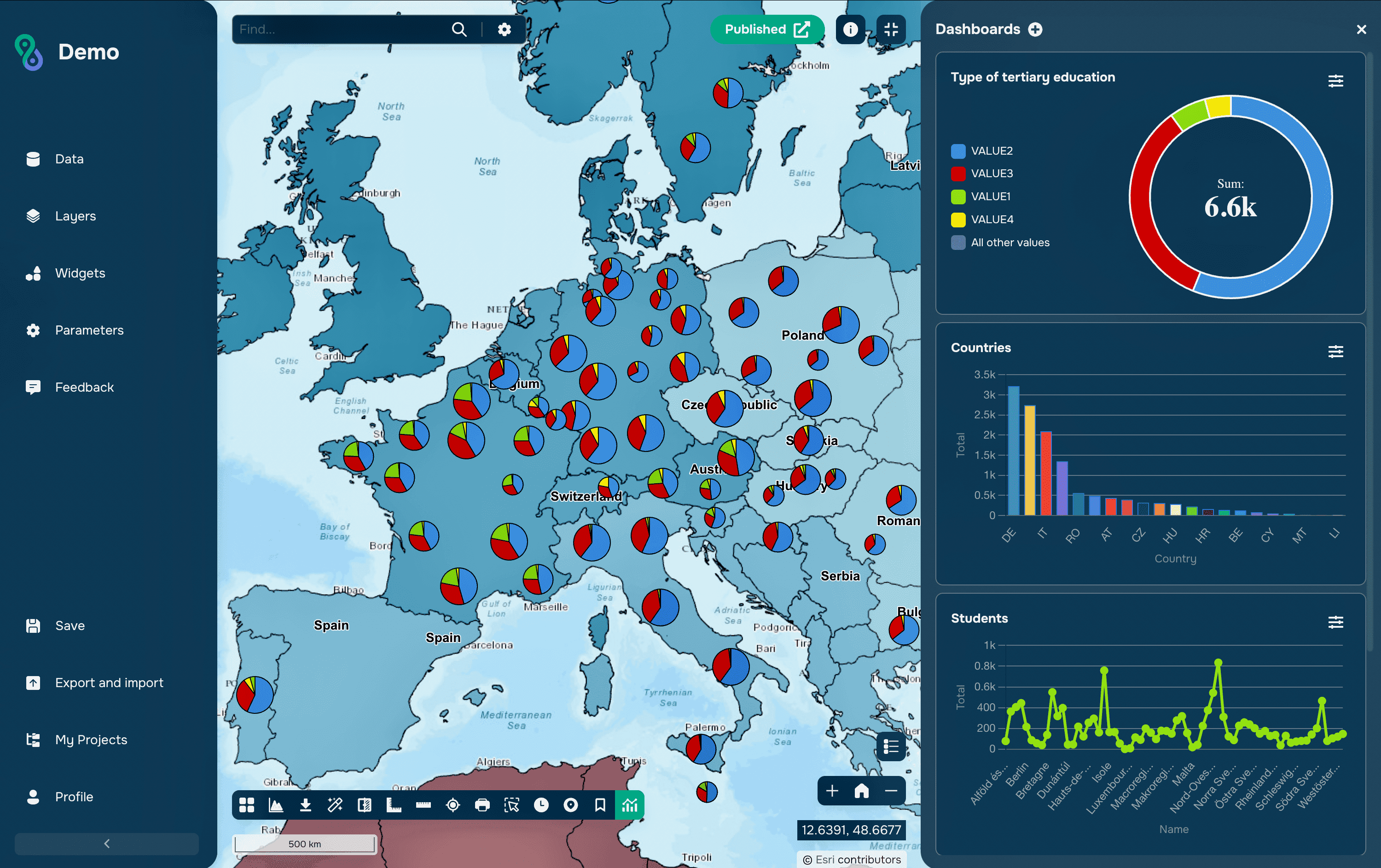
use it in analysis or dashboards
This is especially convenient for:
quick prototyping
presentations
training
analytics without data preparation
Advantages of the Atlas section
Time savings. No need to search for data on external portals and format it.
Ready to use. The data is already structured and suitable for use in GIS.
Versatility. Basic categories are covered: nature, boundaries, infrastructure.
Integration with the platform. All data is immediately available for analysis, visualization, and dashboard creation.
FAQ
Can the data be used in commercial projects?
It depends on the specific dataset, but in most cases it is based on open sources.
Does Atlas replace full-fledged open data portals?
No, but it covers basic needs and speeds up work.
Is this data suitable for complex analysis?
It's suitable as a starting point, but more complex tasks will require additional data loading.
Key Takeaways
Atlas simplifies access to basic geodata directly within the GIS.
It allows you to quickly launch projects without data preparation.
It works best as a starting point for analysis and visualization.