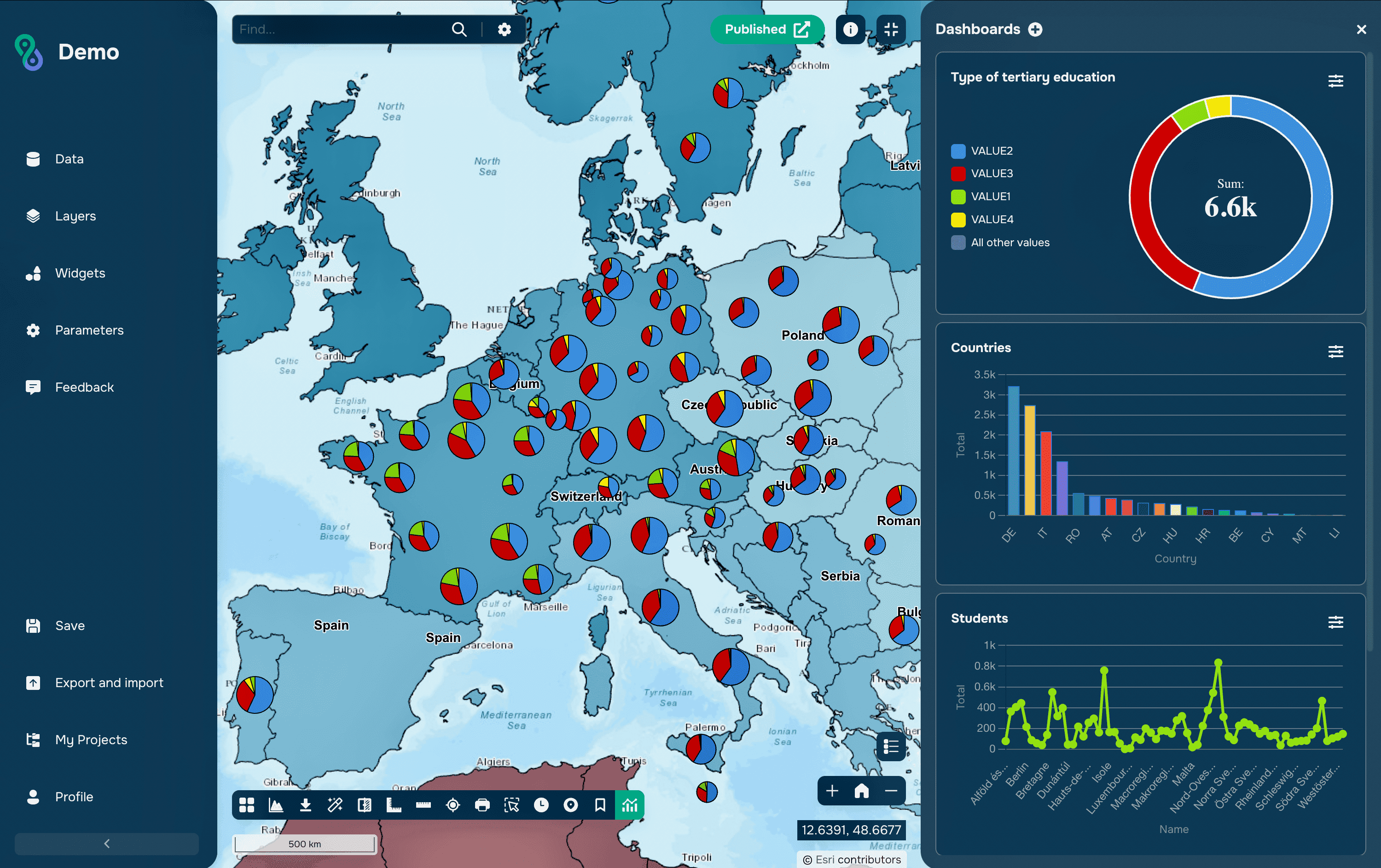
New way to display point features statistics is available on the GISCARTA platform.
This style is applicable for point layers and refers to displaying a chart at a point that is set by several layer attributes.
Here you can set the point size based on a numeric attribute by selecting one of several options:
Unique values
Ranges
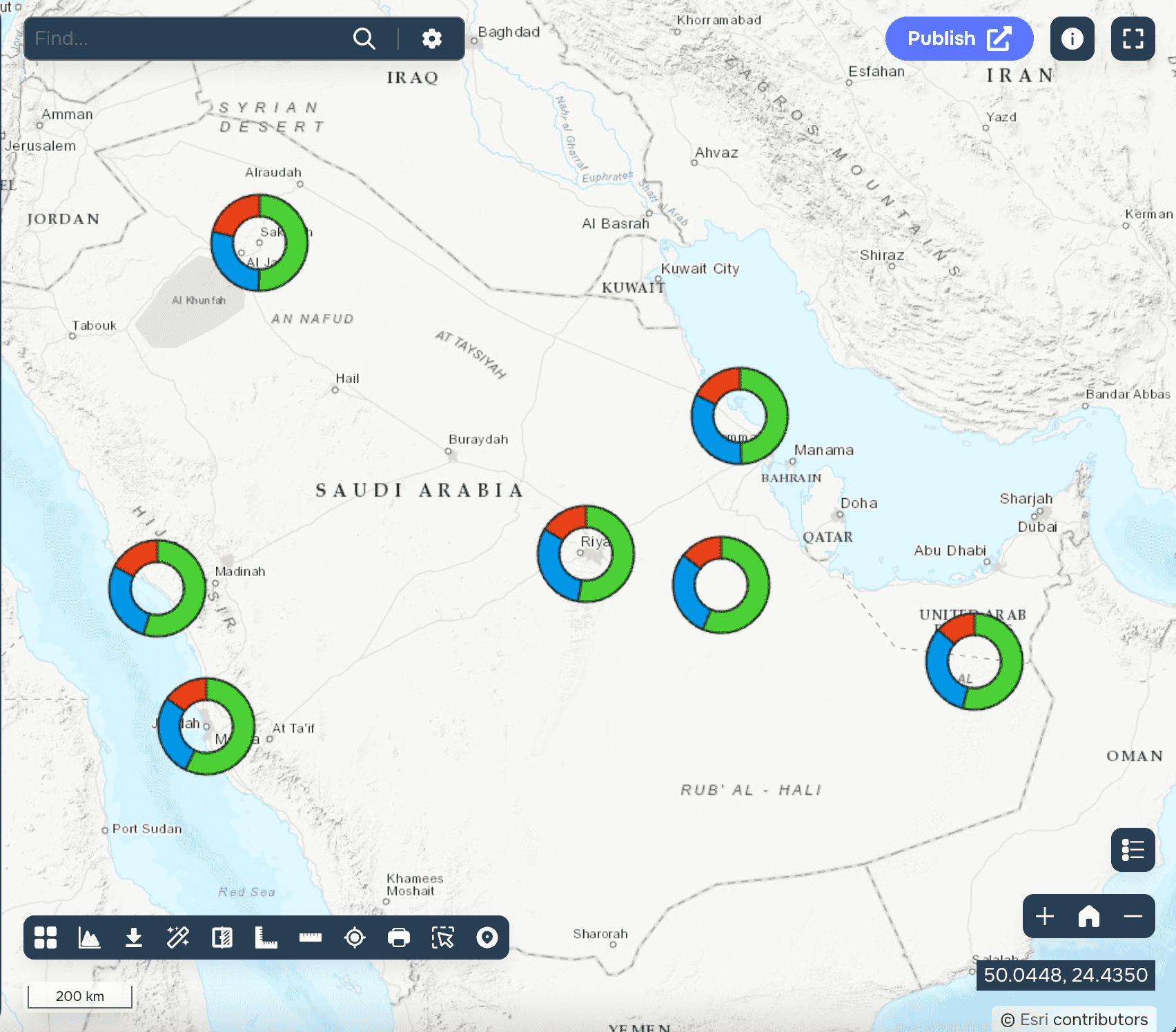

In addition, user can specify the numeric fields used to construct the chart. The sectors or columns are divided according to the share of each of the attributes in the total for each feature.
User can also customise the type of chart:
Pie
Donut
Bar
And choose a style:
2D
3D
Charts can be used for such areas as:
Construction
Agriculture
Mining
Geology
Transport Analysis
Student studies
Environmental studies
Urban planning