Free · No sign-up · Files stay on your device

Free · No sign-up · Files stay on your device

Convert GPX to MapInfo TAB online

Turn GPS tracks, routes and waypoints into a MapInfo TAB table for MapInfo Pro. Free, private and processed right in your browser.

GPXMapInfo TAB
Other formats
Processed in your browserConverts in secondsNo account needed

How it works

How it works

How to convert GPX to MapInfo TAB

Three steps, no software to install. Works on Windows, macOS, Linux and mobile.

01

Upload your GPX file

Drop a .gpx file into the converter, or click to browse. Files up to 100 MB are supported.

02

Convert in your browser

Click Convert to MapInfo TAB. The file is processed locally, so your data is never uploaded to a server.

03

Download your MapInfo TAB file

The MapInfo TAB file downloads straight to your device. Need another format? Pick a converter below.

Beyond conversion

Beyond conversion

A file is a start. A map tells the story.

Converted your GPX file? Upload it to GISCARTA and turn it into an interactive map your team or clients can actually use.

Every layer, styled your way

Colour by attribute, cluster thousands of points, switch on 3D.

Dashboards with live charts

Charts and key numbers next to the map, updated as you filter.

Timeslider for change over time

Animate dated features and compare how places change.

Share with a link or embed

Publish a read-only map, embed it on your site, or keep it private with role-based access.

No credit card. No GIS degree. Upload your data and start mapping in minutes.

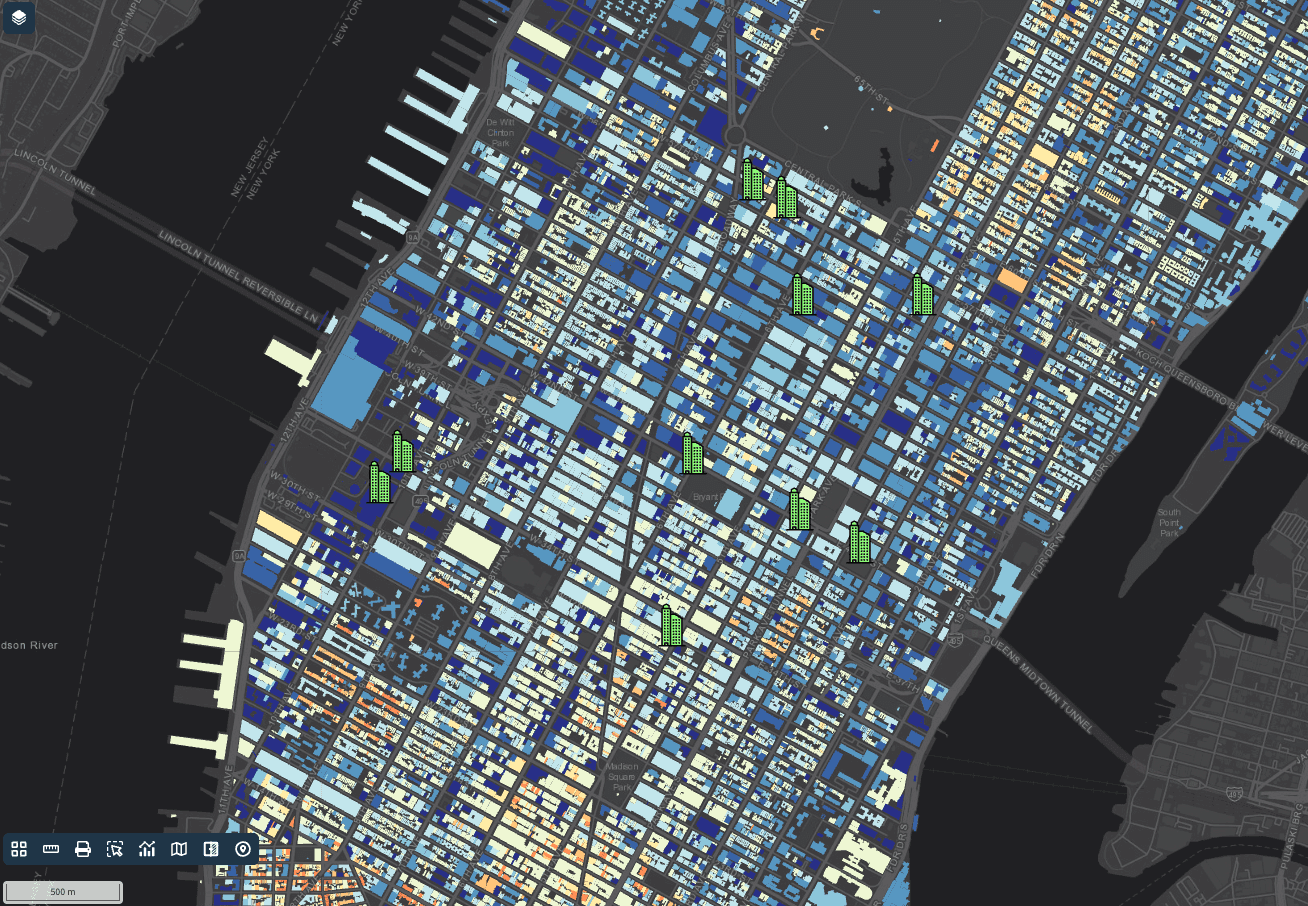
GISCARTA interactive map with layers and dashboards

Know your formats

Know your formats

GPX vs MapInfo TAB: what changes when you convert

GPX is built for exchanging GPS data between devices and apps. MapInfo TAB is built for working in MapInfo Pro.

GPX

What is a GPX file?

GPX (GPS Exchange Format) is an open, XML-based format for GPS data. A single file can hold waypoints, routes and tracks, with coordinates in WGS84 latitude and longitude.

Almost every GPS device, sports watch and outdoor app exports GPX, which makes it the default format for sharing recorded trips. Because it is plain XML, large track logs get bulky and slow to search.

MapInfo TAB

What is a MapInfo TAB file?

MapInfo TAB is the native format of MapInfo Pro. A table is a set of files — .tab (structure), .dat (attributes), .map (geometry) and .id (index) — that must travel together.

It remains common in telecom, insurance, retail and public-sector teams that have worked with MapInfo for years.

GPX

GPX

MapInfo TAB

MapInfo TAB

Structure

Structure

XML text file

XML text file

Set of files (.tab, .dat, .map, .id)

Set of files (.tab, .dat, .map, .id)

Best for

Best for

Exchanging GPS data between devices and apps

Exchanging GPS data between devices and apps

Working in MapInfo Pro

Working in MapInfo Pro

Geometry

Geometry

Waypoints (points), routes and tracks (lines)

Waypoints (points), routes and tracks (lines)

Points, lines and regions (polygons)

Points, lines and regions (polygons)

Attributes

Attributes

Fixed fields: name, elevation, time, description

Fixed fields: name, elevation, time, description

Typed columns

Typed columns

Coordinate system

Coordinate system

WGS84 only

WGS84 only

Any, stored in the .tab file

Any, stored in the .tab file

Opens in

Opens in

Garmin, Strava, Komoot, OsmAnd, Google Earth, QGIS

Garmin, Strava, Komoot, OsmAnd, Google Earth, QGIS

MapInfo Pro, QGIS, GDAL, Global Mapper

MapInfo Pro, QGIS, GDAL, Global Mapper

What to know before converting GPX to MapInfo TAB

Your GPX file

Waypoints, routes and tracks come through as separate layers; track points keep their elevation and time.

The MapInfo TAB output

The output is a set of files (.tab, .dat, .map, .id) — keep them together in one folder.

Privacy

Your file never leaves your device: conversion runs in your browser, for files up to 100 MB.

Use cases

Use cases

Why convert GPX to MapInfo TAB

Work in MapInfo Pro

Work in MapInfo Pro

Open GPX data natively in MapInfo Pro with columns in place.

Support existing systems

Support existing systems

Feed telecom, insurance and government systems that are still built around MapInfo tables.

Share with MapInfo teams

Share with MapInfo teams

Give colleagues GPX data in a format they can use without importing anything.

Free GIS file converters

Free GIS file converters

Convert between 12 GIS formats

Every converter runs in your browser and keeps your files on your device.

All converters

Start making and sharing maps and dashboards now

Upload your data — GISCARTA turns it into interactive maps and dashboards in minutes.

No credit card. No GIS degree.

Start making and sharing maps and dashboards now

Upload your data — GISCARTA turns it into interactive maps and dashboards in minutes.

No credit card. No GIS degree.