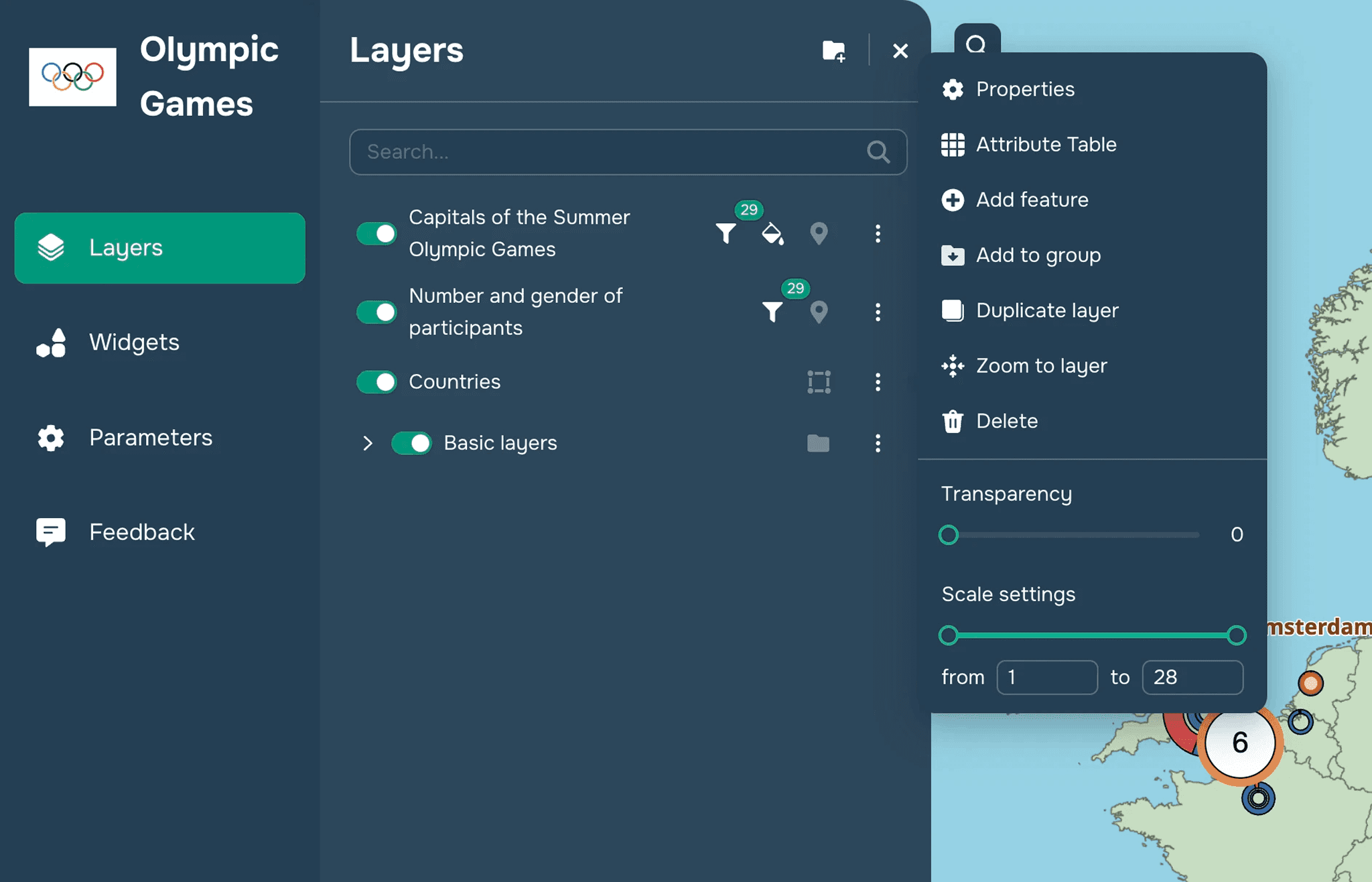
The layer management window allows you to work with the data you’ve added to your project. Here, you can:
Find a specific data layer using the search bar
Enable / disable a layer on the map
Change the order of layers on the map by clicking and dragging them (see
Change layer orderwidget)Open the layer editing window (see
Layer display settings)Create/Delete Layer Groups
Create New Layer
Move Layer to Group
Delete layer