Video tutorial on using the AI Agent v.0.1.
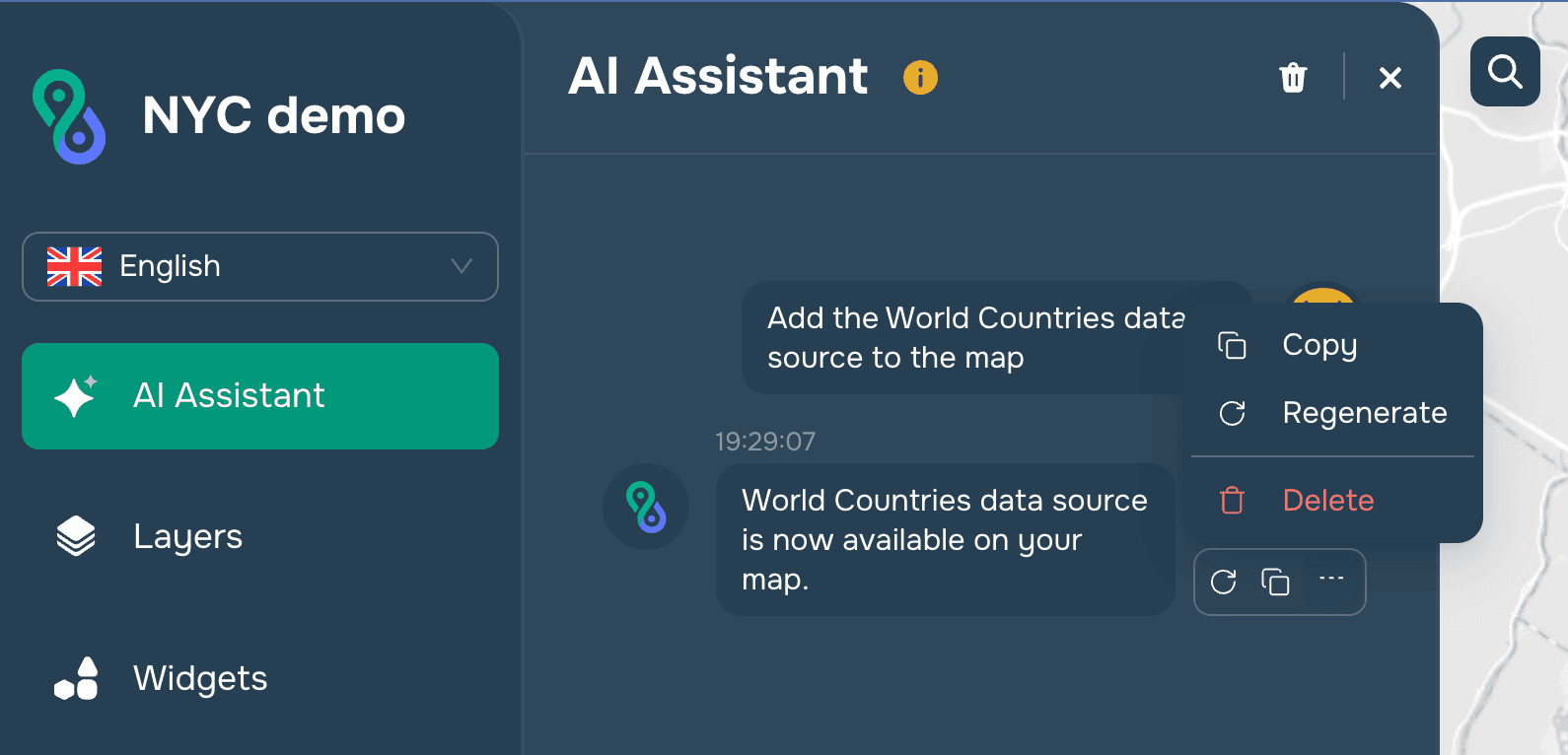
When creating a new project, a window with the AI Agent opens.

The agent helps the user configure the project.
Terms of Use: The only limitation on using the agent is the number of tokens the user has. You can check your token balance by clicking the profile icon or the information button next to the agent’s name.

Agent Operations
The standard agent operations are:
Text message input
Voice command
Repeat command
Cancel command
Clear history
Upload a file with geodata
Agent Capabilities
Currently, the AI agent can be used for the following Map Builder functions:
Controlling all platform widgets
Managing the addition of data to the map
Managing layer styling
Managing layer filtering
Managing layer info windows
Adding external data from the model’s knowledge base
Creating dashboards
Launching geoprocessing tools
Building service areas and routes
Configuring base maps
