Setting up the platform

Registering in the GISCARTA system

My Projects

Data Sources

Plan Settings

Profile

Creating a project

Registering in the GISCARTA system

My Projects

Data Sources

Plan Settings

Profile

Map builder

Data

Layers

Widgets

Settings

Saving your project

Export and import

Layer display options

How to begin setup

Main settings

Infowindow

Styling raster data

Styling vector data

3D settings

Filtering

Labels

Legend

Fields

Clustering

Widgets

Profile

Plan Settings

Data Sources

My Projects

Registering in the GISCARTA system

QGIS Plugin

Installation

Log in

Export layer

Delete Layer

Update layer

Import layer

Geodata AI

GISCARTA Docs

Map builder

Export and import

Export and import

You can save data in customized display styles and other map settings in JSON format by selecting the corresponding button in the export and import menu.
Similarly, you can upload your project with the display styles already set up. After uploading the JSON file, you will have a ready-to-use map.
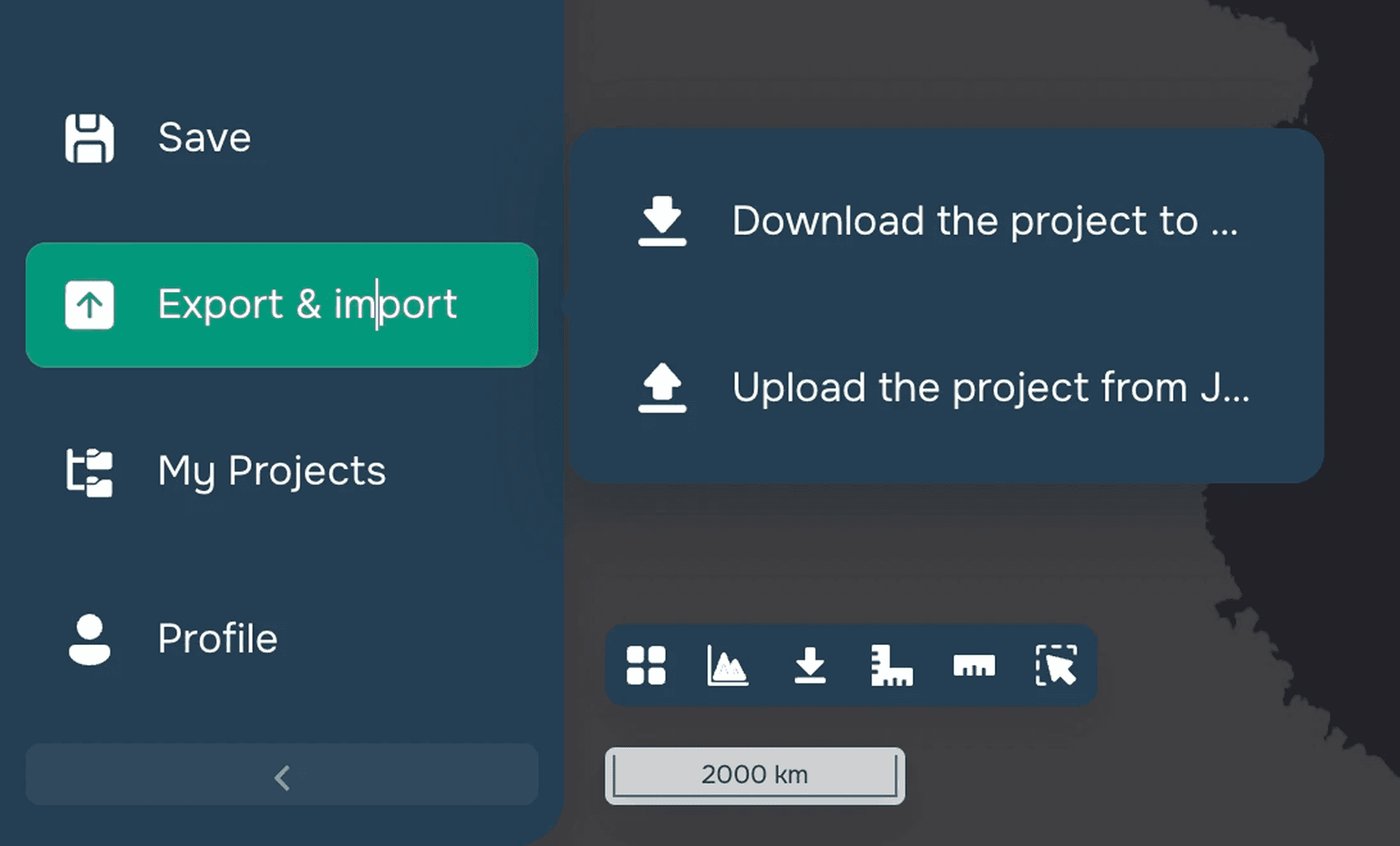
Saving your project

Saving your project

How to begin setup

How to begin setup

Any other questions? Ask our support

SUPPORT

support@giscarta.com

© 2026 GISCARTA

Services

Product

Pricing

Enterprise

Map Gallery

Solutions

Real Estate

Urban planning

Public Service

Climate

Education

Resourses

Contacts

Blog

About us

Docs

Terms of service

Privacy policy

User Agreement

SUPPORT

support@giscarta.com

© 2026 GISCARTA

Services

Product

Pricing

Enterprise

Map Gallery

Solutions

Real Estate

Urban planning

Public Service

Climate

Education

Resourses

Contacts

Blog

About us

Docs

Terms of service

Privacy policy

User Agreement

Services

Product

Pricing

Enterprise

Map Gallery

Solutions

Real Estate

Urban planning

Public Service

Climate

Education

Resourses

Contacts

Blog

About us

Docs

Terms of service

Privacy policy

User Agreement

SUPPORT

support@giscarta.com

© 2026 GISCARTA

Product

Solutions

Pricing

Enterprise

Map Gallery

Resources

Sign up

Log in