Video tutorial on creating quizzes.
To create a new Quiz, go to the “My Quizzes” section in the platform’s sidebar menu (see Figure 1)
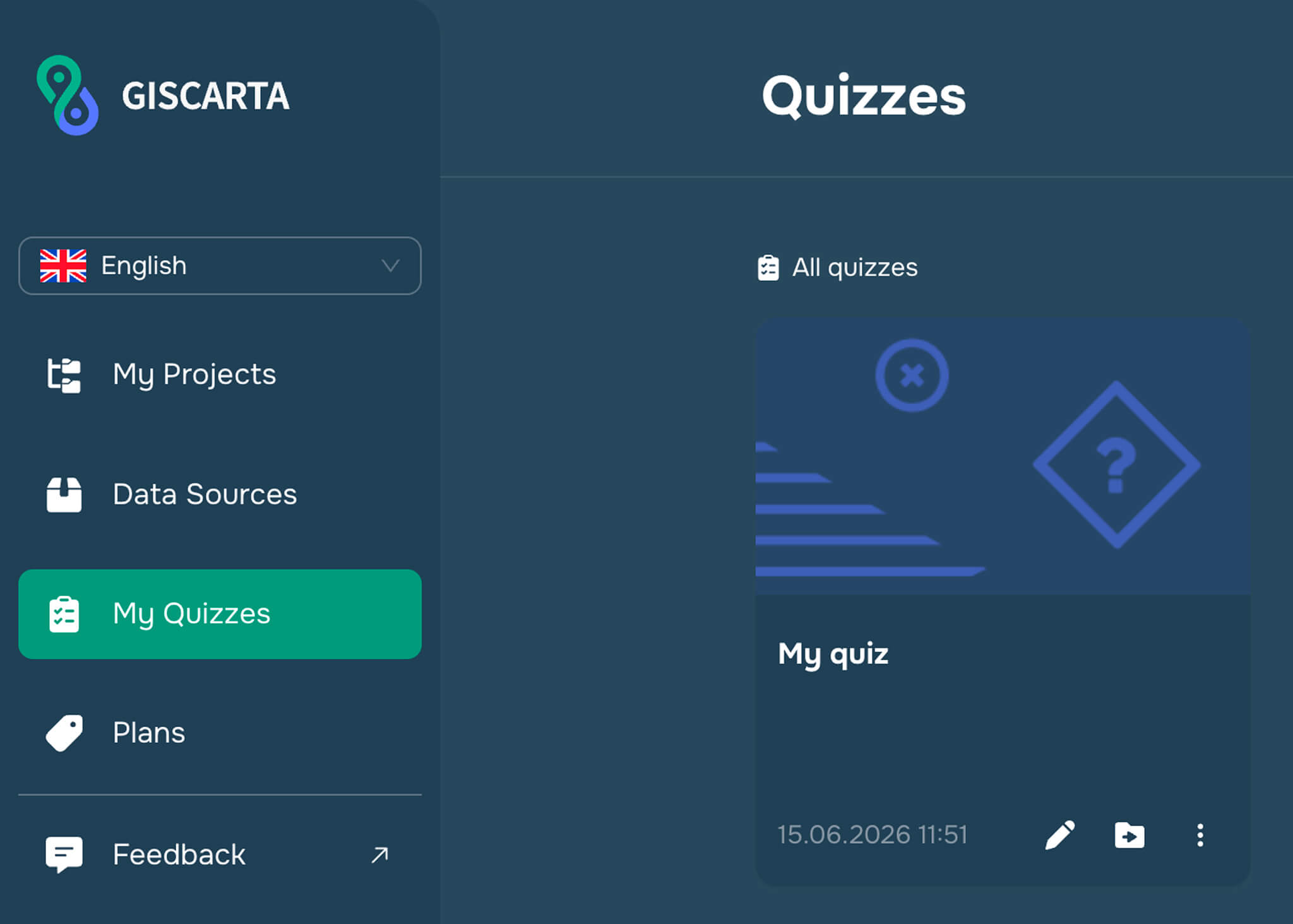
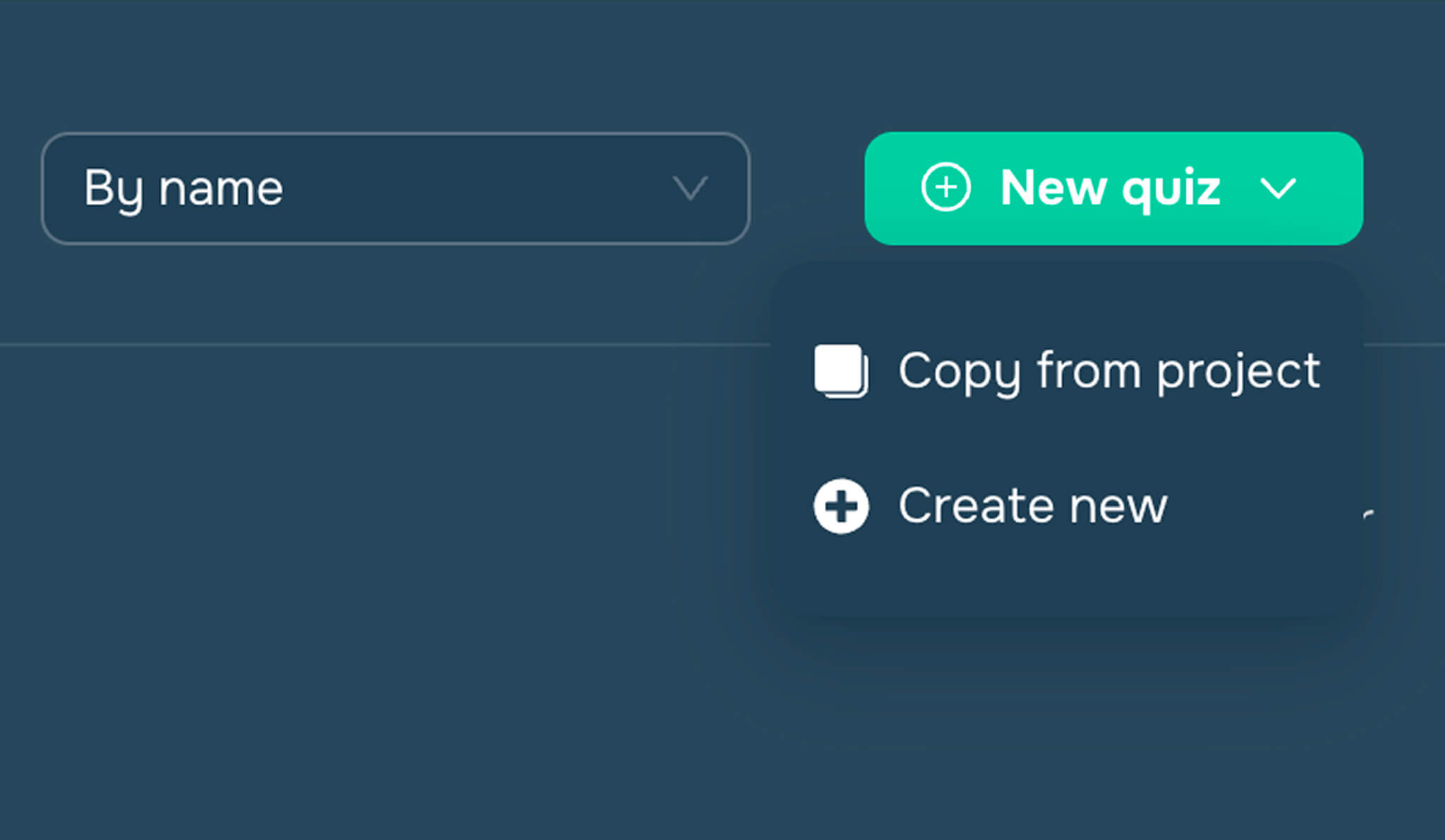
Next, click the “New Quiz” button in the upper-right corner and select how you want to create the quiz:
copy from the project or create new (see Figure 2)
After making a selection, the user is taken to the quizz builder (see Figure 3), where they can add layers, configure map settings, and set up the test itself with questions.
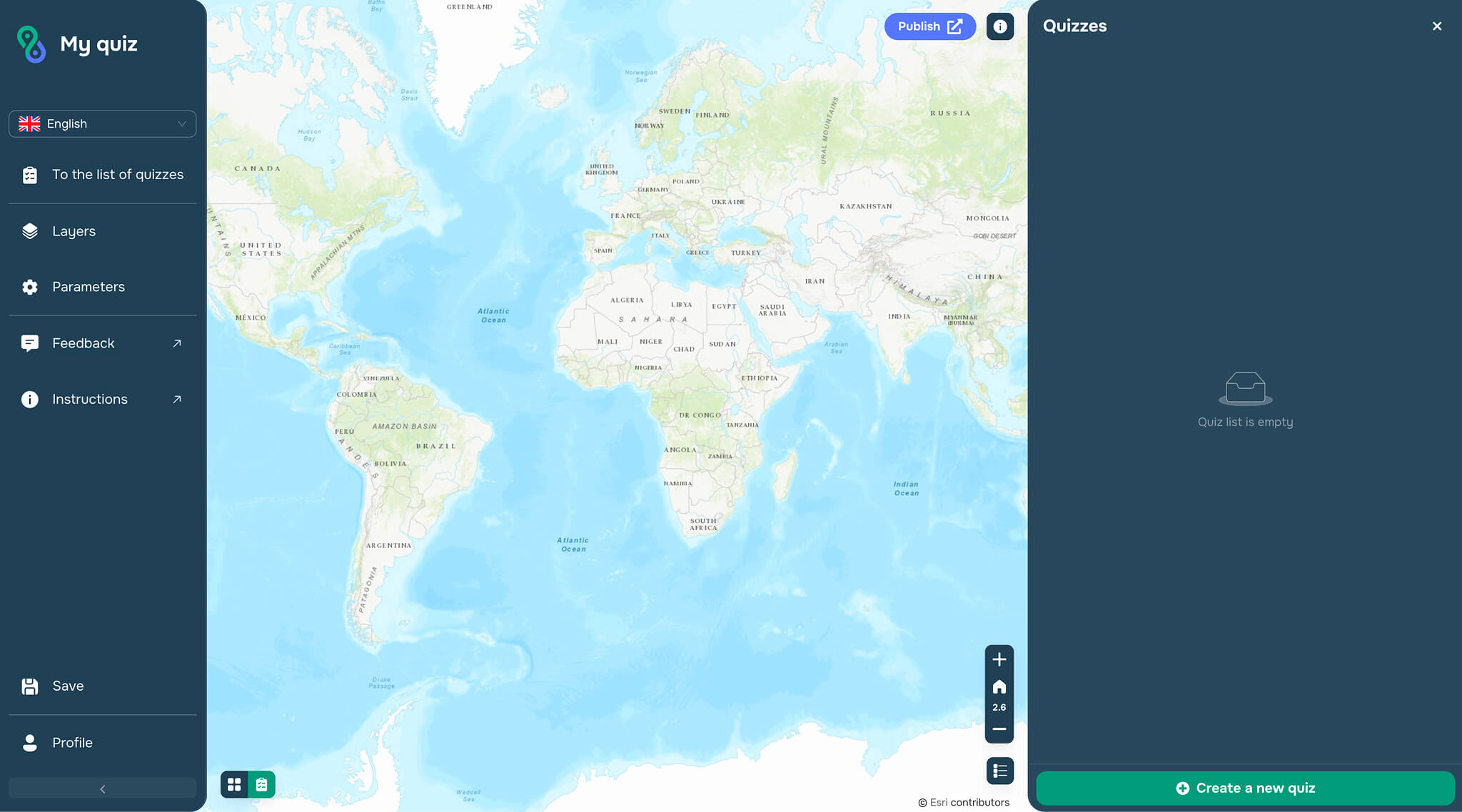
The following widgets are available to the user: Quizzes, Basemaps, Legend, Map Info, Set Initial Extent, Set Logo and Title, and Link Below Logo.