Video tutorial on creating quizzes.

After creating the Quiz, the user must save and publish it to obtain a link or QR code (see Figure 2).

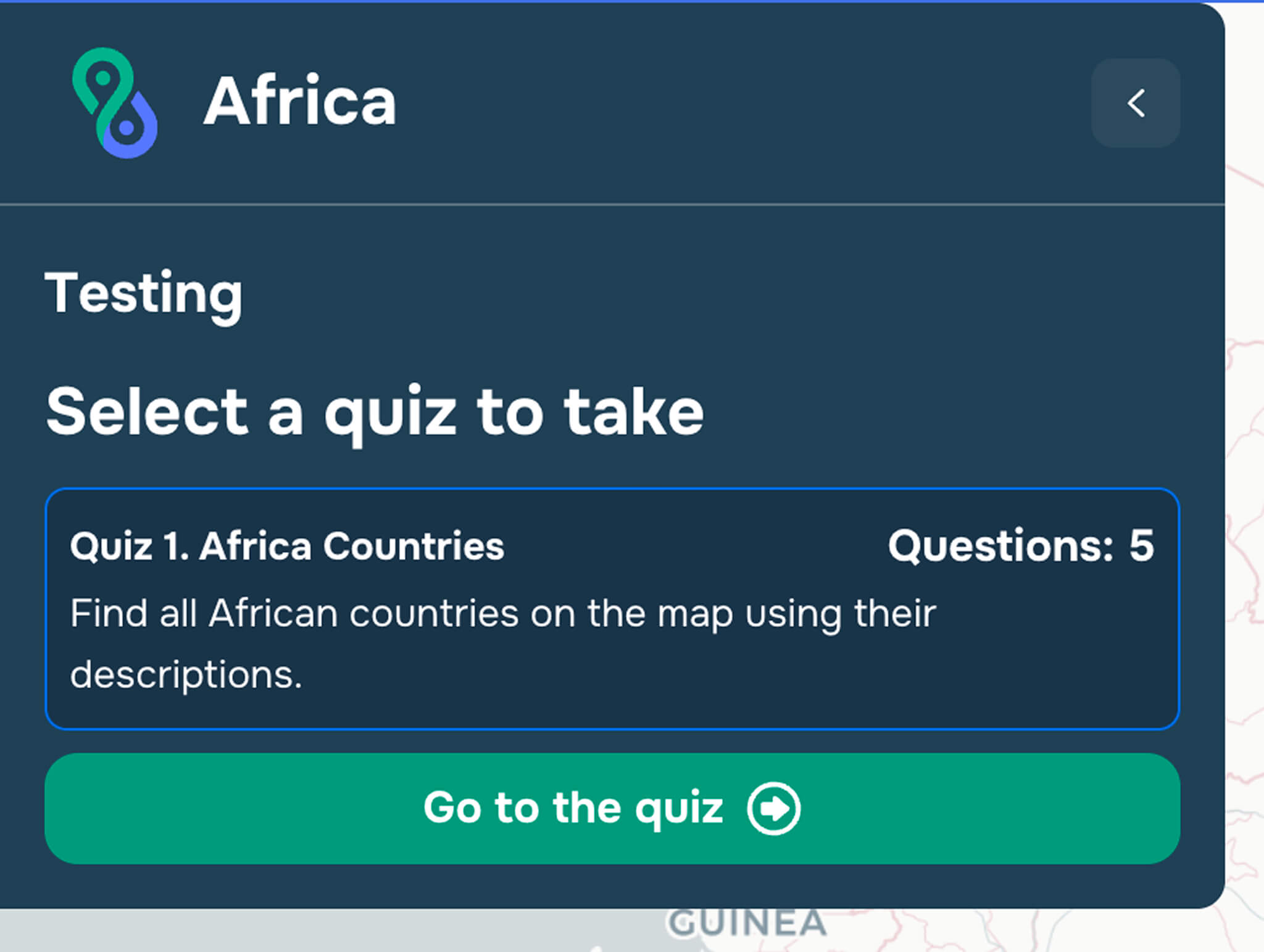
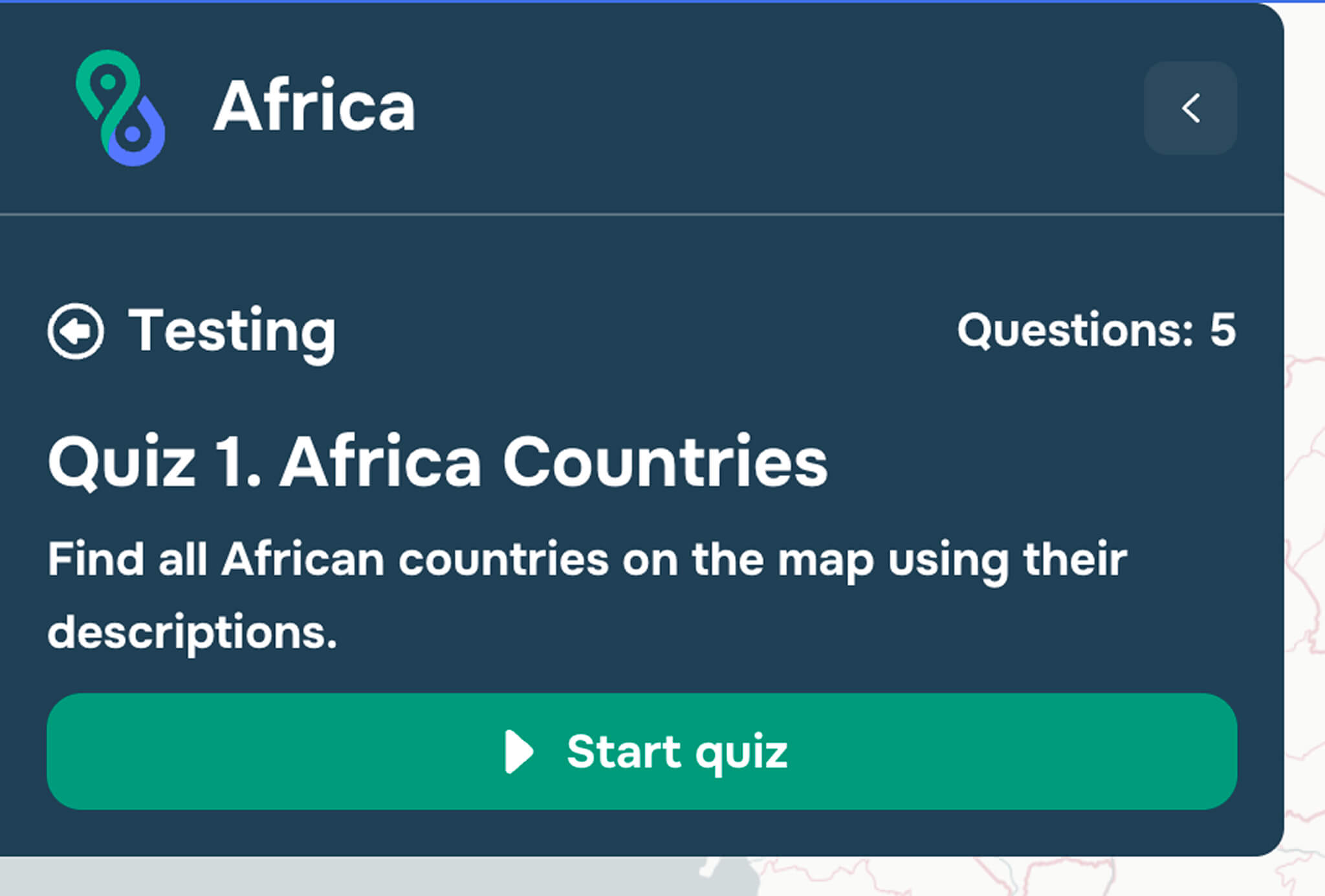
When clicking on this link, the user enters the test-taking mode. To start the test, click the “Go to the Quiz” button and then “Start Quiz” (see Figures 3 and 4).
Once the Quiz begins, the user will see and answer the questions sequentially. The timer will also start from the beginning of the Quiz (see Figure 1).
Related links configured in the General Quiz Settings section will be displayed in the upper-right corner.
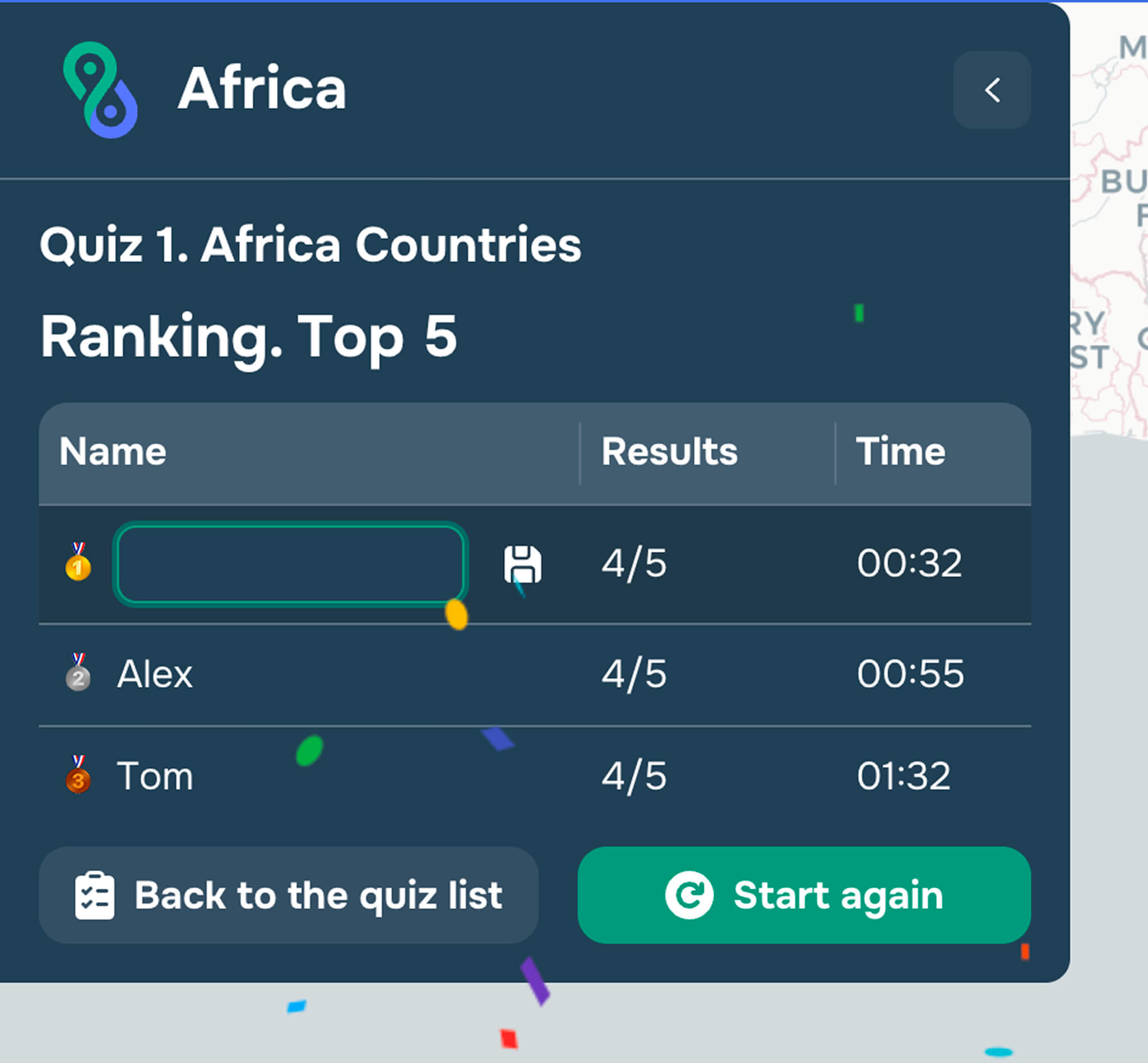
After completing the Quiz, the user will see a list of the top 5 results, based on completion time and the number of correct answers. If they make it into the top 5, the user can enter their name to be saved in the list (the user does not need to be registered on the platform) (see Figure 5).