Video tutorial on creating quizzes.
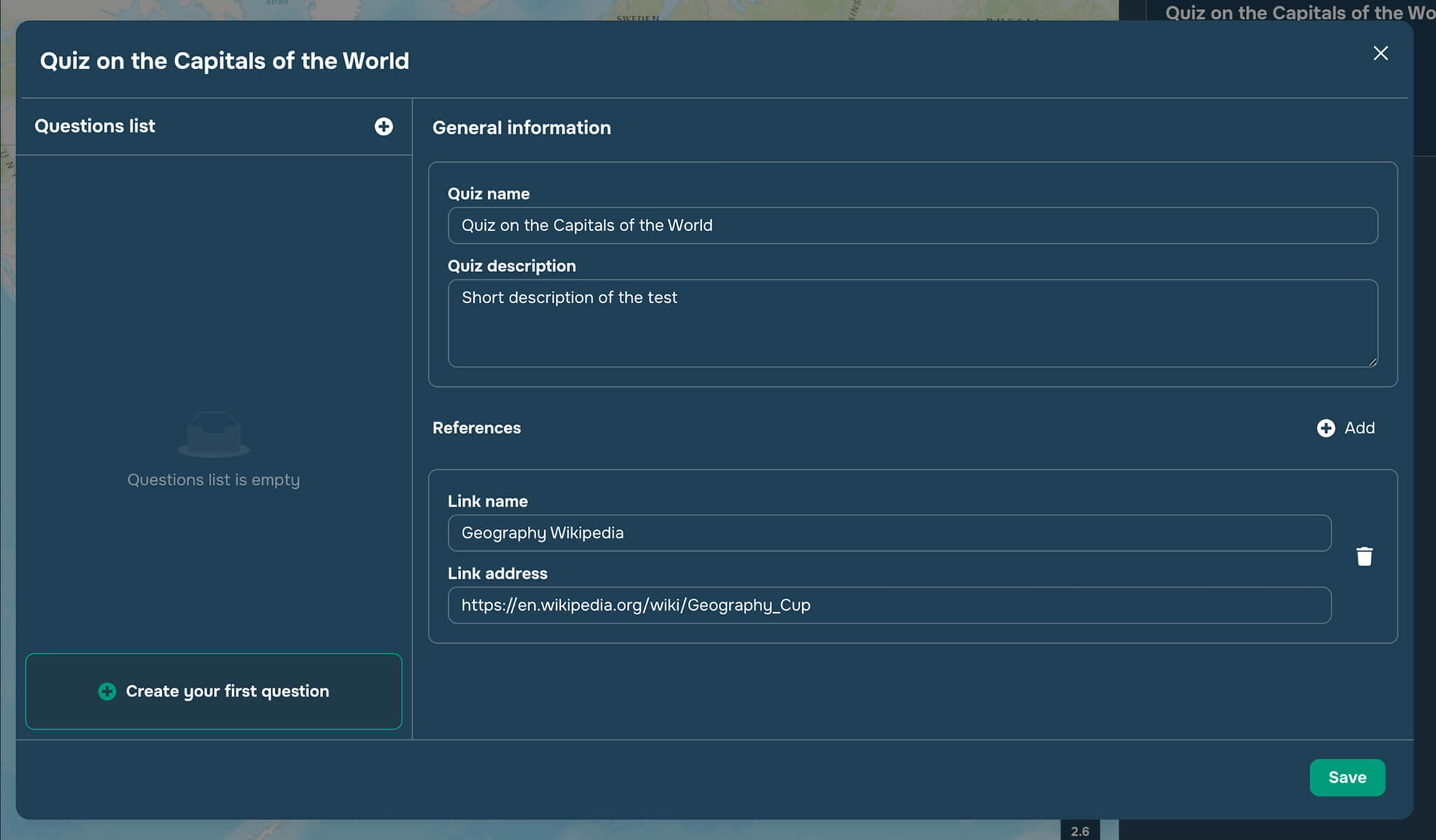
When you click the “Create New Quiz” button in the right sidebar of the “Quizzes” widget, you are taken to the question editor and the general quiz information page.
In the General Information window (see Figure 1), the user can:
Change the Quizz name
Add a Quizz description
Add related links (References) to the Quizz by specifying link name and address
After entering the general information about the quiz, the user can click the button “Create your first question” to create the question.