Video tutorial on creating quizzes.
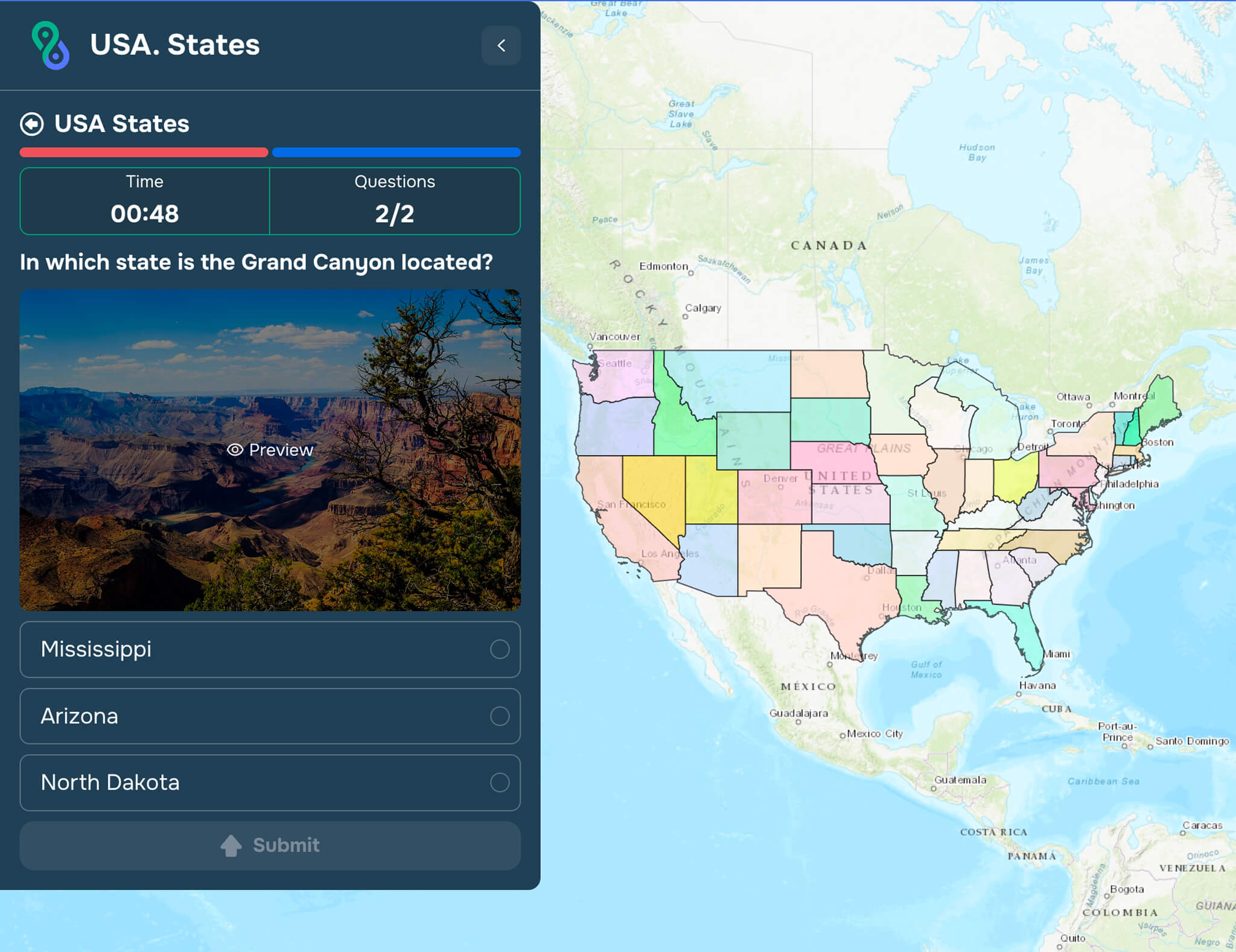
To create their first question, the user must click the corresponding button on the left side of the modal window in the Questions List section (see Figure 2).
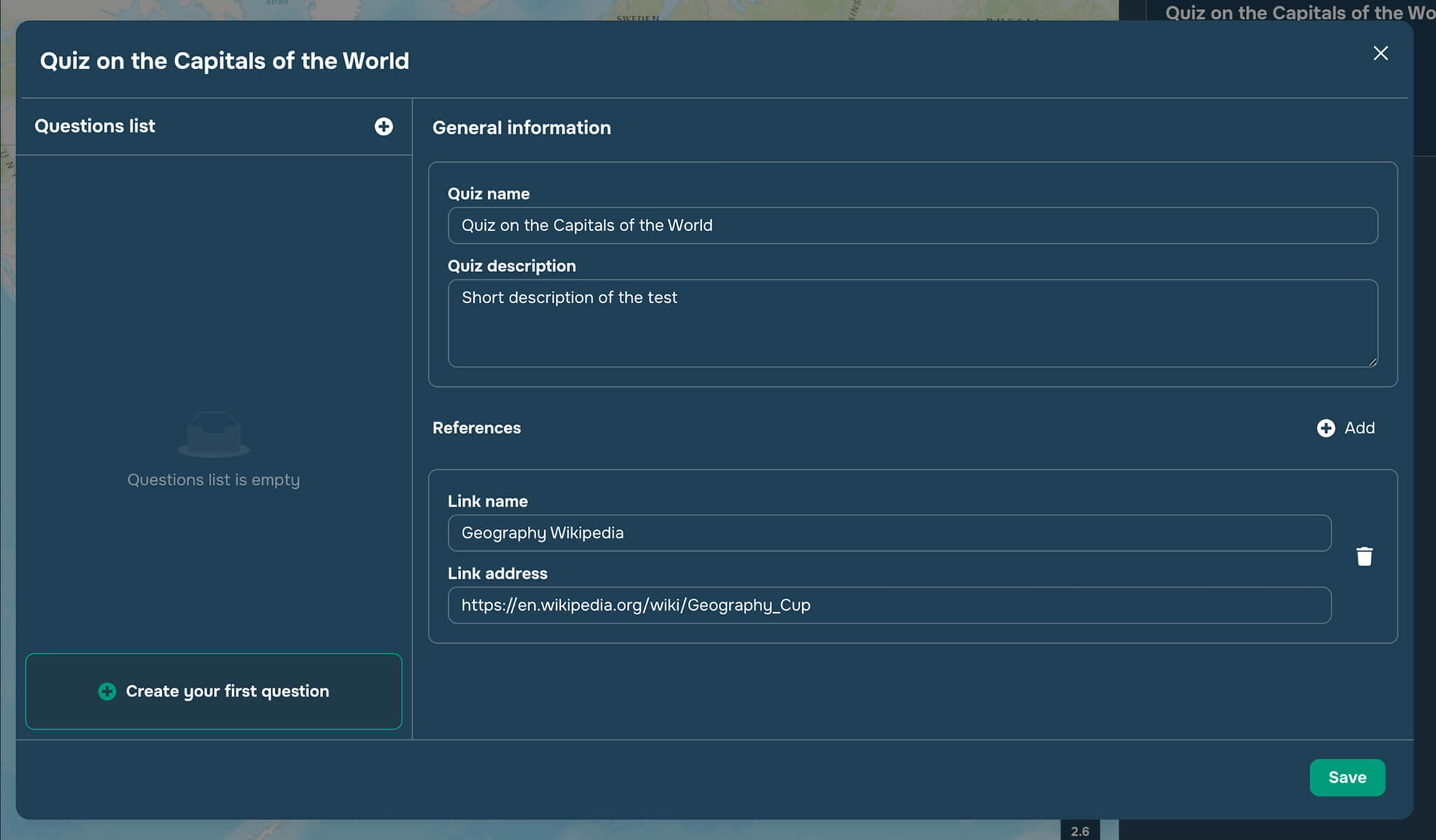
The user is then taken to the question editing window (see Figure 3).

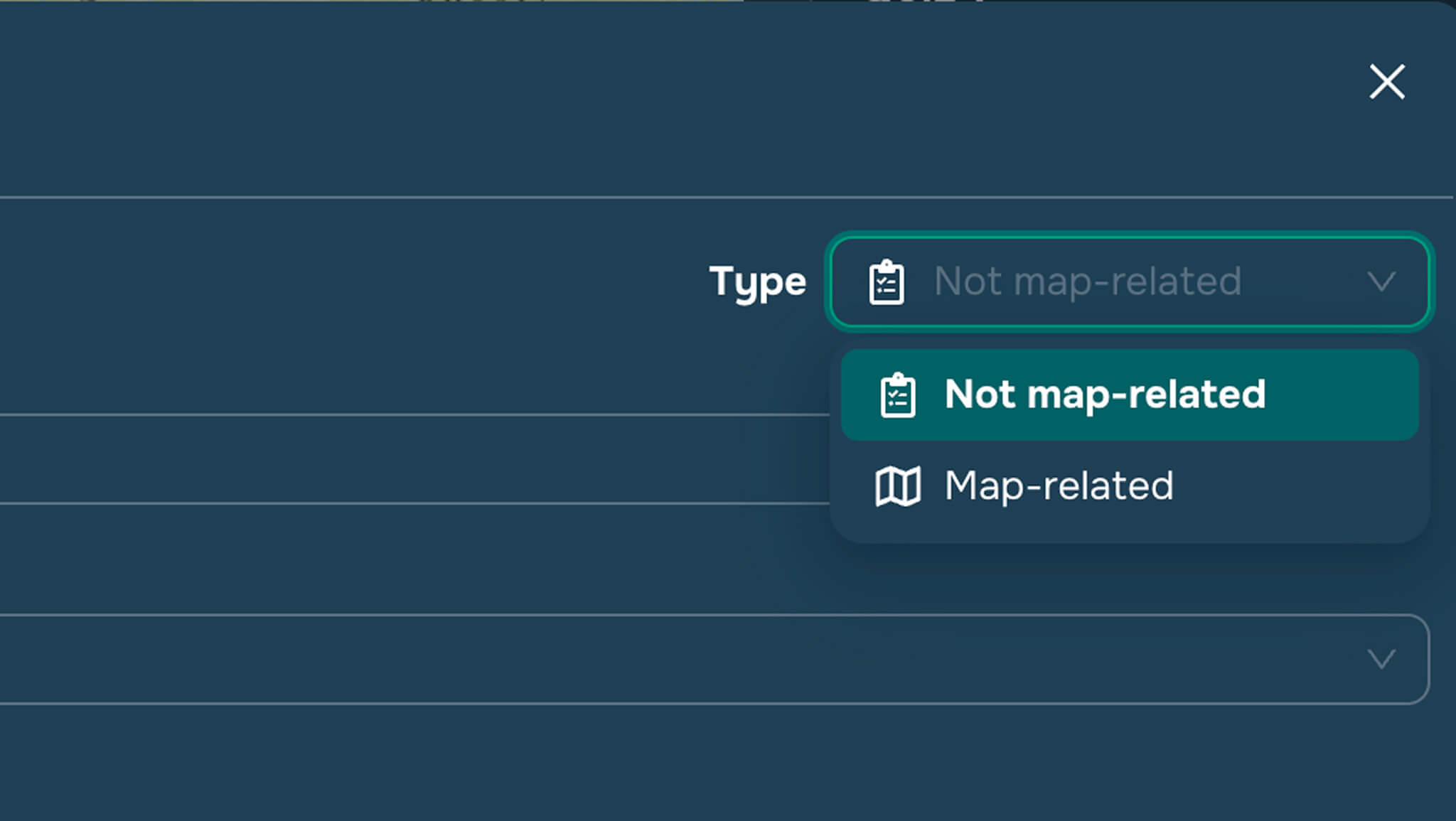
Questions are divided into two categories:
map-related (requires clicking on layer objects to select the correct answer)
not map-related (requires selecting answers from a list in the widget window)
You can select the question type in the upper-right corner of the form (see Figure 4).
To create a not map-related question, the user must (see Figure 3):
type the question text
select the layers to display on the map for this question (this can be any set of layers: vector, raster, or external)
add several answers by typing their text and checking the boxes next to the correct answers (there may be multiple correct answers)
if necessary, add a photo to the question
In Quiz preview mode, the order of the answers will be randomized.