To delete a layer from the GISCARTA platform, you need to select a line in the list of layers by clicking on the line number.
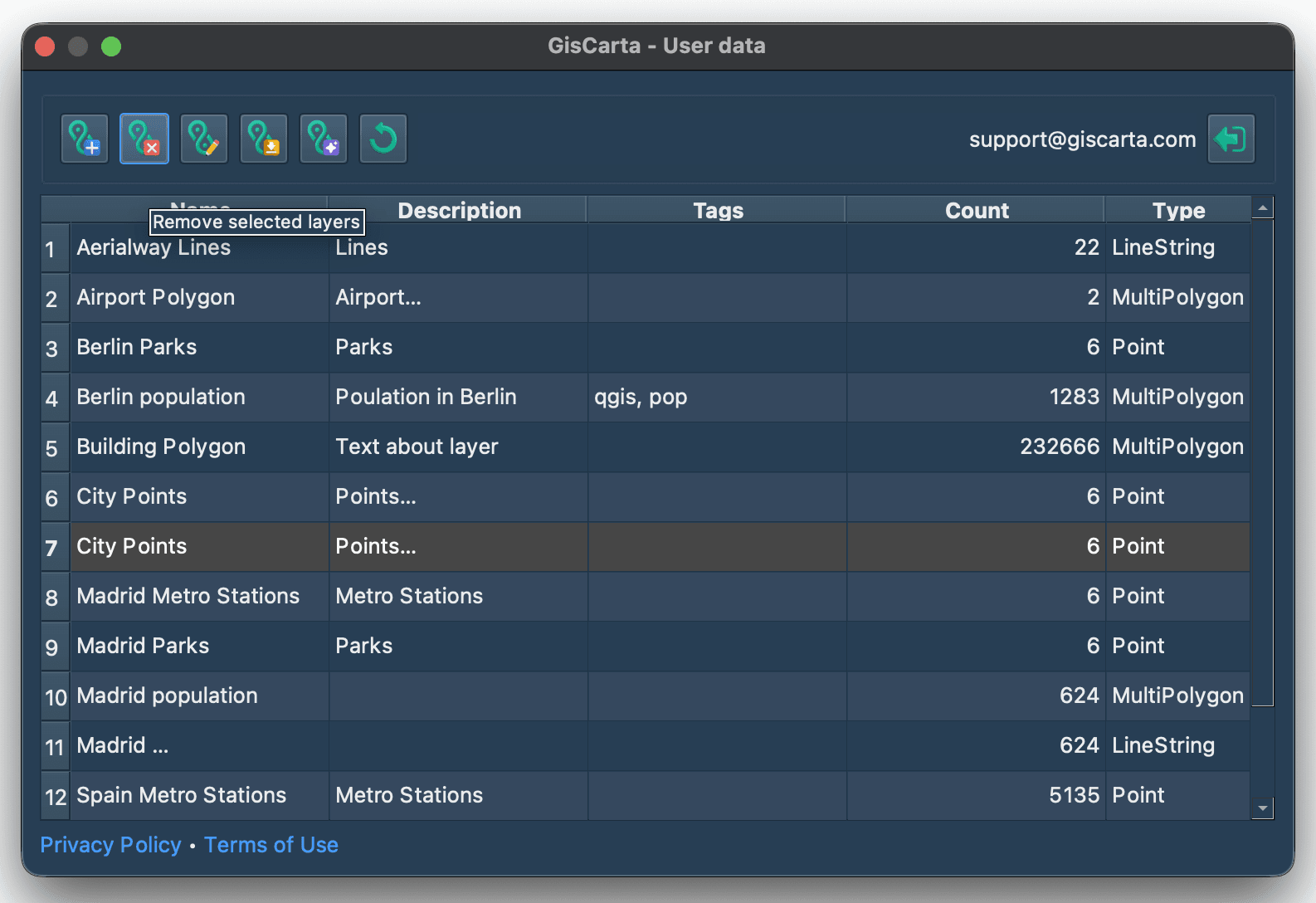
Then click the Delete Layer icon second from the left. A confirmation window will appear to confirm the layer deletion.
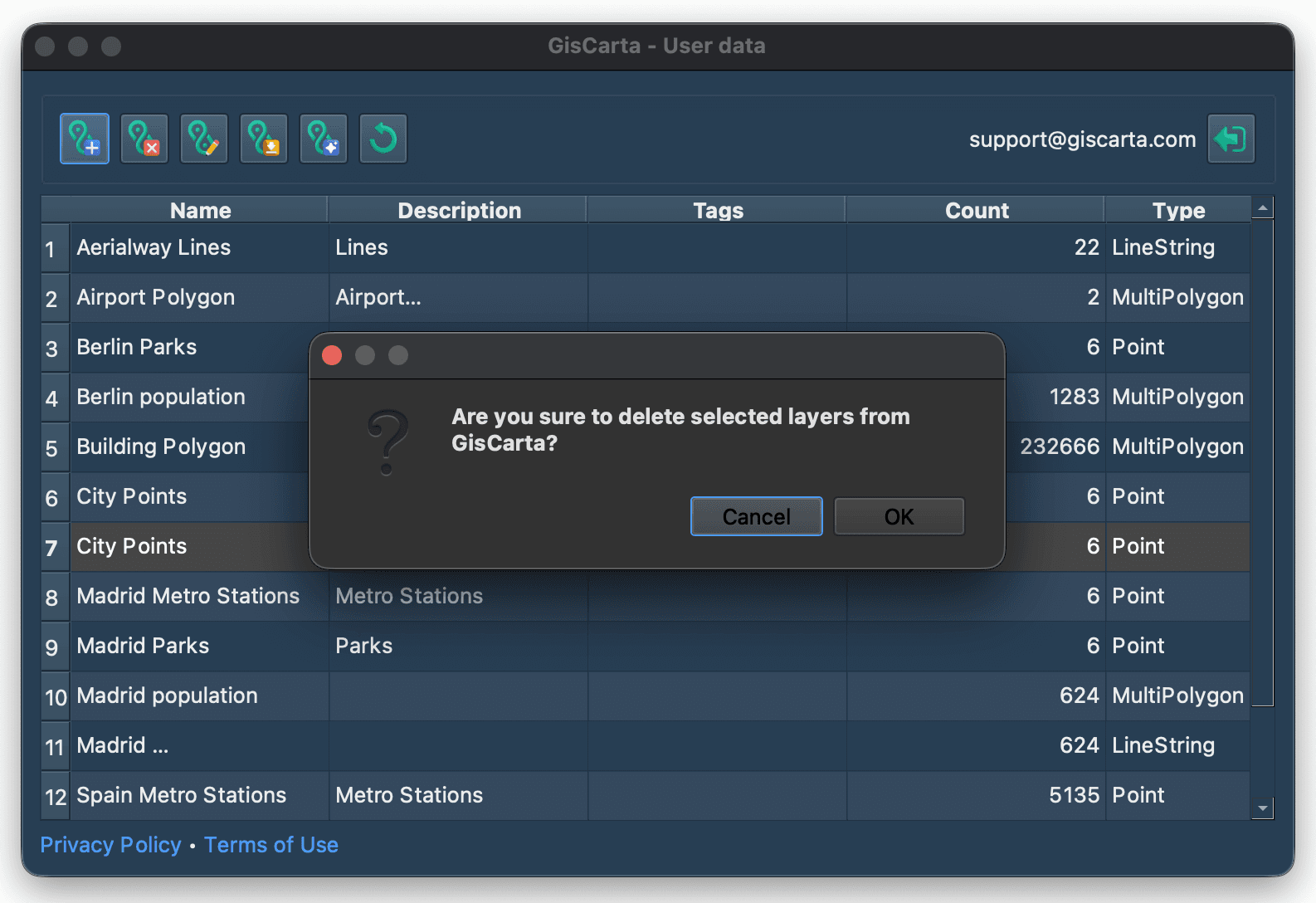
To delete a layer from the GISCARTA platform, you need to select a line in the list of layers by clicking on the line number.
Then click the Delete Layer icon second from the left. A confirmation window will appear to confirm the layer deletion.