Widget description
To install the GISCARTA plugin in the QGIS, you can use the standard method of installing the plugin through the plugin manager or download the archive from the link from the official website.

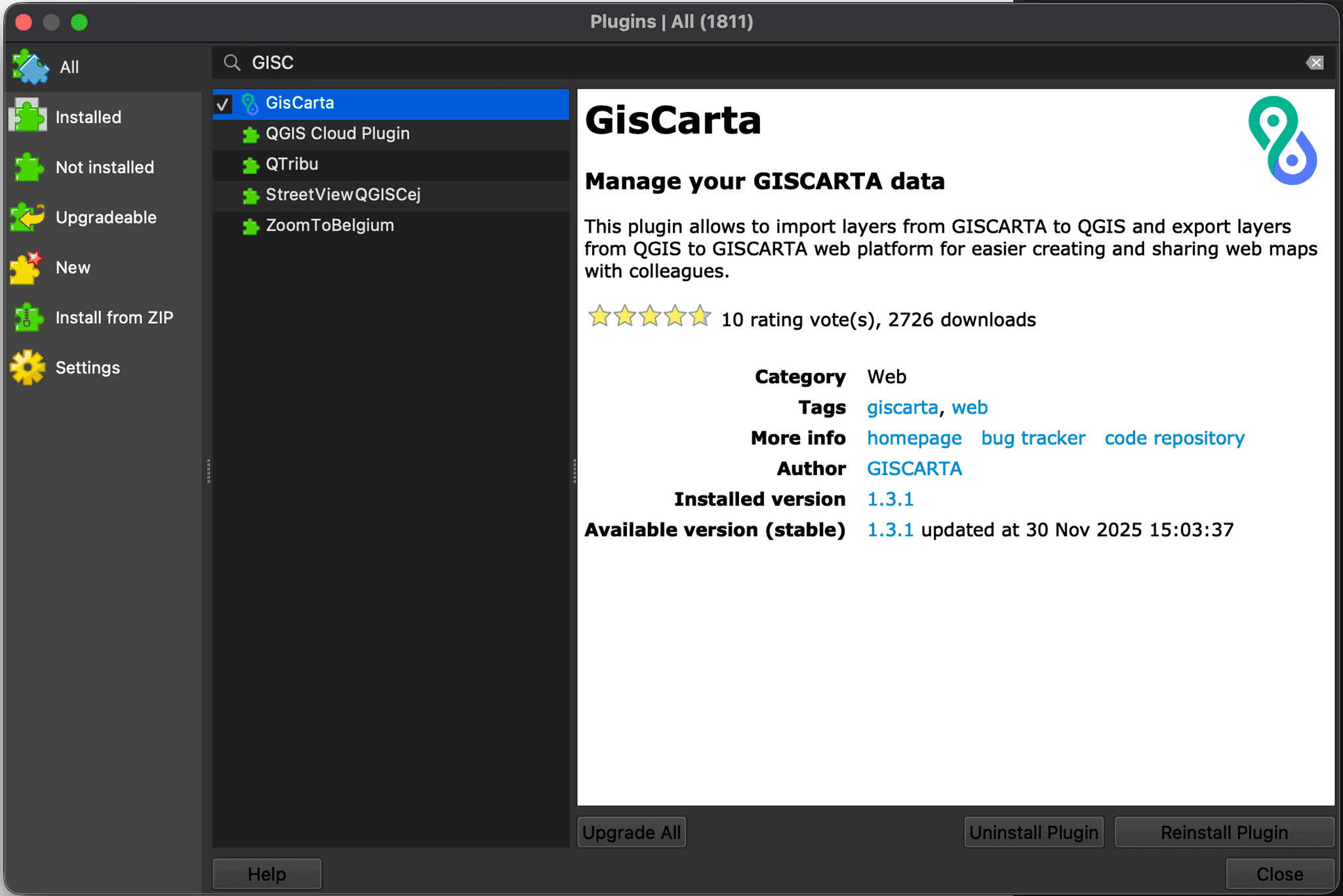
After installation, the plugin icon will appear in the Vector, Web sections and on the plugins panel.
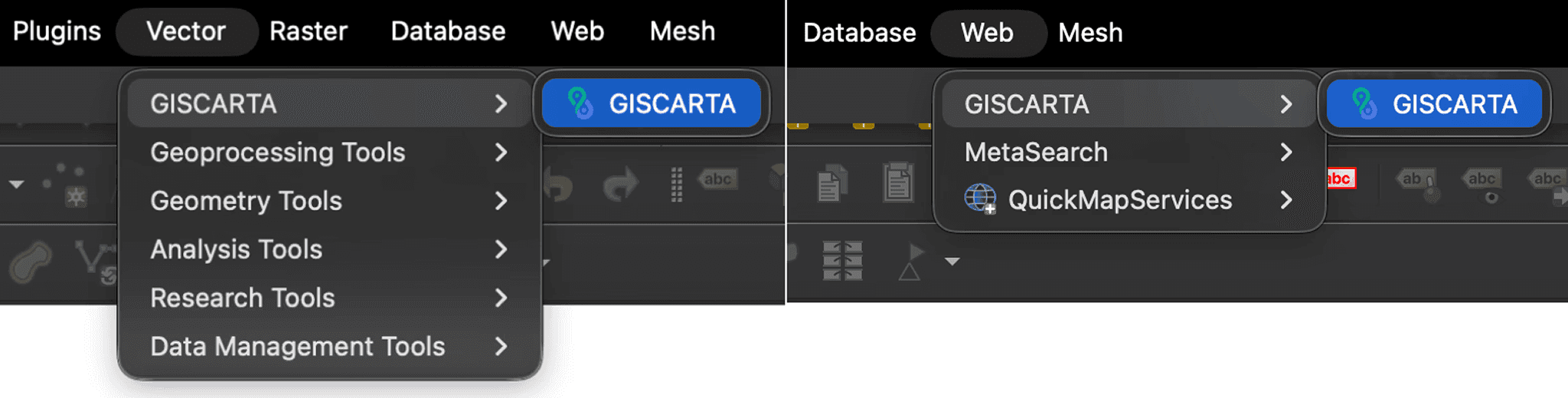
To launch the plugin, simply click on its icon.
