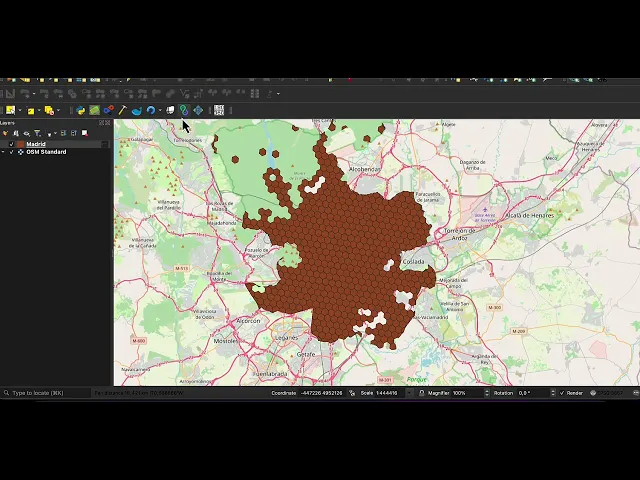
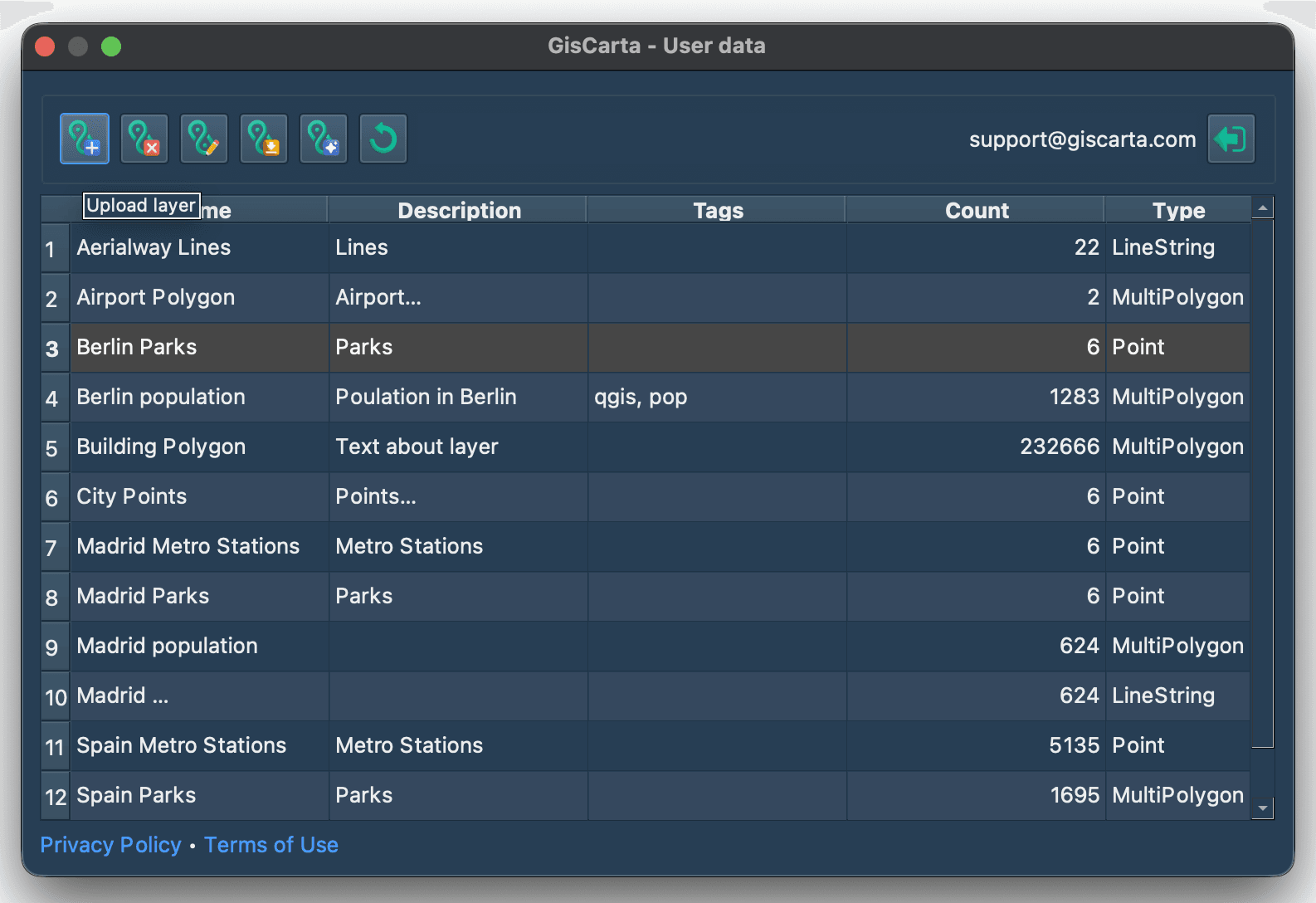
The function of exporting a layer from QGIS to the GISCARTA platform is carried out by clicking the left button on the plugin panel.
After which the layer export context menu appears.
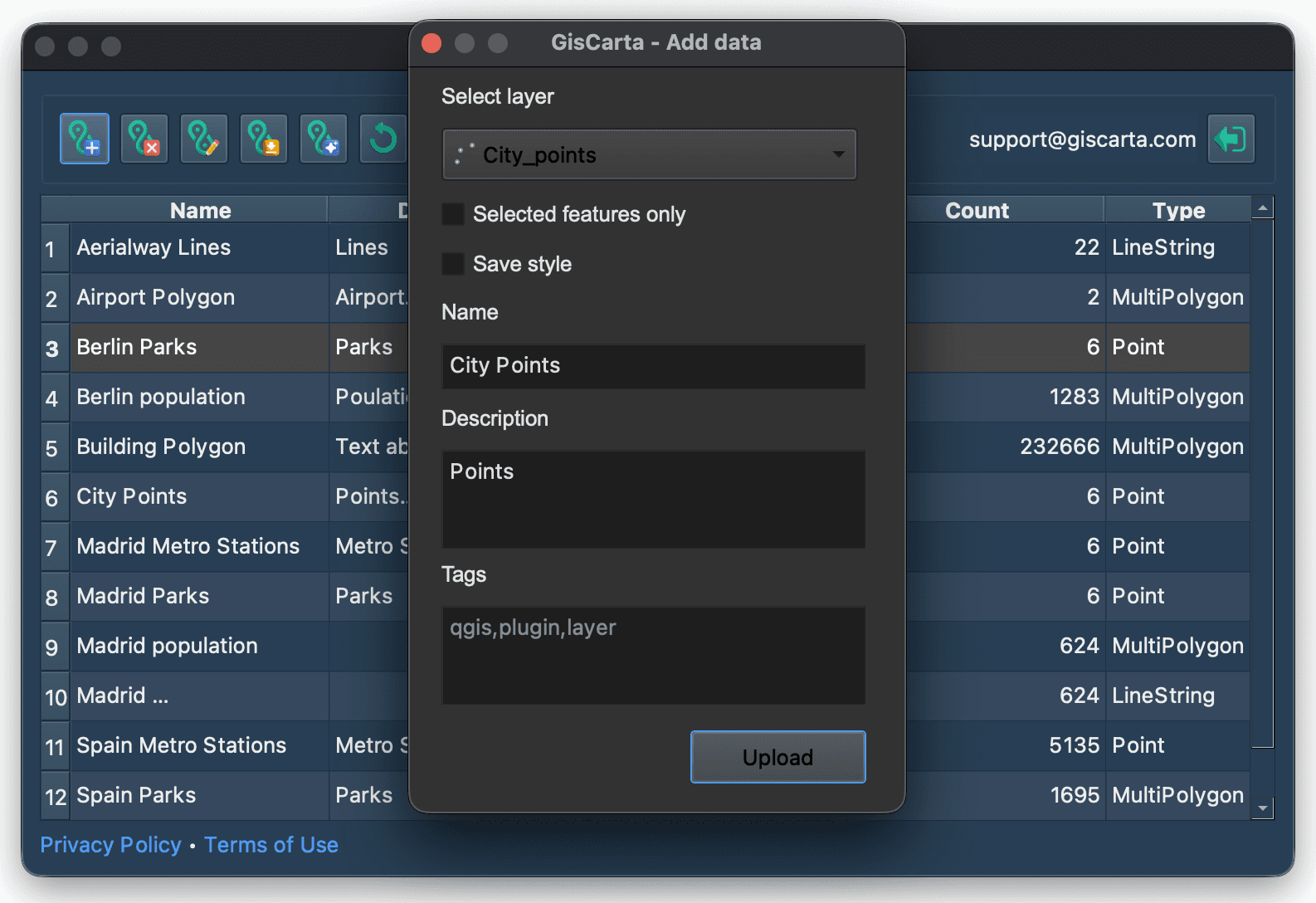
The user needs to:
Select the layer to export. All Vector and Raster layers from the QGIS project are automatically included. The user also has the option to export temporary layers resulting from geoprocessing.
When exporting a vector layer, select whether to export only the selected features or the entire layer.
Also, when exporting a vector layer, select whether to export the style configured in QGIS and make it the default style for this layer. The following style categories are currently available for export: Single Symbol, Categorized, Graduated.
Enter a layer name.
Enter a layer description (optional).
Set tags for easy layer searching (optional).
Next, click the Upload button.
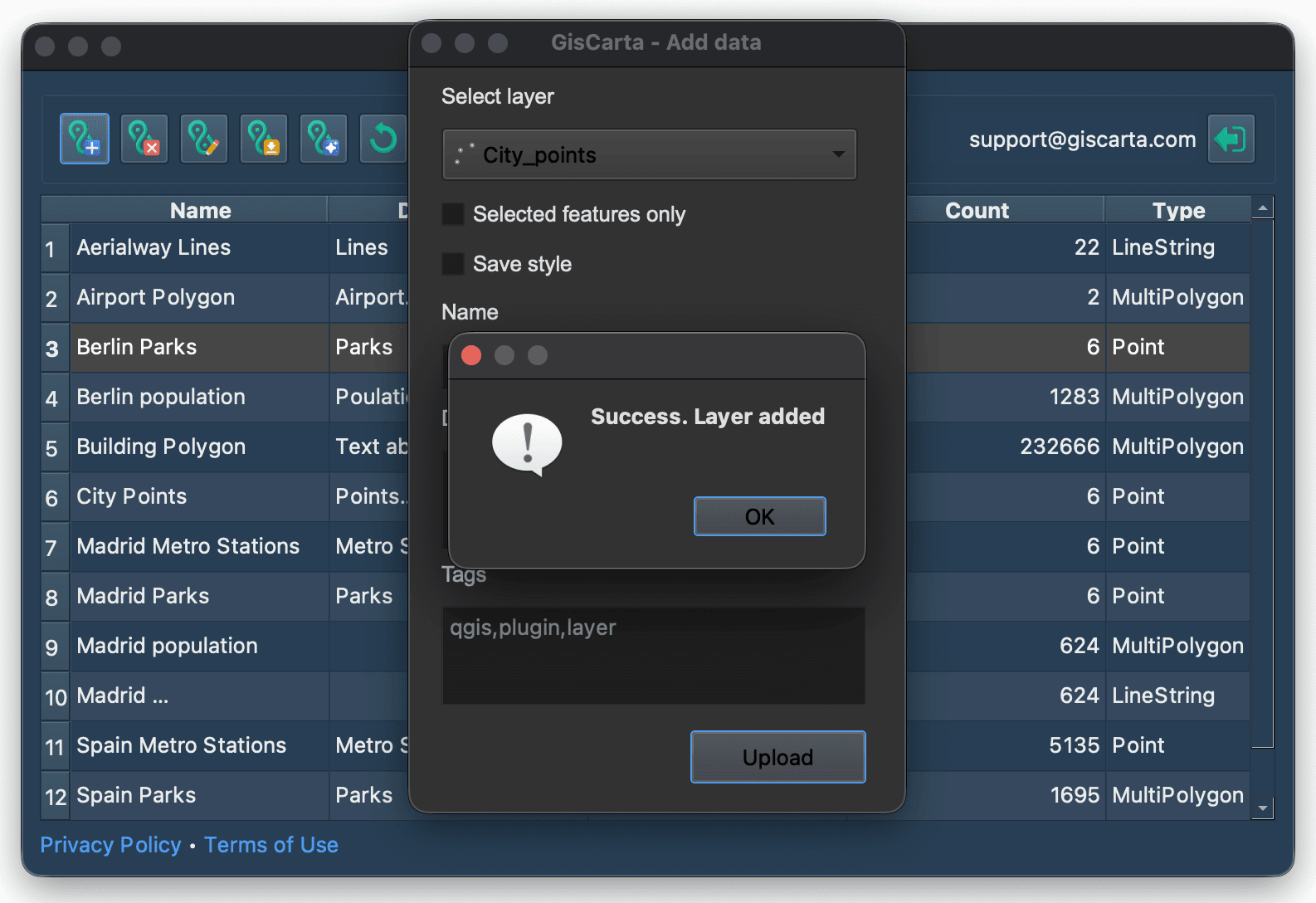
After the upload is successful, you will see a message