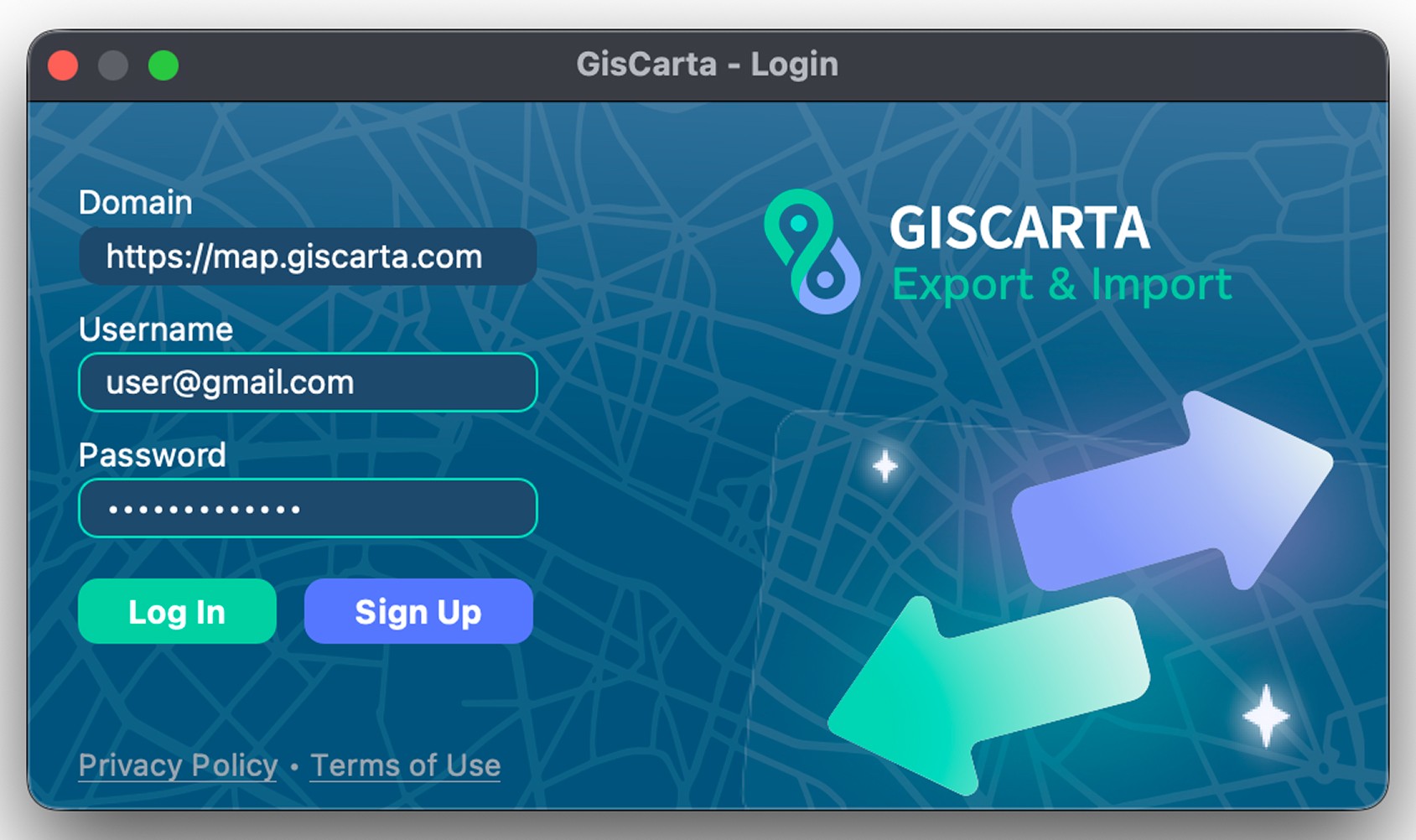
To log in to the plugin, you need to have an account on the GISCARTA platform and enter your login and password. Your plan can be anything from Basic to Pro.
Also, if you use GISCARTA's Enterprise solution, you'll need to change the domain name and enter your account credentials.
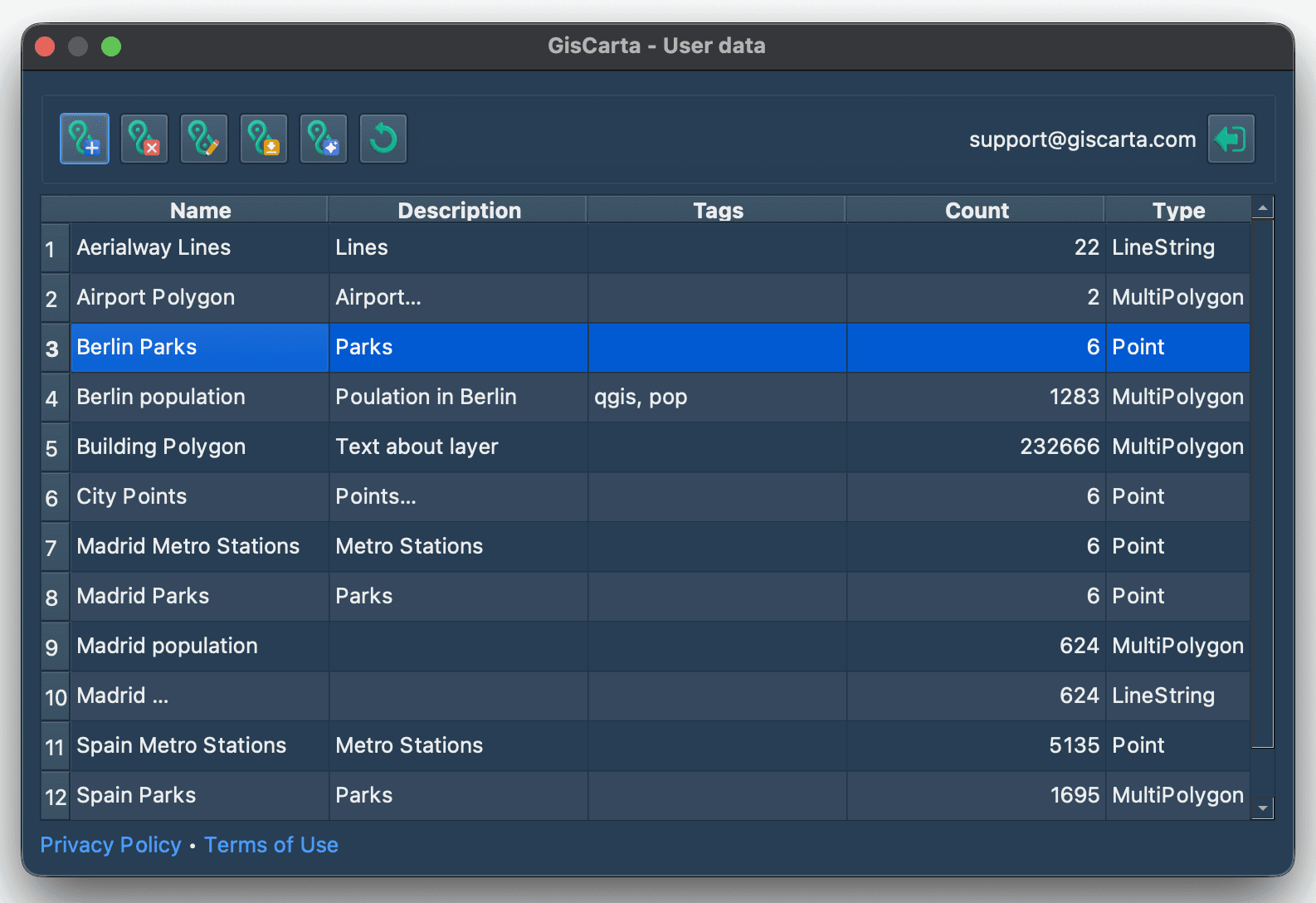
After successfully logging into the plugin, you will see a window with a list of layers available to your user on the portal. It also includes a list of functions:
Upload layer to the GISCARTA platform
Delete layer
Update layer
Import layer to QGIS
Run the Geodata AI tool
Refresh layers list
Log out