You can read more about the Geodata AI widget.
To use the Geodata AI feature, click the fifth icon from the left. A modal window will appear for entering a text query.
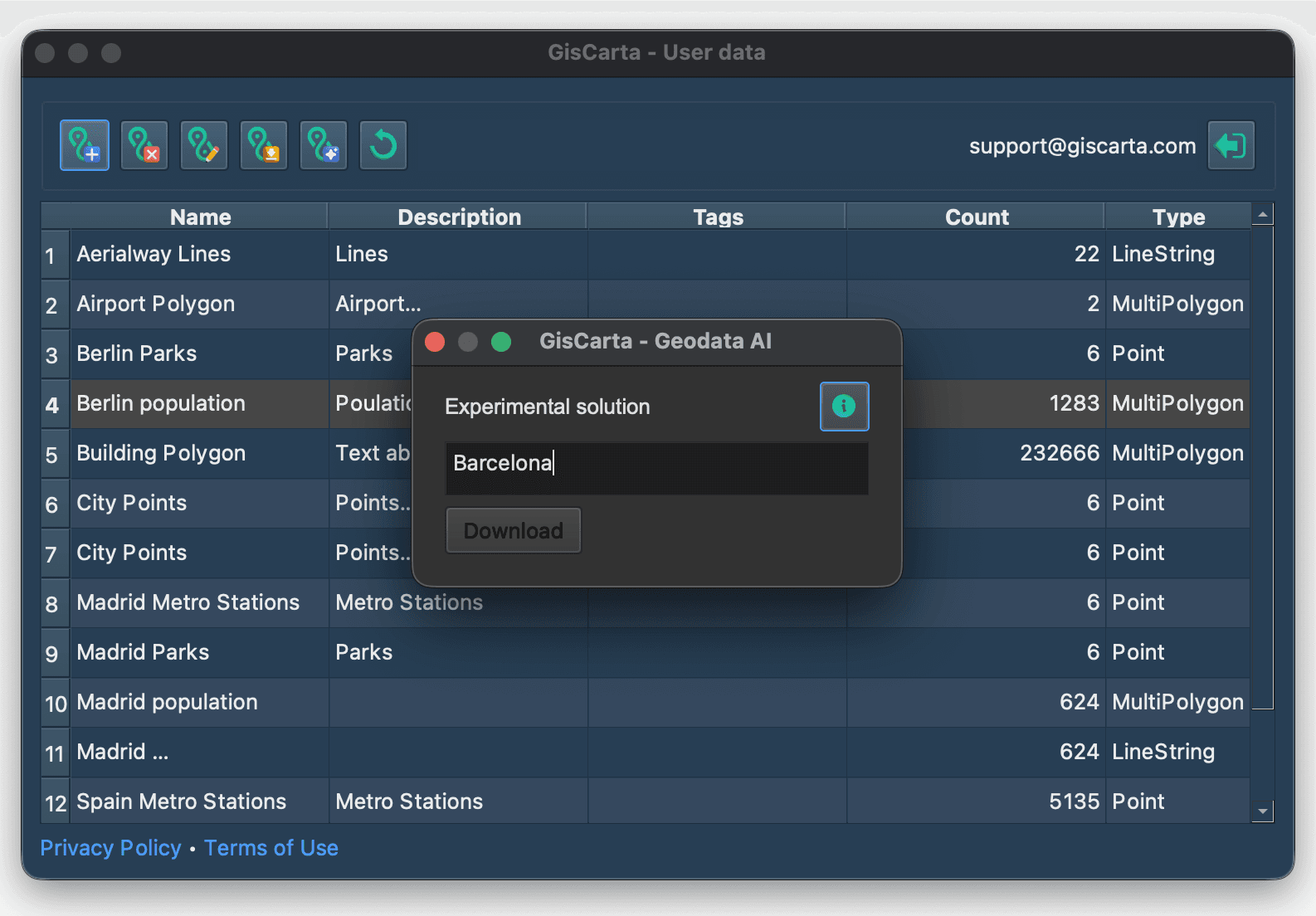
Next, you need to enter a text query and click the Download button.
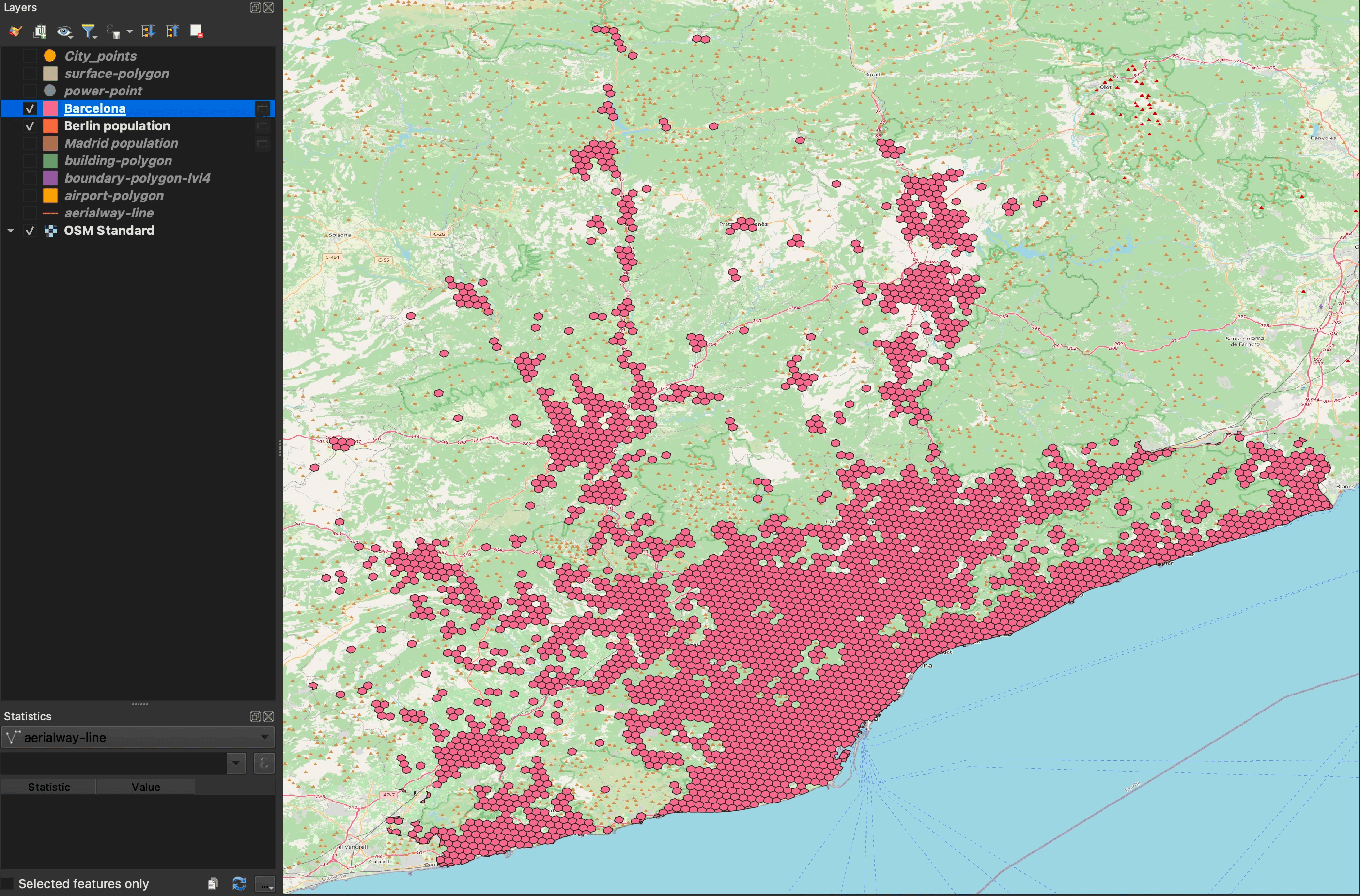
If the layer is successfully loaded, it will be added to the project as a temporary data source with the ability to edit and save it.