To import an existing GISCARTA layer into a QGIS project, select the row in the layer list by clicking on the row number. Then, click the Import Layer icon (fourth from the left).
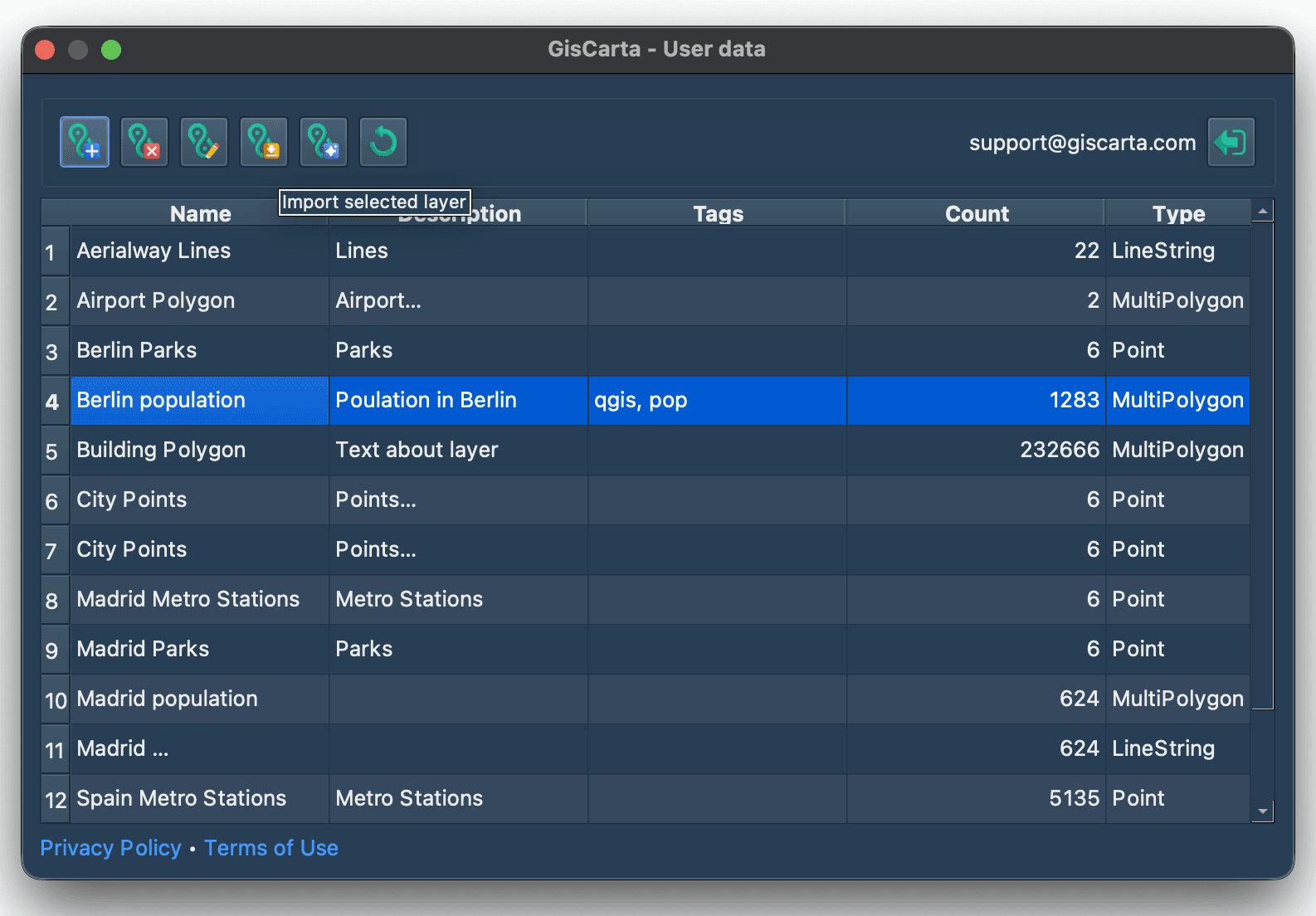
Next, you need to confirm your action in the modal window.

Once the layer has been successfully imported into the project, you will see a message indicating the number of objects that have been imported.
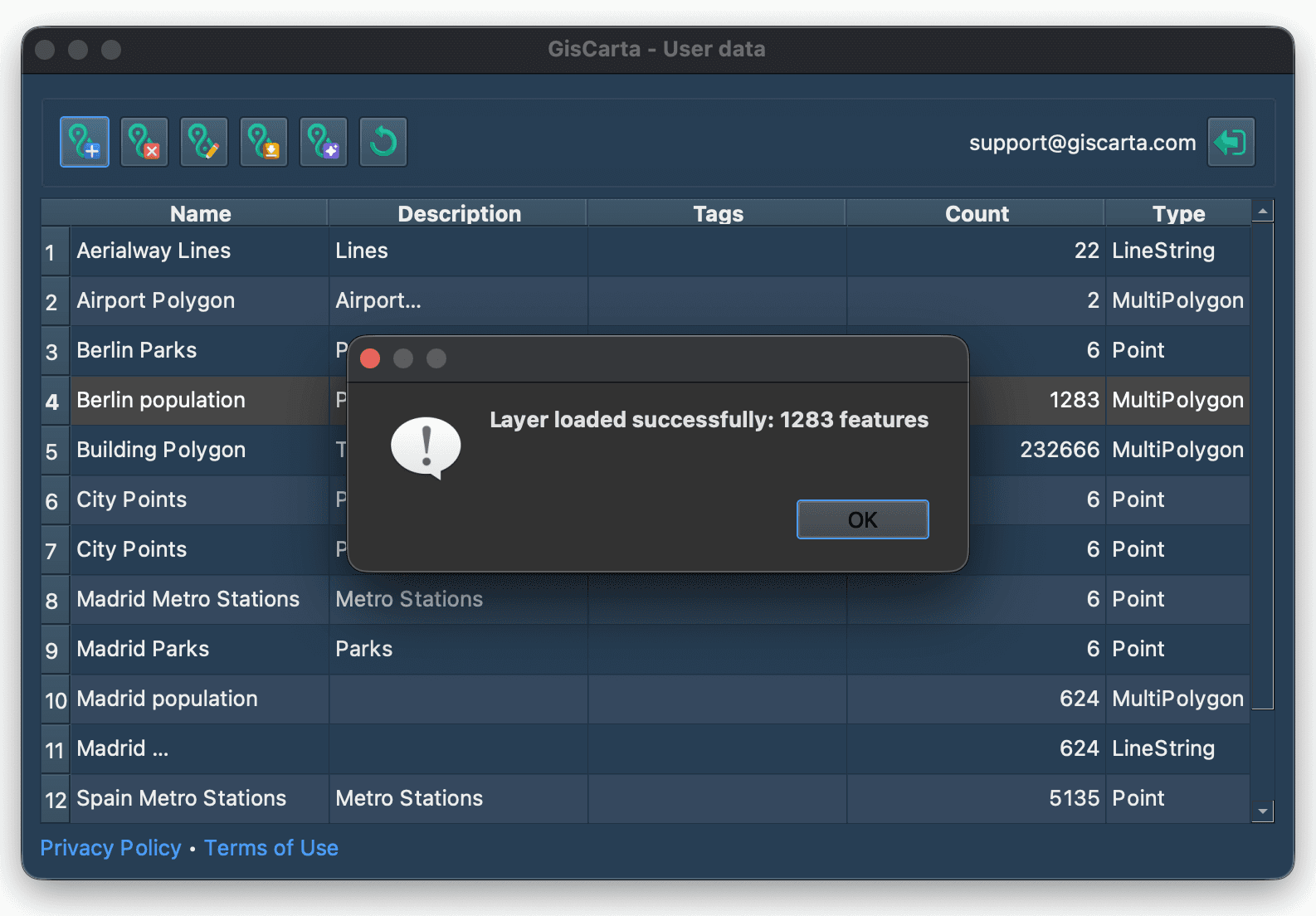
The layer will be added to the project as a temporary data source with the ability to edit and save it.
